Installation
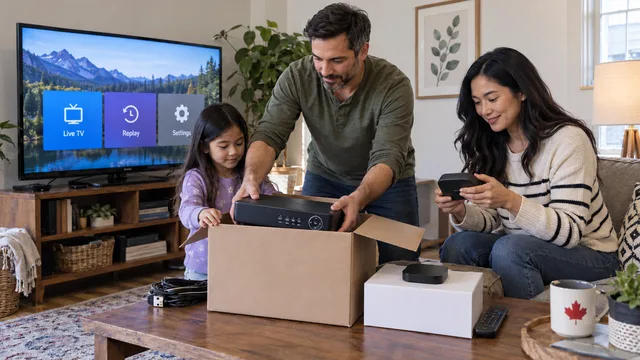
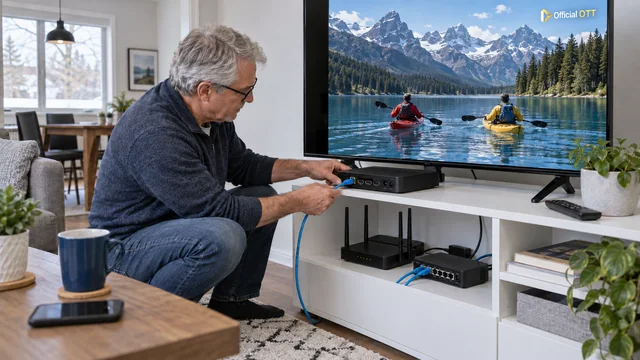
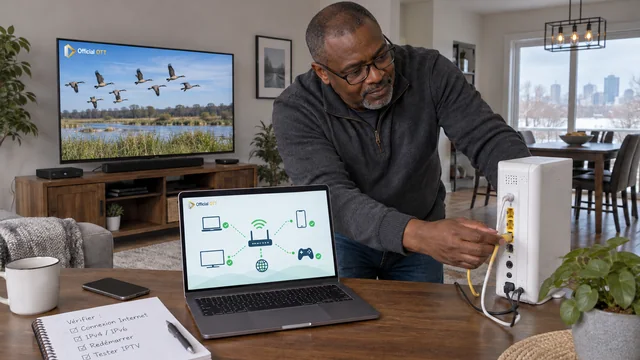
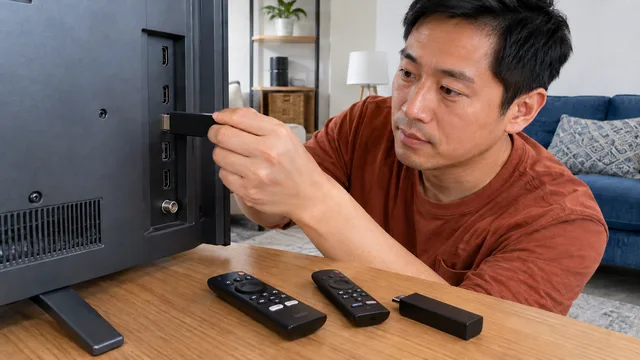
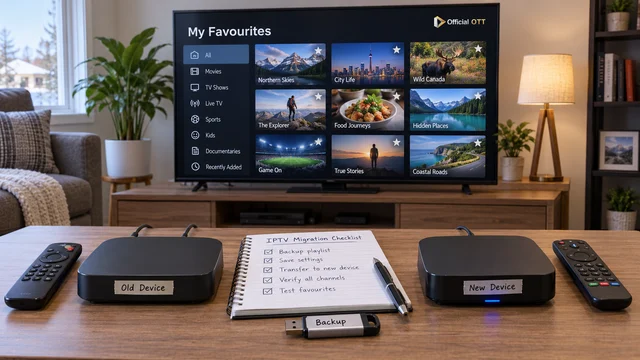
IPTV Canada: prepare your setup after moving
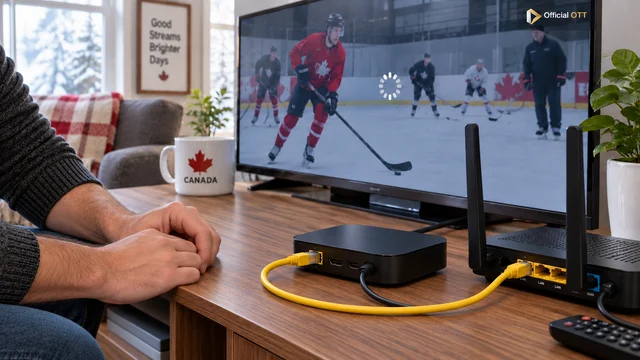
Prepare your IPTV setup after moving in Canada: Internet activation, cables, accounts and checks in the new living room, without erasing your settings.
OFFICIALOTT · IPTV & OTT BLOG
Explore our articles on IPTV premium and OTT services in Canada. Compare your options before choosing a subscription, prepare your devices and follow practical checks to troubleshoot playback problems.

Choosing a service, installation, networking, picture and sound, live sports or OTT viewing: find an article that matches your question and equipment.
Prepare your IPTV setup after moving in Canada: Internet activation, cables, accounts and checks in the new living room, without erasing your settings.
Smarters in 2026–2027: identify the intended player, verify your device and prepare compatible access without confusing software with channels.
Set up IPTV in 2026–2027: prepare devices, network access and accounts, then check playback through a clear, repeatable workflow.
Prepare a useful IPTV support request: symptoms, time, device, tests and results. Protect account access and contact the right organization.
Distinguish system time, local time zone and TV-guide schedules to correct the right IPTV setting without adding another offset.
Organize OTT services in Canada: billing, accounts, profiles, devices and renewals. A practical method to keep track of who manages what.
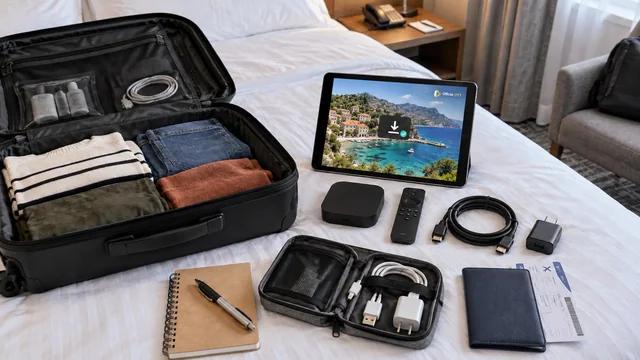
IPTV and OTT at a hotel: prepare your device, Wi-Fi portal and authorized access, then remove your sessions before leaving.
Live IPTV, pause, replay or recording: distinguish the functions, availability and access periods before relying on them.
Cast, screen mirroring or a TV app: choose the right way to watch OTT content and protect information on your phone.
IPTV and OTT films and series: check titles, seasons, languages, Canadian availability and resume playback before choosing a catalogue.
Understand the network, service and app before keeping, reducing or replacing your television setup for the 2026–2027 season.
Internet TV in Canada for 2026–2027: understand viewing habits, interpret adoption data carefully and choose around your household’s routine.
Access channels in Canada in 2026–2027: identify the right offer, recognize the required account and confirm playback on your device.
Live IPTV in 2026–2027: prepare broadcast times, playback controls and viewing conditions before an important evening.
Use OfficialOTT in 2026–2027: choose a learning route, locate your device guide and prepare an installation or troubleshooting process you can verify.
IPTV works but your phone cannot find the TV? Check guest Wi-Fi, local isolation and casting permissions before changing the network.
100 Mbps Ethernet or Gigabit for IPTV: distinguish port capacity, negotiated link speed and Internet speed before replacing equipment.
Understand DNS in an IPTV setup and prepare a reversible diagnostic test without replacing network settings at random.
IPv4 and IPv6 in a Canadian IPTV setup: understand their role and document a problem before changing your router configuration.
Internet outage and IPTV: identify the fault, check mobile tethering and monitor data before switching to a backup connection.
HDMI-CEC and IPTV: check power, volume and input switching to use fewer remotes without unexpected commands.
Older smart TV and IPTV: check the screen, HDMI, apps and remote control to decide whether an external box is enough.
IPTV on a Smart TV in 2026–2027: choose a built-in application or external device according to the model, system and household needs.
IPTV players for Fire TV in 2026–2027: distinguish Fire OS from Vega, verify publishers and compare useful remote-control features.
Dark IPTV HDR pictures or unusual colours: check the content, lighting, format and HDMI chain before changing every setting.
Soundbars and IPTV: identify HDMI ARC or eARC ports, the audio path and output settings before looking for a service fault.
IPTV sound early or late: identify the direction of the delay and compare TV, soundbar and headphones before adjusting synchronization.
HD and 4K channels in 2026–2027: separate catalogue size, programme quality and the actual capabilities of your viewing setup.
IPTV standby, restart or update: choose the appropriate action and check its result without unnecessarily erasing your setup.
Clearing an IPTV app’s cache or data: understand the consequences and prepare your account access before proceeding.
Full storage on a TV or IPTV box: take an inventory, remove unnecessary items and check space without erasing the whole configuration.
Live TV, films, series and sport: assess an IPTV premium service by your needs, content available in Canada and your devices.
Before buying an IPTV subscription in Canada, check content, device support, trials, billing and renewal with a simple checklist.
Assess IPTV customer support before subscribing: official channels, hours, precise answers, privacy and case follow-up.
How to assess a reliable IPTV provider in Canada: identity, content, terms, support and the limits of online reviews.
Monthly or annual IPTV subscription: compare expected use, renewal, committed cost and flexibility before choosing a plan.
Compare IPTV providers in Canada by content, devices, total cost, support and trial results with a practical checklist built around your household.
A practical way to choose an IPTV provider in Canada for 2026–2027: essential programmes, device compatibility, a useful trial and a documented decision.
Compare Canadian IPTV offers for 2026–2027 using an evidence-based grid covering programmes, equipment, total cost, support and exit terms.
Bilingual families, solo viewers, sports households and accessibility needs: choose an IPTV offer that fits your home in 2026–2027.
Assess IPTV reliability in 2026–2027 through evidence: provider identity, incident handling, repeated observations and clear exit conditions.
Before paying for IPTV in 2026–2027, check the seller, your essential programmes, device support and renewal terms.
Assess IPTV value in 2026–2027 using total cost, useful viewing months, subscription overlap and the picture quality you actually need.
IPTV legality in Canada for 2026–2027: separate the technology, programme rights and a provider’s regulatory obligations.
IPTV channel lists in 2026–2027: verify useful channels, regional feeds, languages and viewing features before choosing a lineup.
Canadian streaming platforms for 2026–2027: compare Netflix, Crave, TOU.TV, CBC Gem and sports services around viewing needs and a realistic budget.
IPTV sport in Canada in 2026 and 2027: check games, official broadcasters, languages and restrictions before choosing a subscription.
Assess IPTV for live sport: motion smoothness, interruptions, delay, commentary and stability on your actual setup.
Where to watch NHL hockey in Canada in 2026–2027: Sportsnet+, Prime Video, French-language coverage and regional access checks.
Sports streaming in Canada for 2026–2027: find hockey, NFL, NBA, soccer, tennis and Formula 1 by competition, location and commentary language.
Build on your reading with 35 guides covering IPTV premium service selection, devices, Internet connections and OTT viewing. Follow the steps that suit your setup.
New to IPTV in Canada? Understand the terms, prepare your home network, check your device and app, then follow the steps for a first setup.
Compare TVs, streaming boxes and mobile devices for IPTV in Canada. Check the exact model, available apps, network and support.
A complete method for diagnosing and reducing buffering, latency, and playback interruptions in Canadian homes.
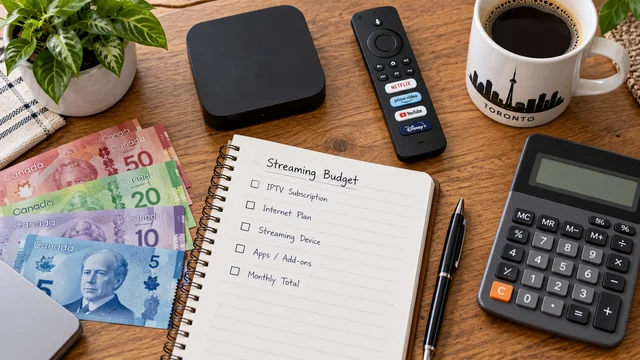
Compare IPTV costs over 12 or 24 months: service, renewal, player, hardware and Internet. A CAD budget calculator with clearly labelled examples.
Compare IPTV playback apps by device compatibility, features, publisher and licence. Check what the software includes before testing your authorized access.
Explore MYTVOnline 4 and compare Formuler Z12 Pro, Ultra SE and Ultra: profiles, storage, Wi-Fi, remotes and the update process.
Understand OTT vs managed IPTV in Canada: network control, live delay, apps and hybrid services, with examples and a practical comparison.
Check an IPTV trial on your own devices: playback, captions, concurrent streams and terms. Use a practical observation log before you commit.
Locked player, empty list or replacement device? Identify your purchase, check the associated account and prepare a useful support request.
Assess an IPTV premium offer: programmes, picture, EPG, devices, support and full cost. Use a practical method and worksheet to check your priorities.
Compare four official starting points for free TV in Canada. Check programmes, advertising, devices, languages and remaining costs.
Plan your switch from cable to streaming: essential programmes, household trial, transition costs, cancellation and equipment returns in Canada.
Set up Fire TV in Canada: identify Fire OS or Vega OS, check apps, networking and power, then troubleshoot common problems with a practical FAQ.
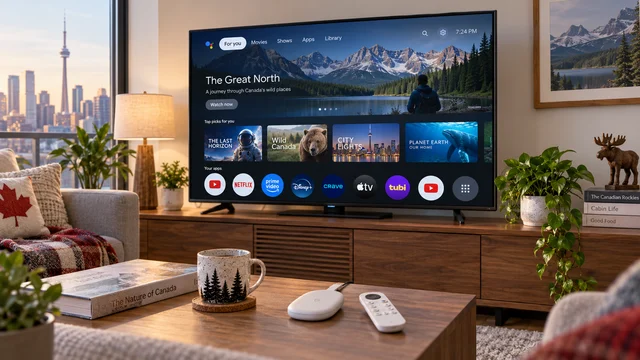
Identify Android TV or Google TV, install apps from Google Play, review permissions, prepare the network and troubleshoot safely in Canada.
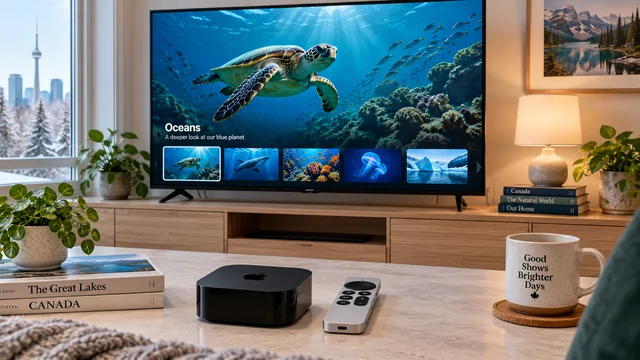
Set up Apple TV 4K in Canada: model, HDMI, Wi-Fi or Ethernet, Siri Remote, tvOS, App Store, picture, sound, and troubleshooting.
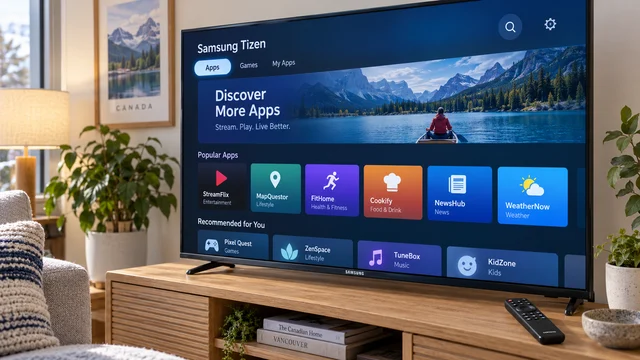
Set up a Samsung Smart TV in Canada: model, Tizen, Wi-Fi or Ethernet, Smart Hub, apps, software updates, and troubleshooting.
App missing or installation blocked on a Samsung Tizen TV in Canada? Check the model, Smart Hub listing, account and software, then isolate the symptom.
Identify your LG television, verify webOS and Canadian region, install supported apps through Apps or LG Content Store, and troubleshoot network, storage and remote issues.
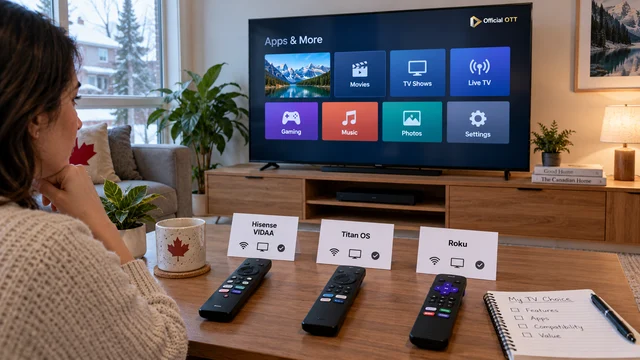
Identify your television's real operating system, then check Canadian apps, network, updates, remote, captions, and playback on VIDAA, Titan OS, or Roku.
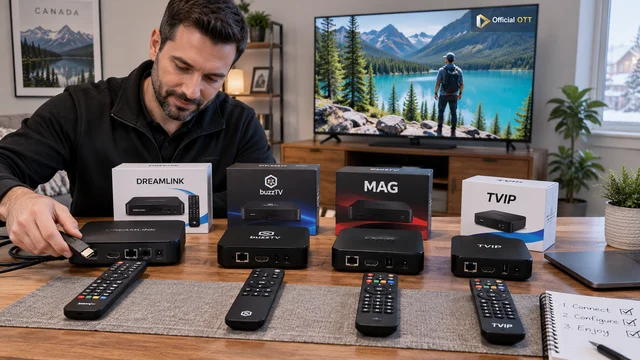
Identify the model, operating system, network, remote and safe setup path for Dreamlink, BuzzTV, MAG and TVIP boxes in Canada.
Set up streaming on Windows, macOS, iPhone, iPad and Android mobile with official apps, browsers, Wi-Fi, AirPlay, Google Cast, HDMI and troubleshooting.
Identify Shield TV or Shield TV Pro, then verify ports, Android TV, Canadian apps, network, picture, audio, accessibility, and updates.
Set up a Formuler Z11 or Z12 Ultra and MYTVOnline 3: installation, network, authorized sources, EPG, remote, backup, and troubleshooting.
Set up MYTVOnline 4 on Formuler Z12: MAC/ID portals, XC, M3U, EPG, favourites, profiles, protection and step-by-step troubleshooting.
Wi-Fi 6, 6E or 7 in Canada: compare bands, range and compatibility. Choose for your home and devices using practical checks before buying.
Choose Internet for streaming in Canada: compare 4K requirements, shared capacity, data usage and wired versus Wi-Fi tests at your address.
Understand SD, HD, Full HD, 4K, 8K and HEVC/H.265. Separate stream resolution, HDMI output and HDR with practical troubleshooting.
Troubleshoot an empty guide, wrong channel mapping or shifted times. Compare two channels, check the source and clock, and test one EPG change at a time.
Canadian guide to protecting connected TVs, streaming devices, apps, accounts, home networks, and personal information.
Prepare your cottage stay: permitted access, a data budget, an on-site trial and seasonal closing. A practical method with calculation examples.
Count simultaneous streams in your household. Understand devices, profiles, viewing locations and network capacity before choosing an IPTV plan in Canada.
Separate menus, audio, subtitles and profiles. Plan bilingual TV viewing in Canada and troubleshoot missing language options.
Check TV parental controls for profiles, content, apps and purchases. Google TV, Apple TV and Netflix examples, a practical method and a household worksheet.
Check captions, audio description, spoken menus, readability and remote navigation on your TV. Practical checks, documented examples and a worksheet.
Plan an IPTV player or device change: inventory, backup limits, favourites, EPG and acceptance checks before retiring the old device.