
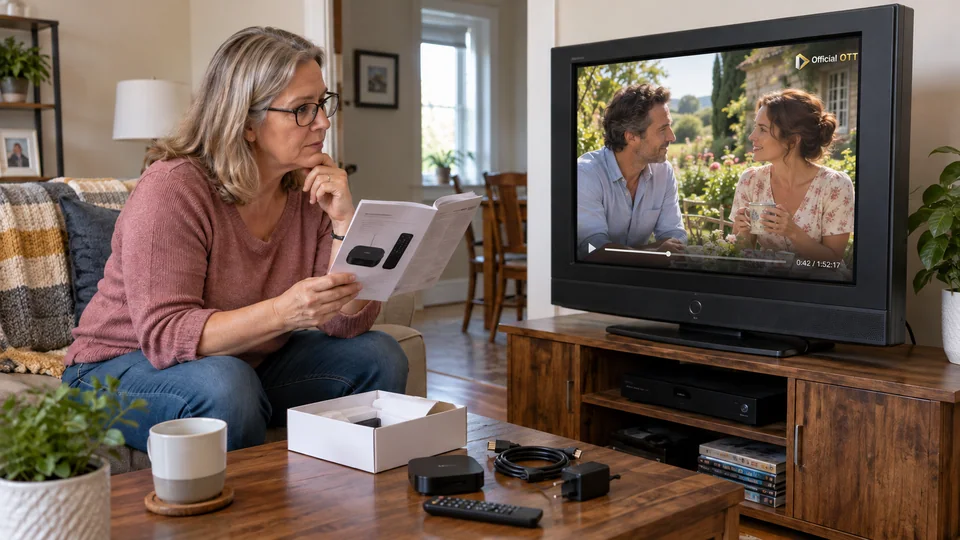
A television can still show a good picture while its apps are no longer supported. Adding a compatible box may be an option, but check the inputs, sound and desired services before buying. This process separates the screen’s limits from those of its smart platform.
1. Quick answer
Identify the TV model and inputs, then check official apps on the proposed box. Confirm video, audio and remote-control compatibility. If the screen works well, an external player may meet some needs without replacing the whole television.
Five key points
- The screen’s age alone does not describe its compatibility.
- An abandoned app and a faulty panel are different problems.
- Check exact models, not just brand names.
- The box must support the services actually used.
- A simple setup must remain usable by the whole household.
2. Identify what still works
Test the TV menus and a known source. Note whether the issue affects the picture itself, one input or a specific app. If the menus are also faulty, an external box will not necessarily fix the screen problem.
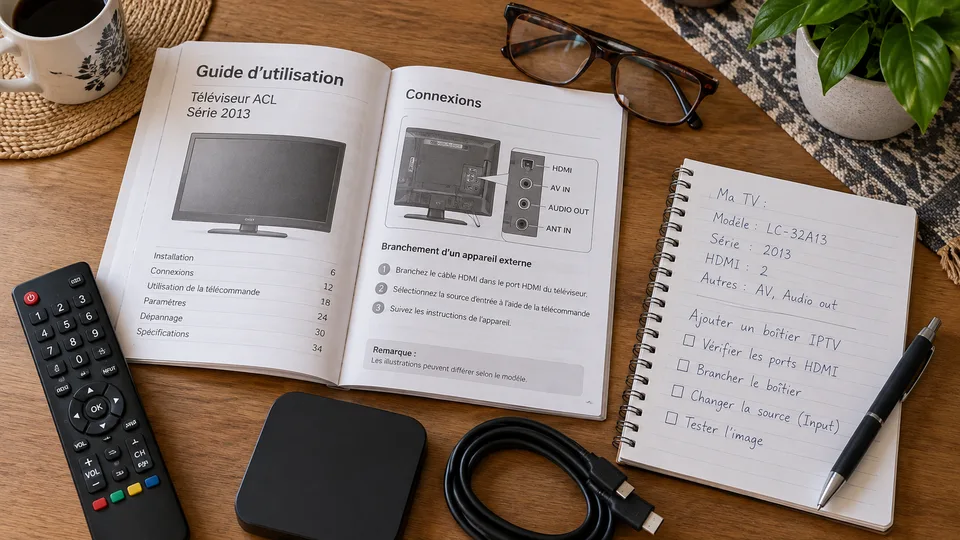
Record the complete model reference and consult the manufacturer’s support page. Netflix explains that some devices may no longer support its service. This illustrates a possible software limitation without implying that every older TV is unusable for all services.
Documentation: Netflix — end of device support
3. Check the connection for an external player
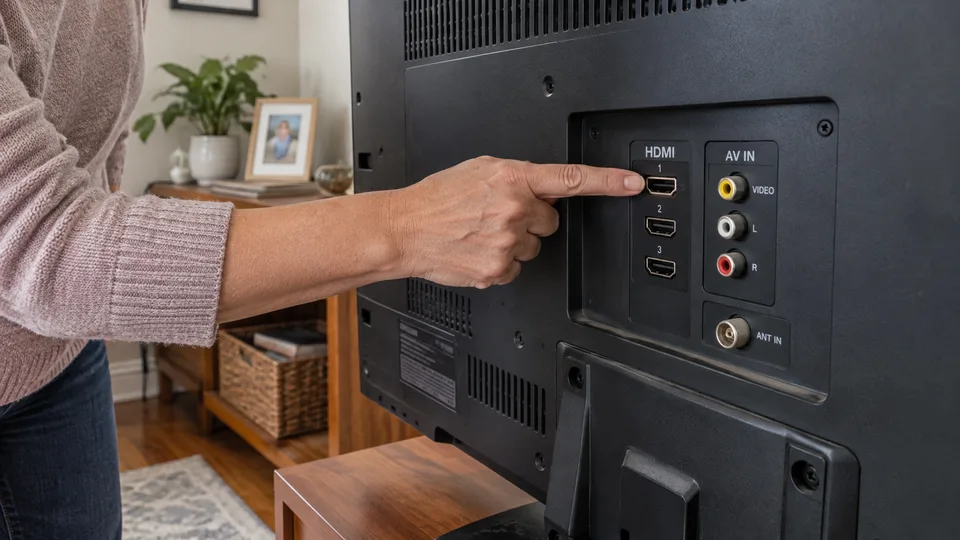
Locate available HDMI inputs, supported resolution and the audio path. A newer player may require features the TV does not offer. Read both devices’ specifications and the service’s requirements before choosing.
For example, the third-generation Apple TV 4K specifications list compatibility with HD or UHD televisions with an HDMI port, under Apple’s stated conditions. This example does not validate every screen or recommend that model.
| Question | Confirm |
|---|---|
| Picture | Compatible resolution and formats |
| Connection | Accessible HDMI input and suitable cable |
| Sound | TV, soundbar or receiver in use |
| Apps | Official availability on the player |
| Control | Usable remote and required functions |
Documentation: Apple — Apple TV 4K 2022 specifications and compatibility · Apple — setting up the player and TV
4. Choose based on apps and ongoing support
List essential services, then check their availability on the proposed player’s platform. A store with many apps does not guarantee the one you want. Consult the service’s official list and the specific model.
Review the manufacturer’s update and support information. Avoid buying solely on the promise of a preinstalled catalogue. Content, the player licence and hardware may have different terms.
Consider the network connection and physical space. A box needs power, ventilation and connections that do not strain cables behind furniture.
5. Test a complete viewing session
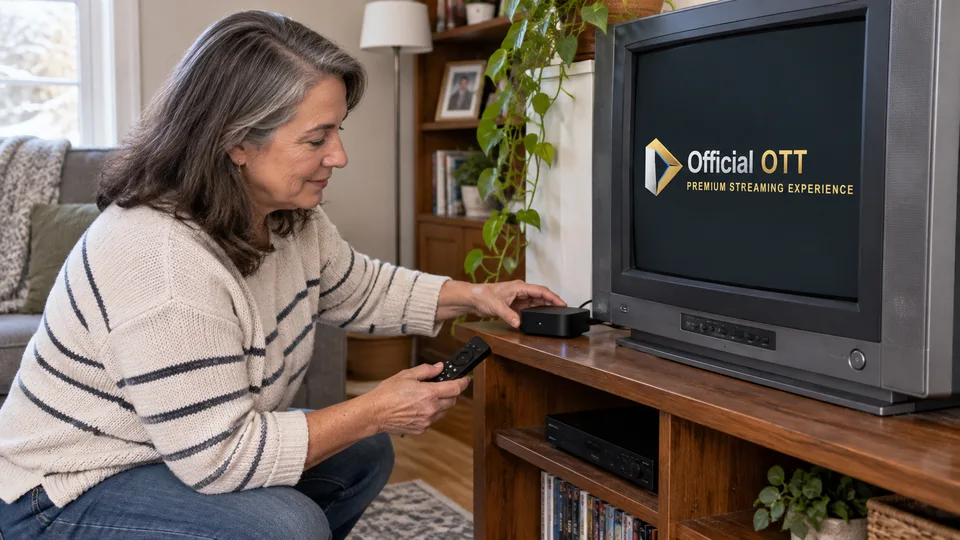
If you can test a compatible device, check power-on, the correct HDMI input, app launch, sound and subtitles. Try waking from standby and adjusting volume from your usual seat.
Do not stop at seeing a menu appear. Protected content, video formats and audio may impose other compatibility requirements. Check the programme you actually use under the offering’s terms.
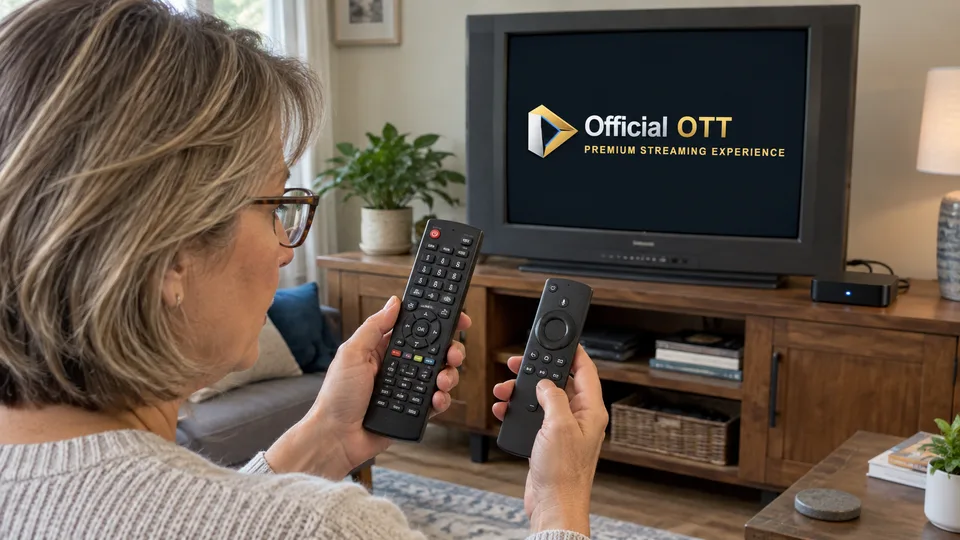
Fictional example: Louise’s TV works well over HDMI, but its main app is no longer available. An officially compatible external player meets her needs. She keeps the screen and a simple instruction for selecting the input.
6. Decide whether to keep or replace the TV
Compare the solution’s cost and complexity with the real need. A faulty screen, unsuitable connections or controls that have become too complicated can change the decision. Conversely, a limitation of the internal app can sometimes be addressed through an official external solution.
Keep the original remotes and device references. If you retire or give away the TV, follow the manufacturer’s procedure to erase your accounts. The aim is a reliable household setup without replacing equipment that still meets the need.
7. Frequently asked questions
Can an older TV display a newer player?
It depends on its inputs and the player’s and service’s requirements. Check the exact models.
Does a box repair a bad panel?
No. It does not correct a hardware defect in the screen.
Do I need a 4K TV?
Not for every use. Check the desired quality and the player’s compatibility with your screen.
Does a preinstalled app guarantee content?
No. Content access may require a separate subscription and authorization.
8. Conclusion and limitations
No model is recommended without checking your equipment and services. Compatibility and support evolve. This article does not guarantee an adapter or older video input will work.
9. Method and sources
Documentary research completed on October 12 and 13, 2026 using the primary sources below. The procedures and examples are an original editorial synthesis. Household examples and illustrations are fictional. No purchase, service trial, private-account inspection or performance measurement was conducted for this article.
Menus, features and terms can change. Check your model documentation and the service terms when making your decision.
- Netflix — end of device support
- Apple — Apple TV 4K 2022 specifications and compatibility
- Apple — setting up the player and TV
Editorial update and further reading: