

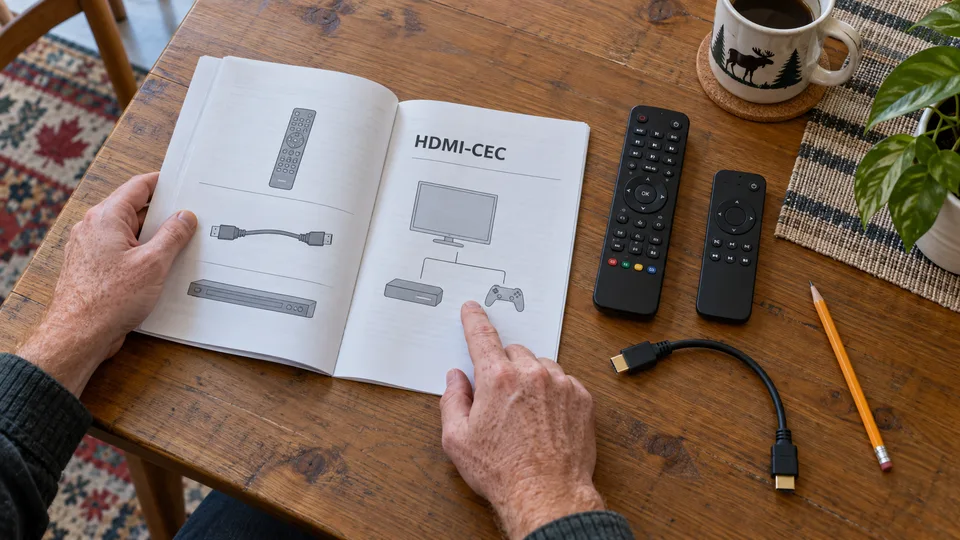
A remote can turn on the television, navigate a streaming box and adjust sound through different methods. HDMI-CEC carries certain commands between devices connected by HDMI; infrared and Bluetooth have other roles. To simplify an IPTV setup, test each function instead of looking for one button that will necessarily control everything.
1. Quick answer
Check each device’s CEC compatibility and enable only useful functions according to its manual. Test power on, standby, input selection and volume separately. If a device causes unexpected power-ons or input changes, isolate it before changing the whole setup.
Five key points
- CEC, infrared and Bluetooth are not interchangeable.
- Manufacturers use different names for HDMI-CEC.
- Volume may use a different method from power control.
- An additional HDMI device can send commands.
- Keep the original remotes for settings and troubleshooting.
2. Map the commands you need
Write down the actions you want to simplify: turn on the TV, open the right input, navigate the player and adjust the soundbar. Identify which device responds to each action. This avoids treating a remote as faulty because one function fails.
Apple explains that some televisions or receivers can control Apple TV through HDMI-CEC, while volume may use infrared or CEC depending on the equipment. This is a concrete example of commands taking different paths.
3. Find the right settings
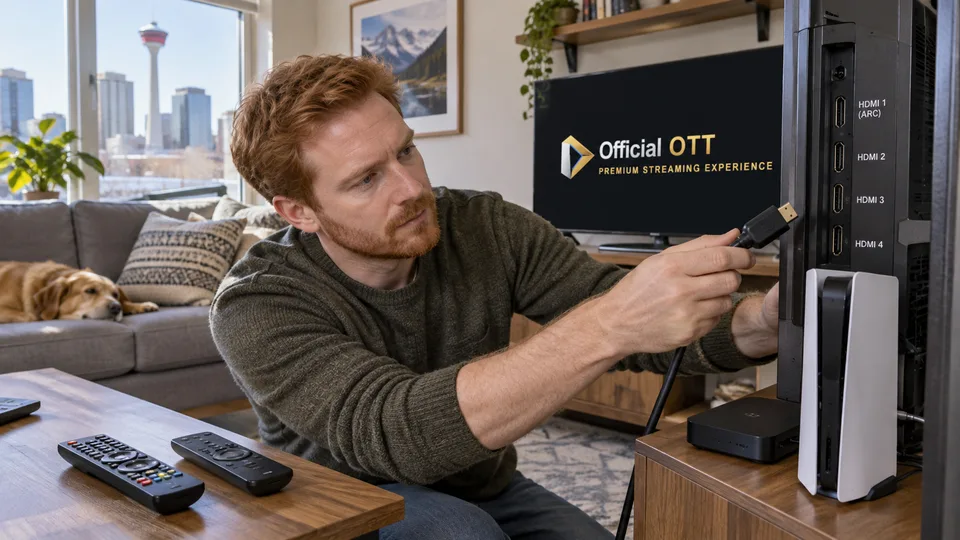
Read the TV, streaming box and sound-system manuals. Brand names vary, such as Anynet+, SimpLink or BRAVIA Sync for some manufacturers. Check the labels for the exact model rather than copying a screenshot from another brand.
Find options for automatic power-on, standby and input switching. You may be able to keep a useful function without enabling all the others. Photograph the original settings so you can easily restore them.
| Function | Check |
|---|---|
| Turn on the TV | Appropriate CEC command and setting |
| Change the input | Expected HDMI input and automatic switching |
| Adjust sound | Target audio device, CEC or infrared |
| Navigate | Remote paired with the right device |
Documentation: Apple — HDMI-CEC control
4. Test in a repeatable order
Start with the TV and main streaming box. From normal standby, check power-on, the selected input, menus and volume. Record the result of each action. Then add the other HDMI devices used at home.
If unexpected input switching appears after adding a console or player, examine its CEC settings. Do not assume the IPTV service is changing the input: the command may come from a local device. Label cables to avoid mixing several changes together.
Documentation: Apple — volume control methods
5. Correct disruptive behaviour
A TV that turns back on, a box that wakes from standby and unresponsive volume controls need separate checks. Temporarily disable one manufacturer-supported automatic function, then repeat the test. If nothing changes, restore that setting before trying another possibility.
Fictional example: a console wakes the TV while an IPTV box is in use. The household identifies the console’s automatic switching control and adjusts that option. It keeps the volume control that already worked.
For infrared, check the path to the sensor when the documentation requires it. Furniture or an object may obstruct this type of control while the box’s menus still respond through a different connection.
6. Keep everyday control simple for everyone
Once the setup is validated, prepare a short household instruction: which remote to use, which button turns everything on and how to return to the right input. Keep access to original controls for settings the main remote cannot manage.
The best configuration gives predictable results. Two understandable remotes may be preferable to automation that changes inputs for no apparent reason. Repeat the tests after adding a device or making a major change.
7. Frequently asked questions
Does HDMI-CEC always control volume?
It depends on the devices. Volume may use infrared or a supported CEC function.
Why does the TV change inputs by itself?
An HDMI device may request automatic switching. Check the settings of connected devices.
Do I need a special CEC cable?
Start by checking hardware compatibility, settings and cable condition according to the manuals.
Can I keep only the useful functions?
Options vary, but some devices separate several automatic functions. Check your model’s options.
8. Conclusion and limitations
Command compatibility varies with the HDMI chain and software versions. Universal operation with a single remote is not guaranteed. The example brand names do not replace the product manual.
9. Method and sources
Documentary research completed on October 12 and 13, 2026 using the primary sources below. The procedures and examples are an original editorial synthesis. Household examples and illustrations are fictional. No purchase, service trial, private-account inspection or performance measurement was conducted for this article.
Menus, features and terms can change. Check your model documentation and the service terms when making your decision.
Editorial update and further reading: