
OFFICIALOTT · PRACTICAL GUIDES
IPTV Canada:
guides to choose, set up and troubleshoot
Getting started, setting up a device or investigating a playback problem? Explore our guides to IPTV premium and OTT services in Canada. Choose a path to understand the basics, compare your options and follow checks suited to your equipment.
Editorial update:
Your first setup: understand the basics and choose your equipment
Start with IPTV basics, check your device’s compatibility and compare playback apps. These three guides help you prepare your setup before choosing a service.
Understand IPTV basics
Understand the terms, prepare the network and start on a compatible device.
Understand IPTV basicsCheck device compatibility
Compare models, supported apps and connections before buying.
Check device compatibilityChoose a playback app
Compare app compatibility, features, publishers and licences.
Choose a playback app
Set up your TV, streaming box and apps
Find the guide for your model to prepare connections, install an app and check playback. Follow the steps for your platform and operating system version.
Samsung TV: first setup
Follow the complete journey from model identification to playback.
Samsung TV: first setupAndroid TV and Google TV
Official store, remote, permissions, updates, and model-specific troubleshooting.
Android TV and Google TVSet up Apple TV 4K
Model, HDMI, Siri Remote, network, App Store, picture, sound, and troubleshooting.
Set up Apple TV 4K
Troubleshoot buffering, network problems and TV guides
Interrupted playback, an unstable connection or incorrect programme times? Start with the symptom to find the right guide. Check one element at a time and note the result before changing another setting.
Fix buffering and lag
A screen-to-network diagnostic method with measurements and rollback steps.
Fix buffering and lagCheck your internet and home network
Speed, latency, access technologies, Wi-Fi, and a seven-day acceptance test.
Check your internet and home networkFix a missing or shifted TV guide / EPG
Guide data, channel mapping, local time and checks after a correction.
Fix a missing or shifted TV guide / EPG
33 IPTV and OTT guides, organised by topic
33 guides · 5 topicsGetting started, choosing an IPTV premium service, setting up devices, home networking or everyday TV: explore five topics to find the steps that match your needs.
Get started with IPTV
3 guides
IPTV for beginners: first setup
Understand the terms, prepare the network and start on a compatible device.
Switch from cable to streaming in Canada
Essential programmes, a household trial, budget, cancellation and equipment returns.
Free TV in Canada: options and access checks
Compare official access, programmes, advertising, devices and remaining costs.
Choose a device, app or service
6 guides
Choose an IPTV-compatible device
Compare models, supported apps and connections before buying.
Choose an IPTV playback app
Compare app compatibility, features, publishers and licences.
Test an IPTV Canada trial before paying
Playback, captions, devices and terms: a practical method before you decide.
IPTV Canada total cost: budget calculator
Service, renewal and equipment: compare your total budget over 12 or 24 months.
IPTV player licence or subscription: what are you paying for?
Receipts, activation, purchase restoration, device changes and renewal: find the right support contact.
IPTV premium in Canada: features and comparison
Compare programmes, picture, features, devices, support and full cost.
Install and configure a device
12 guides
Set up Android TV and Google TV
Official store, remote, permissions, updates, and model-specific troubleshooting.
Set up an LG webOS TV
LG Content Store, Canadian region, compatibility, and reversible troubleshooting.
Samsung TV: first setup with video
Follow the complete journey from model identification to playback.
Fire TV installation and setup
Preparation, safe installation, network, compatible app, and final checks.
Set up Apple TV 4K
Model, HDMI, Siri Remote, network, App Store, picture, sound, and troubleshooting.
Hisense VIDAA, Titan OS, or Roku
Identify the platform before checking apps, network, and playback.
Formuler Z11 / Z12 and MYTVOnline 3
Hardware, authorized source, network, EPG, remote, backup, and troubleshooting.
Dreamlink, BuzzTV, MAG and TVIP
Identify the model, operating system, network, and remote before changing anything.
Windows, macOS, iPhone, iPad and Android
Apps, browser, network, AirPlay, Google Cast, HDMI, and troubleshooting.
NVIDIA Shield TV
Identify Shield TV or Shield TV Pro, then verify Android TV, ports, apps, network, picture, and sound.
Formuler Z12 and MYTVOnline 4: What’s New and What Differs
Explore MYTVOnline 4 and compare Formuler Z12 Pro, Ultra SE and Ultra: profiles, storage, Wi-Fi, remotes and the update process.
Set Up MYTVOnline 4 on Formuler Z12: Detailed Tutorial
Set up MYTVOnline 4 on Formuler Z12: MAC/ID portals, XC, M3U, EPG, favourites, profiles, protection and step-by-step troubleshooting.
Network, playback quality and troubleshooting
6 guides
Internet for streaming in Canada
Speed, latency, access technologies, Wi-Fi, and a seven-day acceptance test.
Wi‑Fi 6, 6E, or 7
Bands, range, mesh, security, compatibility, and a comparison method.
Fix buffering and lag
A screen-to-network diagnostic method with measurements and rollback steps.
IPTV Canada in 4K: the complete guide
SD, HD, Full HD, 4K, 8K, HEVC and troubleshooting actual playback quality.
IPTV EPG guide: missing or shifted programmes
Guide data, channel mapping, local time and checks after a correction.
Change IPTV player or device
Plan backups, favourites and acceptance checks before retiring your old device.
Everyday TV: family and security
6 guides
Security and privacy
Protect accounts, connected TVs, the router, support, payments, and personal information.
IPTV on multiple devices: how many connections?
Screens, schedules and simultaneous streams: a calculator to estimate the connections you need.
IPTV Canada at the cottage
Permitted access, data budget, an on-site trial and seasonal preparation.
Bilingual TV viewing in Canada: audio, subtitles and household profiles
Separate profile language, audio tracks and subtitles; check the combination each household member needs.
TV parental controls in Canada
Check profiles, content, apps and purchases on your television.
TV accessibility in Canada
Check captions, audio description, menus and the remote on your television.
About the image
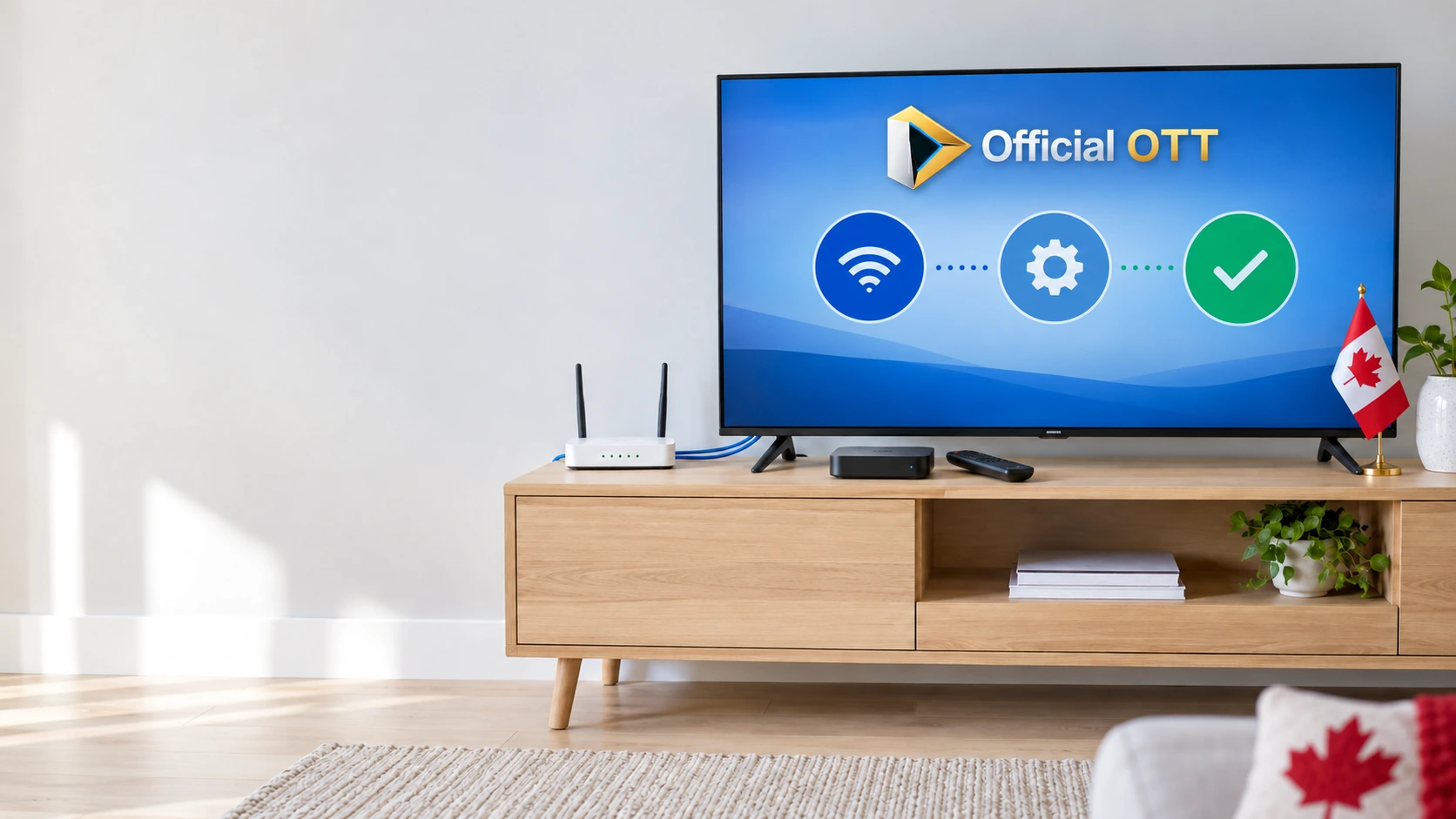
AI-generated illustration for these guides: a TV setup with a streaming box, remote, router, setup symbols and Canadian details. The OfficialOTT logo is used as a brand reference.