

This guide walks through the decision: list your needs, try the alternative, compare costs, plan the handover and close the old service properly. You may also decide to wait, reduce your current package or keep it.
1. Quick answer
Prepare the replacement before cancelling a service you still depend on. You are ready to switch when essential programmes have been verified, each person can use their screen and the costs after switching are known.
- List the programmes, languages and accessibility features you cannot do without.
- Try the alternative on household devices under normal viewing conditions.
- Compare total costs, including overlap and exit terms.
- Identify the services to keep before requesting television cancellation.
- Retain confirmations, equipment-return evidence and the final bill.
If an essential need remains uncertain, postpone the change or keep part of the current offering. Installing an application alone does not make a successful transition.
2. Define what you actually want to replace
Write your goal in one sentence: find familiar programmes through a simpler interface, pay only for services you use, access an offering in a particular language or replace an inconvenient setup. This helps you look beyond channel counts and introductory prices.
Separate television service, Internet access, the player and the equipment. A compatible player does not necessarily supply the programmes you want. A new video subscription does not replace your Internet connection. Operator-provided IP television and a streaming application may also have different support arrangements and conditions.
The Canadian IP television guide explains these distinctions. This page focuses on managing the household change, with a decision and supporting information at each step.
3. List the programmes you cannot do without
Ask each person what they actually watch. Start with programmes, events and routines rather than a long list of logos. Separate what must be watched live, what can be watched later and what is only an occasional interest.
| Need to record | Question to answer before switching | Evidence to keep |
|---|---|---|
| Particular programme or event | Is it offered in Canada through the specific plan you are considering? | Official page, plan name and date checked |
| Language and accessibility | Are the required audio and subtitle options available for this programme? | Observation on the device that will actually be used |
| Live or catch-up viewing | Must you watch at the scheduled time? Does catch-up meet the need? | Service terms and a trial when possible |
| Simultaneous use | Can household members watch their programmes at the same time? | Plan limits and a representative trial result |
| Ease of use | Can the person find the programme and needed settings independently? | That person’s feedback without continual assistance |
For sports, check the particular event or competition, the relevant period and your location. A channel name in a list does not guarantee access to a particular match. Mark missing information as “to be confirmed”; do not turn a broad promise into a verified result.
Sort your needs into essential, useful and optional. An unanswered essential need is a reason to postpone cancellation, even if the rest of the trial goes well.

4. Separate the service, application and equipment
For each payment or registration, record what it provides: programmes, a player licence, a device or connectivity. This small distinction makes comparisons more reliable and helps you avoid paying twice for overlapping functions.
On your current television, check the model, installation options and remote-control experience. A successful demonstration on a phone does not validate everyday use on the living-room TV. Also look for information about the service operator, its terms and content distribution; a polished interface does not establish those facts.
The compatible applications guide covers players, licences and devices. Keep your transition inventory focused on what needs to change and what you can retain.
5. Run a trial the household can actually use
Choose a period that resembles normal use: the main television in the evening, other household members online and the programmes you expect to watch. A few smooth minutes on one screen are a limited observation, not proof of a whole week’s viewing experience.
Involve the person who will use each screen. Let them open the application, find a programme, change channels or titles, adjust subtitles and return to the home screen. Check waking the television and reopening the application too. A setup can work technically while being too difficult for everyday use.
- Record the device, programme, language, time and observed result.
- Check the simultaneous uses you need within the plan’s permitted limits.
- Distinguish network, device and service problems before buying equipment.
- Keep a “not tested” entry for cases outside the trial, particularly future events.
The Canadian IPTV trial checklist provides the detailed testing method. For the transition, the key question is whether every essential user can do what they need to do.

6. Compare ongoing costs and transition costs
Compare two scenarios over the same period: keeping your existing arrangement or using the new one. Then include one-time switching costs. Separate confirmed amounts from estimates and record the currency, taxes and renewal dates.
| Costs after switching | One-time costs to examine |
|---|---|
| Internet after any package change | Any necessary device or accessory purchase |
| Video services you actually need | Any overlap period chosen for testing |
| Player or licence, where separate | Any contractual early termination fees |
| Useful options and renewals | Equipment return under the applicable terms |
A bundle discount may disappear when you remove television. The CRTC advises checking this effect before changing your package. Ask for the price of the Internet service you plan to keep; do not simply subtract the television line from your current bill. See the CRTC’s advice on television choices and changing services.
The IPTV total-cost calculator helps put the items on a common timeline. This method guarantees no particular saving: the result depends on your subscriptions, equipment and actual terms.
7. Schedule the handover around completed steps
Do not choose a cancellation date just to get the process over with. Choose it when essential needs are checked, the budget is clear and you know which services will remain active. This guide prescribes no fixed overlap period: adapt it to trial conditions, deadlines and household needs.
| Step | What lets you move to the next step |
|---|---|
| Inventory | Every essential need has an answer or an identified blocker |
| Trial | The people concerned have tried their own use on their own devices |
| Budget | Post-change prices and one-time costs are recorded |
| Decision | The people concerned accept the remaining limitations |
| Cancellation | The precise scope and requested date are confirmed |
| Closure | Returns and the final bill have been checked against confirmations |
Choose one person to keep the notes and reference numbers. Before switching, identify any recordings or saved programmes in the old service that you still want to watch. Check the provider’s options without assuming that those recordings can be transferred.
Decide what you will do if an essential requirement fails: extend the evaluation where the terms allow it, keep part of the existing offering or abandon the change. A fallback must rely on access you actually have.

8. Cancel the correct service and get written confirmation
Prepare a clear request: the television service to cancel, the account concerned, the desired date and the services to retain. If you are keeping Internet or a telephone line with the same provider, ask how the change affects those services and their prices.
The CRTC says covered television, Internet and telephone services can be cancelled without 30 days’ notice, immediately or on a later date you request. Contractual early termination fees may still apply. Check your agreement and the CRTC’s service-provider switching guidance.
Request a dated confirmation identifying what ends and what continues. Keep the request reference and any return instructions. Installing a streaming application does not automatically cancel your cable subscription; do not assume that someone has completed that step for you.
9. Return equipment and keep the supporting documents
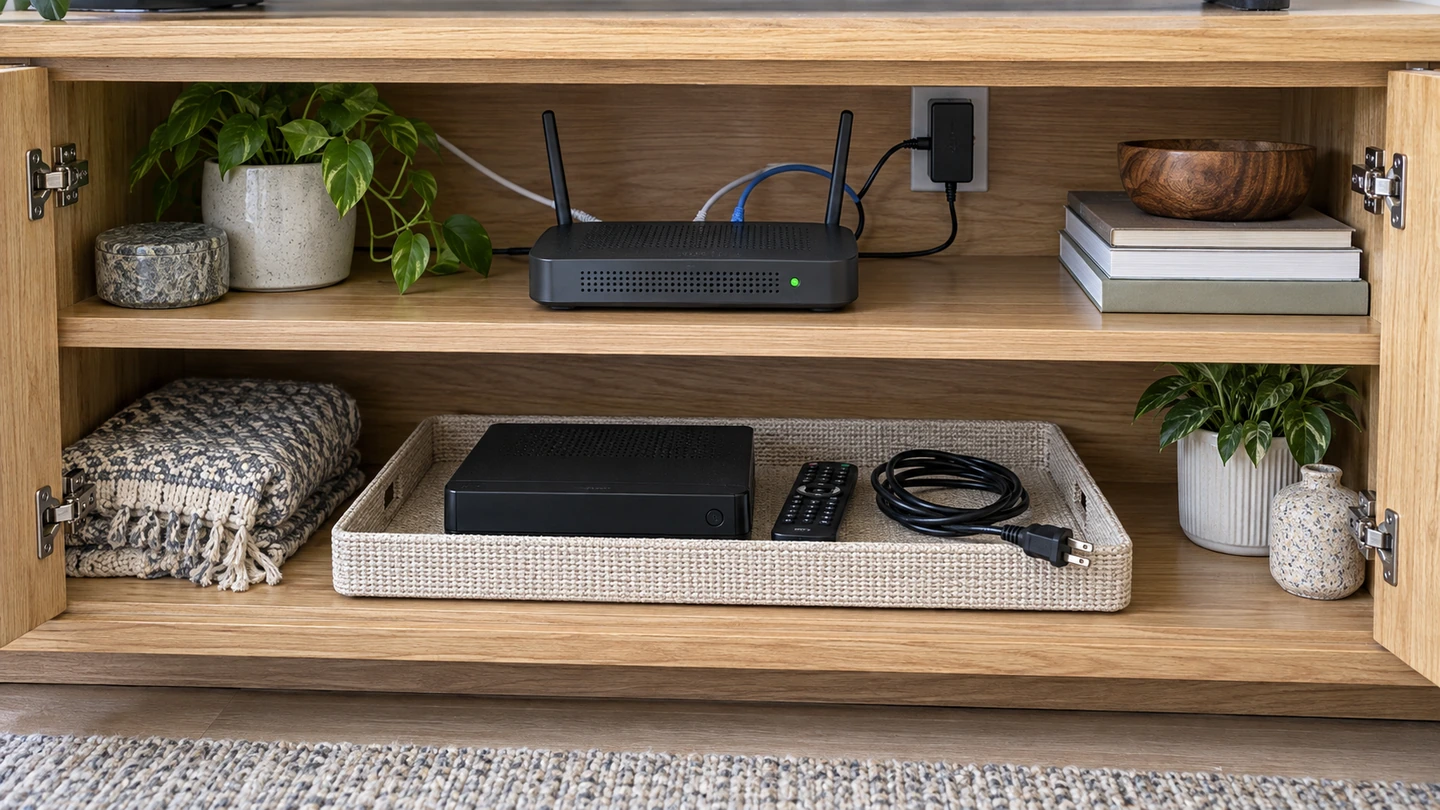
Before disconnecting anything, identify which devices belong to the provider and which belong to you. Separate the television receiver from equipment needed for the Internet service you are keeping. If a device serves more than one purpose, ask the provider what must be returned.
The CRTC advises following return instructions and keeping proof until the final bill is settled. Confirm the required equipment, deadline, destination or drop-off point and tracking method using the CRTC’s advice and your provider’s terms.
Before packing, list the devices and accessories being returned. Photos of serial numbers and parcel contents can supplement your notes; they do not replace proof of receipt or drop-off. Keep these records privately rather than publishing them.

10. Check closure and the first renewal
Compare the final bill with your cancellation confirmation and the applicable terms. Check dates, retained services, promised adjustments and any equipment charges. If an item is unexpected, ask the provider to explain it, referring to the relevant confirmation and supporting documents.
Then review the new arrangement: can everyone find their programmes? Have you recorded all necessary subscriptions? Do you understand how renewals work? Note the next deadline and where the account is managed, without storing passwords in a shared checklist.
The transition is complete when the expected everyday use works and closure of the old service has been checked. Installing an application is an intermediate step.
11. Decide: switch, postpone or keep your current offering
| Decision | Situation that supports it |
|---|---|
| Switch | Essential needs verified, usability accepted, costs known and exit terms understood |
| Postpone | Essential programme unverified, independence problem, uncertain technical result or incomplete costs |
| Reduce or retain the current offering | It better meets a priority need, or the alternative offers too little benefit for your household |
Keeping cable can be an appropriate choice. The objective is to understand why you are changing and what you accept losing, gaining or simplifying.
12. Frequently asked questions
Should I cancel before trying the alternative?
When the terms allow it, evaluate the alternative before removing access you still need. Check overlap costs and the trial deadline. A trial does not necessarily stop automatically when it ends; read the conditions.
Do I need to buy a new television?
Start by checking your current equipment and the experience of the person using it. Buy only after identifying a specific need and checking compatibility. A newer device does not guarantee that a particular programme will be available.
Can I keep Internet with the same provider?
Ask the provider to confirm the remaining offer, price and required equipment. Explain that you are considering removing television rather than vaguely asking to “cancel everything.”
Will all my recordings transfer?
Do not assume so. Check access to recordings, the provider’s available options and when access would end. Plan around anything that cannot be transferred.
Does one application provide every channel?
No. The player, content, rights and subscription terms are separate matters. Verify specific programmes with the relevant service; a broad promise does not replace that check.
13. Conclusion
Switching from cable to streaming is a sound decision when you have checked three things: the programmes that matter to you, ease of use for the whole household and the real cost of the new arrangement. Broad promises and channel lists do not replace those checks.
Then proceed in order: complete the trial, choose the date, specify what ends and what stays, and check equipment returns and account closure. If an essential condition is missing, waiting or keeping your current offering remains a reasonable choice. Your next action is straightforward: complete the household inventory and resolve its first outstanding “to be confirmed” item.
14. Method, scope, limitations and sources
Editorial method
This sequence organises household decisions using the cited primary sources and the OfficialOTT protocols linked in the article. The tables are tools proposed by the editorial team; they do not describe a completed test campaign or a regulatory requirement. This guide does not rank providers.
Verified primary sources
The CRTC pages below were consulted on September 26, 2026. They support the points about cancellation, bundle discounts and equipment returns.
Scope and limitations
This guide does not certify a catalogue, a service’s rights or a future price. Check offer conditions and programme availability for your circumstances when making your decision.