
IPTV Canada: 🍁
plans, devices
and guides
Compare IPTV premium plans for your needs and check your device compatibility.Our guides in English and French help you choose your app, prepare your setup and troubleshoot IPTV and OTT streaming problems.
Editorial review:

 Designed for CanadaServing Canadians
IPTV Canada: on your favourite devices
TVs · Streaming boxes · Phones · Tablets · Computers
Select your device to find its guide and prepare your IPTV premium setup.
Compatibility depends on the model, operating system and app.
Find the guide for my deviceIPTV Canada: compatible apps
Examples of players — not an exhaustive list
Prepare your IPTV premium setup: find a player for your device and follow its setup guide. Availability and connection methods vary by device and version.







Apps with activation included




More apps with activation included
 BobPlayer
 IboStb
 Duplex
 AllPlayer
 AbePlayer
 MacPlayer
 KtnPlayer
 FamilyPlayer
 HushPlay
 Ibox
Ibox Virginia
 IboSol
 BobPro
 IbossPlayer
 KingIPTV
 IboTV
IboTV IboTVPro
 ProIboTV
Subject to availability and compatibility of the exact player on your device. Publisher add-ons are separate.
Activation is included for IBO Player, IBO Player Pro / IBO Pro, IBO Pro TV, HOT Player and the apps listed under “More apps with activation included”. Other players may require a separate licence. Support can confirm the exact app and its compatibility with your device.
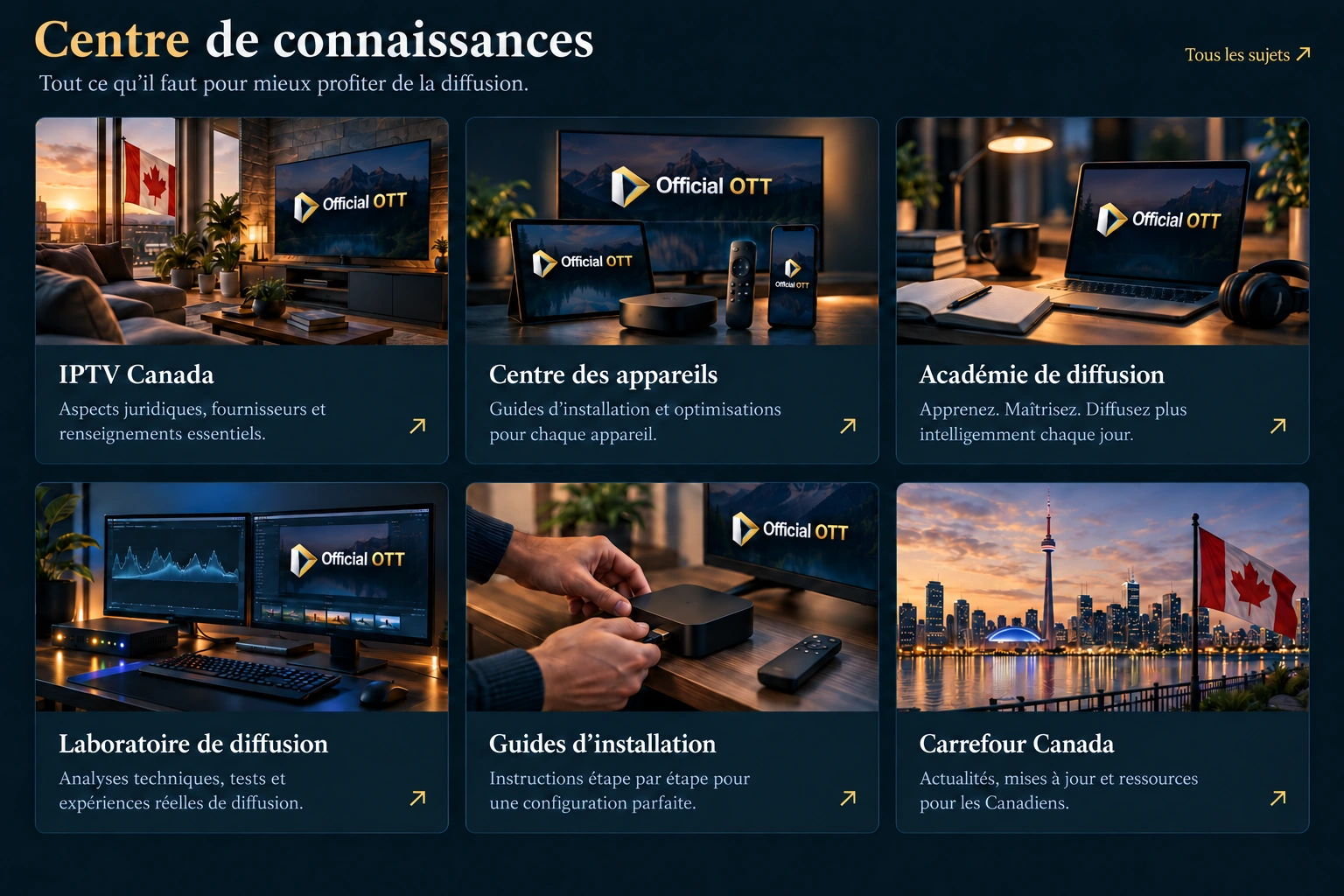
IPTV Canada: knowledge centre
Find resources to understand IPTV premium and OTT streaming, choose your devices, prepare your setup and resolve playback problems.
IPTV Canada: get started
Understand the basics and prepare your first setup.
IPTV device centre
Find the guide for your TV, streaming box, computer or mobile device.
Streaming Academy
Build your skills with four learning paths, lessons and exercises.
Streaming Lab
Check your connection and follow the steps to diagnose interruptions.
Setup guides
Follow the setup steps for your device and app.
Canada Hub
Explore provincial guides to internet access, local content and devices.
IPTV Canada: device centre
Smart TVs, streaming boxes, computers and mobile devices: find the guide for your model and app to prepare your IPTV premium setup. Fire TVView guide ›
 Android TV / Google TVView guide ›
 Samsung TVView guide ›
 LG webOSView guide ›
 NVIDIA Shield TVView guide ›
 Apple TV 4KView guide ›
 Formuler and MYTVOnlineChoose a guide ›
 DreamlinkView guide ›
 BuzzTVView guide ›
 MAG / TVIPView guide ›
 VIDAA / Titan OS / RokuView guide ›

 Computers and mobileView guide ›
Application availability varies by device and system.
SETUP AND SETTINGS
IPTV Canada: setup guides by device
Prepare your IPTV premium setup: choose your TV or streaming box, check compatibility and follow the guide for your device.
Streaming Academy
IPTV Canada: learn step by step
Build your knowledge of IPTV premium and OTT streaming with four learning paths: get started, organize your viewing, troubleshoot and interpret your tests.
IPTV Canada: video guides
Choose, test and better understand IPTV premium and OTT streaming.




IPTV Canada: the blog
View allExplore our articles on IPTV premium and OTT streaming: choosing a provider, subscriptions, apps and practical tips.
 IPTV Canada
Choosing an IPTV Canada provider
Read article IPTV premium
IPTV premium: live TV, films and sports
Read article Subscriptions
IPTV subscriptions: checks before you buy
Read article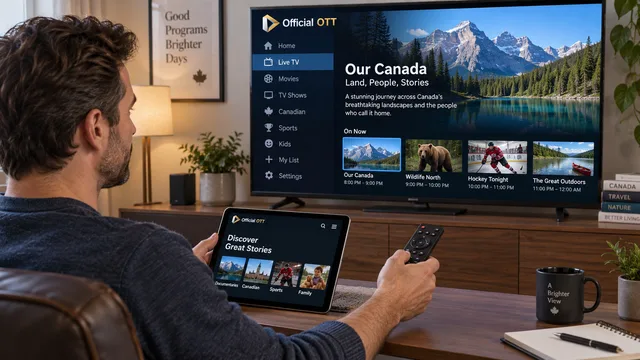 Setup
SetupIPTV Smarters Pro: setup and settings
Read article Rights and access
IPTV Canada: legality and viewing rights
Read article OTT
OTTOTT in Canada: organizing subscriptions
Read articleIPTV Canada: guides by province
Choose your province to plan your IPTV premium setup: internet connection, devices and local content.
All 10 provincial guides
Map source
Adapted from Statistics Canada, provincial and territorial boundaries, reference year 2023, via geoBoundaries. This does not constitute an endorsement by Statistics Canada of this product. geoBoundaries · Licence
IPTV Canada: what our customers say
View reviews ›IPTV premium and OTT streaming: read what our customers say about setup, playback quality and support.
5/5 from 6 approved reviews
Review excerpts, in their original language.
Carole✓ Verified purchase ★★★★★Pour l’instant rien à redire, le service fonctionne nickel. Pas de coupures de mon côté et l’équipe…
Read the full review Kanika✓ Verified purchase ★★★★★After several disappointing experiences with other sites, I’ve finally found a good, reliable…
Read the full review Gabriel✓ Verified purchase ★★★★★Très bon service ! L’équipe est professionnelle, réactive et vraiment à l’écoute. Le service TV…
Read the full review Marc✓ Verified purchase ★★★★★Franchement, très bon service. L’équipe est sympa, réactive et toujours disponible quand j’ai une…
Read the full review Mazin✓ Verified purchase ★★★★★Really happy with the service so far. The setup guide and videos were very helpful and made…
Read the full review Alain✓ Verified purchase ★★★★★Thanks for the good service 🙂
Read the full review IPTV Canada
The OfficialOTT advantages
From activation to support, the essentials for your IPTV premium service.
Quick activation
Get started in minutes.
Secure payments
Encrypted transactions.
Interac e-Transfer
A secure payment option available in Canada.
30-day money-back guarantee
Subject to the refund policy.
Premium support every day
9 AM–10 PM, Toronto time.
Your compatible devices
Simultaneous connections depend on your plan.
IPTV Canada: Essential and Prestige plans
Compare our IPTV premium plans, then choose the duration and number of devices that suit your needs.
OfficialOTT
Essential
For 3 months
For 1 device
Equivalent to CAD 10/month.
Total amount: CAD 30.
4K · FHD · HD · SD
23,628+ TV channels
129,237+ VOD
28,311+ series
Minimum term: 3 months1- and 2-month terms are unavailable.
Explore EssentialOfficialOTT
Prestige
For 1 month
For 1 device
Total amount: CAD 20.
8K · 4K · FHD · HD · SD
53,759+ TV channels
205,931+ VOD
44,585+ series
Alternative serverIncluded only with 12- or 24-month Prestige plans.
Explore PrestigePrices in CAD for one device. Applicable taxes to be confirmed.
View all durations and multi-device discountsIPTV Canada: your journey with OfficialOTT
From choosing your IPTV premium plan to setting up your device in Canada, follow the steps to get started.
Choose your IPTV premium plan
Compare Essential and Prestige IPTV plans, durations and the number of devices.
View plansConfirm your request
Specify your plan, device and application.
Receive your access details
Instant activationFind the login details you need to complete your setup.
Start watching
Enjoy streamingCheck playback and explore the features of your application.
Personalize your experience
Explore the settings and favorites available in your application.
✓ No credit card required · ✓ Cancel anytime · ✓ Test on your actual device
IPTV Canada FAQ: your questions answered
Explore the full FAQIPTV Canada, IPTV premium and OTT: ten answers to help you understand the options, check costs and prepare your setup across Canada. Find more detail in our 50-question FAQ.
What does IPTV Canada mean, and how does it differ from OTT?
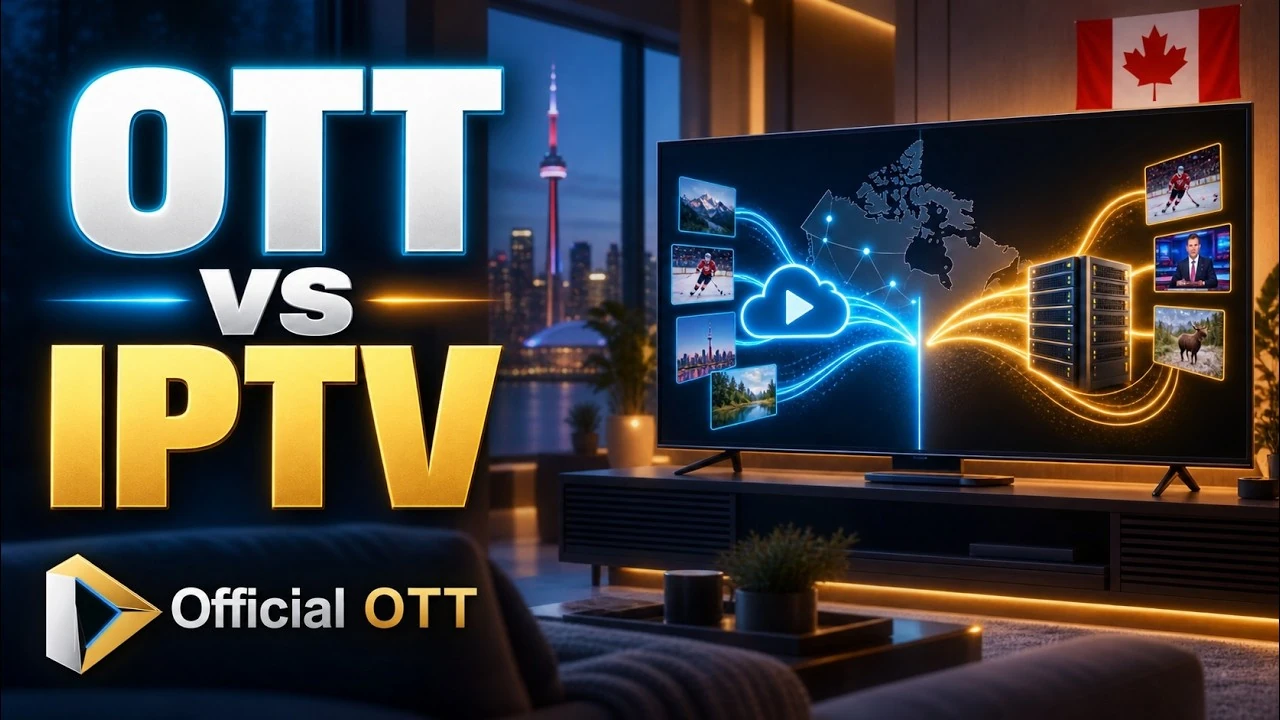
IPTV means television delivered using Internet Protocol. IPTV Canada is commonly used when looking for Internet television in Canada. An IPTV service may use a managed network, while OTT uses the public Internet. Check how the offer actually works. Read the full answer.
Use our IPTV Canada guide to compare options for your needs. · Explore the differences and uses of OTT and IPTV.
How do I choose an IPTV premium offer in Canada?
Compare the Canadian and international content you want, languages, devices, simultaneous connections and support. The term IPTV premium alone does not guarantee quality. Ask for written terms and test playback on your own setup. Read the full answer.
How much does an IPTV Canada subscription cost, including fees?
The cost depends on the plan, term and number of devices. Check the prices in CAD, then confirm the total, taxes and any app fees. Also account for your Internet connection and any hardware you need. Read the full answer.
How does the OfficialOTT free 24-hour trial work?
The trial starts when access is delivered and ends automatically after 24 hours. No credit card is required, and it does not trigger a payment, subscription or automatic renewal. Check the content you want and playback stability on your device. Read the full answer.
Is my smart TV enough, or do I need an IPTV box?
Your TV may be enough if a compatible app is available for its model and operating system. Check the features and test playback before buying a box. The TV brand alone does not establish compatibility. Read the full answer.
Is IPTV legal in Canada, and how do I check content rights?
IPTV technology does not establish that an offer holds content rights. Ask for the provider’s identity and verifiable confirmation of authorization for the content offered in Canada. A working trial or an app is not enough to establish those rights. Read the full answer.
Which IPTV app should you choose for your device?
Choose an app available on your model that supports your connection method. Check the developer, remote-control navigation and useful features. Distinguish the player, any activation it needs and content access: installing an app does not automatically provide programmes. Compare compatible IPTV apps and their activation terms.
Can you watch IPTV on several devices at the same time?
That depends on the number of simultaneous connections allowed by the offer. Setting up several devices does not necessarily allow several streams at once. Count the screens used together, check the account limits and test that scenario on your Internet connection. Understand the difference between devices and simultaneous connections.
What Internet connection do you need for HD or 4K?
The required speed depends on the service, selected quality and simultaneous household uses. Check the service’s recommendations, then measure the connection where the TV is located. Wi-Fi or Ethernet stability also matters: the advertised speed of an Internet plan is not enough to assess playback. Read the Internet for streaming in Canada guide.
How can you reduce interruptions and buffering?
Start by comparing another programme, then another device if possible, while staying within the connection limit. Check whether the issue affects one title, the app or the whole network. Compare Wi-Fi and Ethernet where possible, then change one setting at a time and record the result. Follow the steps to reduce buffering.
IPTV Canada support
Need help?
Activation, app setup or playback issues: our team can help with your IPTV premium service.
Every day, 9 a.m.–10 p.m. — Toronto time
Get help on WhatsAppVisit the support centreService status
Real-time monitoring
Service availability for IPTV Canada and IPTV premium.
- Access activation
- Operational
- IPTV servers
- Operational
- Live TV streaming
- Operational
- Video on demand (VOD)
- Operational
- Apps and media players
- Operational
- TV programme guide (EPG)
- Operational