

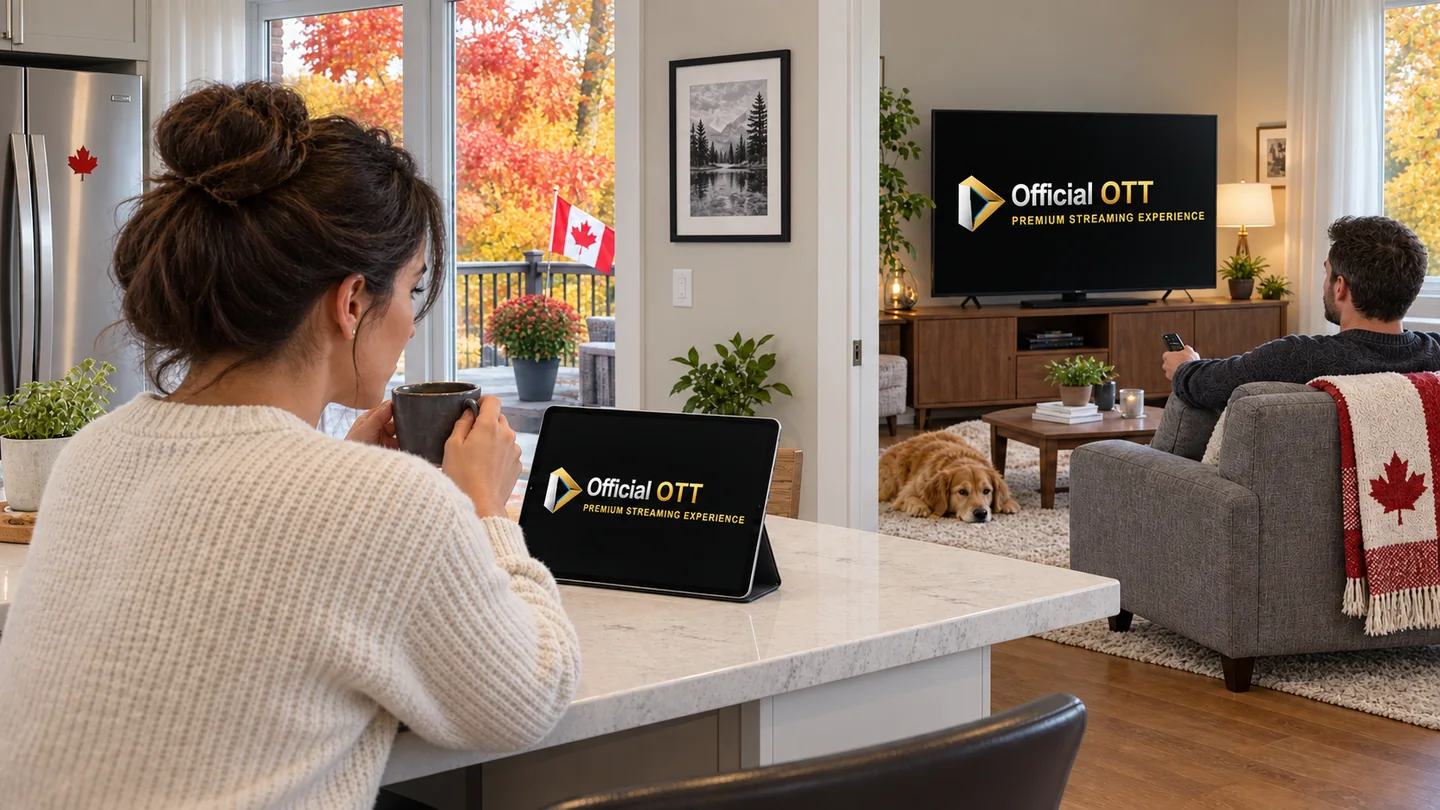
The living-room television works until someone starts a programme on a tablet and the first stream stops. Before replacing the router or buying another device, find out what your offer means by a “connection.” It might refer to an active stream, a registered device or another limit defined by the service.
1. Quick answer
Count independent streams playing at the same time on the same service. Two televisions showing separate programmes simultaneously require capacity for two streams. Four devices used one after another do not necessarily require four concurrent connections. Check registered-device limits, permitted users, viewing locations and features such as multiview separately.
Technical capacity and permission to use an account are separate checks. Faster Internet does not change account terms. Conversely, a plan allowing two streams does not establish that your Wi-Fi reaches both rooms reliably.
2. Device, profile, account and stream mean different things
A device is the television, streaming box, computer or mobile device you use. A profile generally organizes someone's preferences; its existence does not establish an additional viewing allowance. The account carries the subscription and its terms. Concurrent streams are separate programmes playing during overlapping periods.
| Term | Question to ask | What it does not establish |
|---|---|---|
| Registered devices | How many devices may I associate with the account? | That all may play at once |
| Profiles | Can viewers keep separate favourites and recommendations? | That each profile adds a stream |
| Concurrent streams | How many programmes may play together? | That another household is included |
| Player licence | On which devices is the app activated? | That the content subscription allows the same number of streams |
Keep compatibility separate as well. An app may work on a tablet but be unavailable on your television. The compatible-device guide covers that check without assuming a connection allowance.

3. Count peak viewing rather than every screen you own
Calculate your viewing peak
Use one service and one day. Each row represents an independent stream, not a profile. For viewing across midnight, calculate each day separately.
Example: 3 devices, a peak of 2 streams
Calculated in your browser; these times are neither saved nor sent. Check multiview and account rules separately. An end at 8 p.m. and a start at 8 p.m. do not overlap in this calculation; a service may keep a session active longer.
Choose an ordinary evening and a busier period. For each service, record who watches, which screen they use and when playback starts and ends. The useful number is the highest number of overlapping streams, not the total devices in your home or the total hours watched each day.
Fictional example: a living-room programme runs from 7 to 8 p.m. Someone starts a different programme on a tablet at 7:30 p.m. That overlap calls for two permitted streams on the service. A computer used at 9 p.m., after both earlier streams have stopped, does not raise that peak to three.
Repeat the count for each service. Someone watching service A and someone watching service B share network capacity, but the allowances of their separate subscriptions do not combine into one account. Do not pay for spare connections automatically: identify a plausible overlapping use first.
4. Three household scenarios to check your count
These are planning examples, not OfficialOTT packages or reported test results.
| Scenario | Streams needed on the same service | Additional check |
|---|---|---|
| One viewer moves from living room to bedroom after stopping playback | One at a time | Session-release behaviour and permitted devices |
| Two viewers watch different programmes together | Two | Whether the actual plan includes two streams |
| Three screens play three programmes during an evening | Three | Account allowance, room-by-room network and account rules |
Several people watching one television do not create one stream per person. Conversely, playing the same programme independently on two devices may occupy two sessions. Check the service's rule rather than inferring capacity from the programme title.
5. Multiview, screen mirroring and recording
Physical screens become a misleading measure when an app displays several channels on one television. Multiview can open multiple streams; confirm both support and counting rules with the player developer and content provider. One display does not automatically mean one connection.
When using a phone with a television, distinguish controlling playback, mirroring a display and starting a second independent stream. Behaviour depends on the application and the connection mode. Do not assume AirPlay, Google Cast or HDMI bypasses an account limit.
Recording may have its own rules depending on whether the service or a local device performs it. Before buying an option, ask whether recording during another programme uses a stream, whether recording is included and which programmes permit it. The computer and mobile-device guide explains ways to connect to a television.

6. Two documented examples, not a universal allowance
Bell's help page for the Fibe TV app distinguishes signing in on several devices from playback on two devices at once. That statement concerns the application described by Bell; it is not a rule for every Fibe TV receiver or another service. Source: Bell.
Netflix also distinguishes adding devices from watching simultaneously, with concurrent viewing determined by the membership plan. Its help separately addresses use at home and while travelling. These examples explain why “compatible with all your devices” does not fully describe your viewing allowance. Source: Netflix.
The pages were checked on September 25, 2026. Confirm the plan's current terms before subscribing, particularly when a seller uses “multiple devices” without defining the phrase.
7. Home, cottage and travel: check permitted locations
Two included streams do not automatically include two residences. A service may distinguish the main household, temporary travel, a mobile network or use in another country. Describe your actual scenario: one screen at home while another person watches at the cottage, for example.
Netflix describes its household around devices associated with the main viewing location and applies its own account-sharing rules. Do not extend that model to every offer. Source: Netflix Household definition.
An IP address can change for different reasons; a change alone does not prove account sharing. Follow the official verification process when requested. Adding a VPN to get around a household restriction does not create permission to use the account in another location.

8. The second screen fails: check in the right order
First record the exact message. A “too many streams” warning and an unexplained loading indicator call for different investigations. Deliberately stop playback in the first app, then try the second device following the service's instructions. Resetting every device is unnecessary for this initial check.
| Observation | First possibility to examine | Useful action |
|---|---|---|
| A message reports a viewing limit | Allowance or a session still active | Check active devices and documented release behaviour |
| The second device fails even when used alone | Device, app or access | Repeat an isolated test with an authorized source |
| Each works alone, but both buffer together | Allowance, shared network or source | Confirm the allowance, then change one network condition |
| Failure occurs in only one room | Local coverage or the device | Compare Wi-Fi with Ethernet if supported |
There is no universal session-release delay. Consult the help before repeatedly restarting playback. If an unfamiliar device appears in the account, follow the official security procedure. Give support the model, app, local time and message, not your password or private playlist URL.
9. Included connections and Internet capacity are separate
Your network carries all concurrent activity: television, video calls, downloads and other uses. Speed at the actual device, Wi-Fi coverage and stability matter alongside the advertised Internet speed.
As a service-specific reference, Netflix recommends at least 5 Mbps for 1080p and 15 Mbps for 4K. Adding the two reference values for two 4K streams gives 30 Mbps before other activity. This illustrates how requirements add up; it does not guarantee two IPTV 4K streams or sufficient network headroom. Source: Netflix.
Measure where viewing takes place and reproduce your actual scenario. The Internet for streaming in Canada guide and buffering diagnosis explain the next checks.
10. Frequently asked questions
Do two televisions always require two connections?
Only when you want two independent streams at once on the same service. When moving between televisions, check permitted devices and how the earlier session stops instead.
Does creating a profile add a stream?
Do not assume so. Personalization and concurrent viewing are separate features; check the plan.
Is buying a second app licence enough?
A licence activates a player under its developer's terms. It does not necessarily change the content provider's simultaneous-stream allowance.
Should I count a tablet that only acts as a remote?
Count active playback rather than lit screens. Confirm the casting mode: the tablet might control remote playback or play a programme itself.
11. Method, scope and limits
The planning grid is an editorial method for describing your needs, not a laboratory result or provider ranking. The scenarios are fictional. OfficialOTT publishes this guide and also has a commercial offer; the Bell and Netflix examples explain distinctions only.
Features, allowances and location rules can change. Check the exact offer's terms. Images illustrate household situations without certifying an interface or demonstrating compatibility with a particular product.
12. Conclusion: choose for the viewing that overlaps
Describe your needs with four details: simultaneous playback, the devices involved, viewing locations and desired features. Ask for a separate answer to each. This avoids paying for every screen you own or discovering a restriction halfway through an evening.
Before committing, reproduce the scenario using the IPTV trial testing guide. For the broader decision, return to the IPTV Canada pillar.