

Quick answer
Define the question and criteria before testing. Keep versions and conditions comparable, repeat measurements and preserve all results. Separate the local network from the remote service and limit conclusions to observed evidence.
Goal: produce a result someone can verify
This expert path turns IPTV or OTT troubleshooting into a documented protocol. It builds on the comparisons in the Advanced path. Define a question, choose useful measurements, control conditions and write a conclusion that fits the evidence.
Allow approximately 90–120 minutes for the first workshop, depending on available tools. This is an editorial estimate, and no professional certification is awarded. Optional tests are limited to your devices and networks you are authorized to administer.
1. Turn an impression into a testable question
“What is the best IPTV Canada service?” is too broad for a living-room test. Ask an observable question instead: “Does this player interrupt this content less often over Ethernet than Wi-Fi at this location?” or “Does changing the audio output change the delay on the same scene?”
Choose criteria before testing: interruptions, launch time, sound availability, error messages or formats actually offered. Do not invent a success threshold after seeing the results. Comparing two players also compares their hardware, operating systems and apps; the test may not separate those effects.
“IPTV premium,” “ultra-fast” and “cinema quality” are not protocols. Translate each claim into a checkable criterion with explicit conditions. Ten minutes without an error cannot demonstrate permanent availability.
Exercise: a hypothesis and its limit
Write: “If ___ is involved, switching from A to B should change ___.” Add: “This test cannot establish ___.” Comparing Ethernet and Wi-Fi can investigate a local path without proving a provider’s throttling policy.
2. Fix the conditions and record versions

Someone should be able to understand the comparison later. Record the model, system, app version, connection, location, content, selected quality and time zone. Note known competing activity such as downloads, backups or another stream.
| Field | Complete before testing |
|---|---|
| Question | An expected difference without a promised result. |
| Configurations A and B | Exact settings and the chosen variable. |
| Content | Accessible title and repeatable scene; identify live content. |
| Duration and repetitions | Equal windows and a predetermined count. |
| Measurements | Units, tool and observation method. |
| Stop condition | Time limit, data allowance or disruption to other users. |
On-demand content makes identical playback easier to repeat. Live content changes between trials; acknowledge that limitation. An update between A and B adds a variable. Postpone or repeat the comparison with consistent versions.
3. Understand throughput, latency, jitter and loss
Throughput measures data transferred per unit of time. Latency describes delay. Jitter describes variation in delay. Loss indicates that some test data did not arrive as expected. These are separate dimensions.
Cloudflare’s connection-quality work distinguishes throughput from responsiveness under load. Its network diagnostics also provide context for latency, jitter and packet loss. Every result depends on the tool’s method and test endpoint. [1] [2]
- ThroughputHow much data moves during the test?
- LatencyHow long does a response take, idle and under load?
- JitterHow much do delays vary?
- LossWhich test data fails to arrive as expected?
OfficialOTT learning diagram. Check each role in your own configuration.
| Measurement | Useful information | What it cannot establish |
|---|---|---|
| Download throughput | Observed transfer capacity to the test endpoint. | Guaranteed throughput to every video service. |
| Idle latency | Responsiveness with little competing load. | Behaviour during heavy use. |
| Loaded latency | Responsiveness during a transfer. | The exact cause of increased delay. |
| Jitter and loss | Variation and missing data under the test method. | A definitive hardware diagnosis. |
Do not seek a single “IPTV score.” Relate measurements to actual playback. Ample throughput can coexist with a format, app or service-data problem.
4. Optional technical exercise: local testing with iperf3
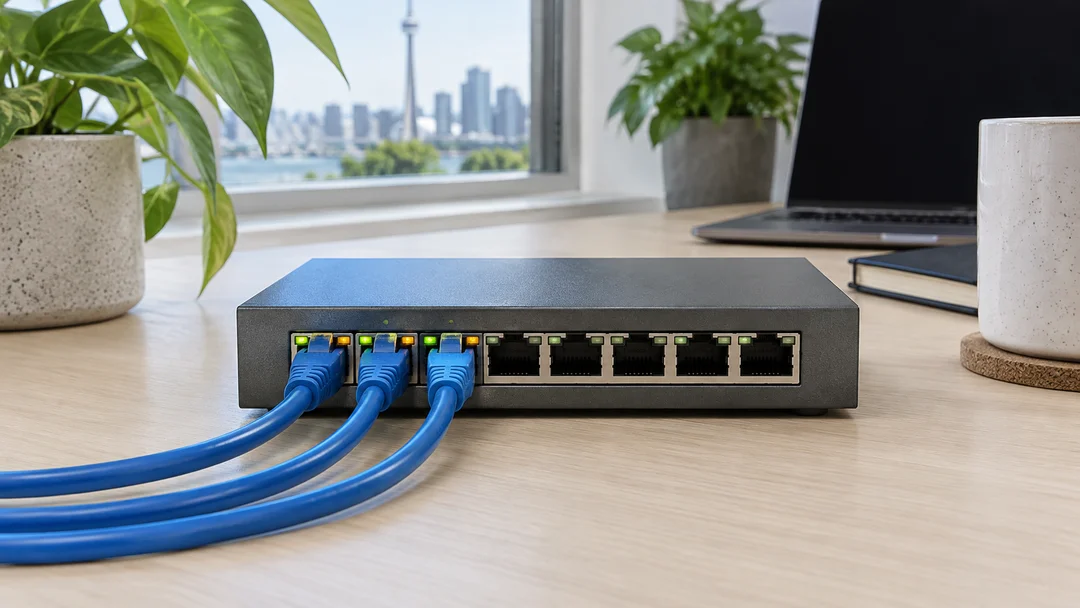
This optional step requires two compatible machines you control and a trusted iperf3 installation. It tests a transfer between those machines, not catalogue access or automatically the television’s connection. Read the project documentation first. [4]
On the first machine on your local network, start the server:
iperf3 -sOn the second machine, replace LOCAL_SERVER_ADDRESS with the first machine’s local address:
iperf3 -c LOCAL_SERVER_ADDRESS -t 15
iperf3 -c LOCAL_SERVER_ADDRESS -t 15 -R
The first command sends data from client to server; -R reverses the data direction. Each test here lasts 15 seconds. Add -J if you want structured JSON output. Run trials separately and stop the server with Ctrl+C afterwards.
Keep the test on your authorized private network. Do not expose a port to the Internet or disable the firewall globally. Any necessary local rule should be understood and narrowly configured by the administrator. The test can temporarily saturate the link. Warn other users and stop if their activity is disrupted.
A low result can reflect the test computers, interfaces or cable. A high result between two computers does not validate a player using a different wireless path.
5. Repeat without hiding variation
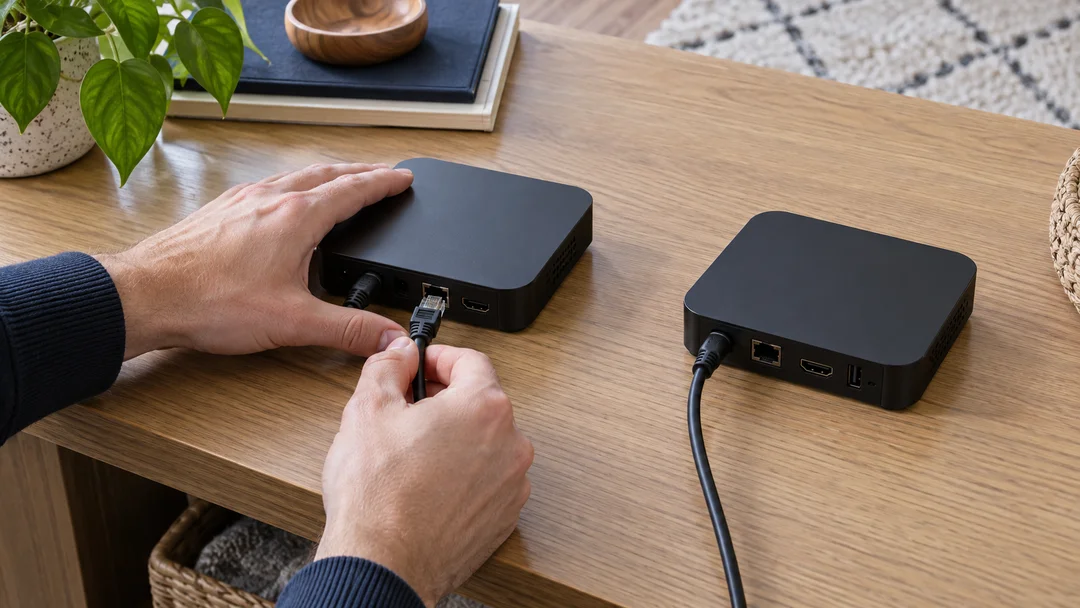
Testing A and then B can favour B if conditions improve over time. A short A/B/B/A sequence helps reveal this effect. For a more documented comparison, you might plan three trials per configuration and keep every result, including failures.
This repetition count is a workshop suggestion, not a universal statistical threshold. Keep duration and methods consistent. Report individual results, then a central value such as the median if helpful. Include the spread; a lone average can conceal rare interruptions.
A/B/B/A workshop
- Choose one variable and write the four windows before starting.
- Restore the intended conditions before each trial.
- Record observations immediately without adjusting them to resemble the others.
- Note outside events such as an unexpected download.
- Conclude “insufficient evidence” when conditions cannot distinguish A from B.
Internet tests consume data. Check your allowance and limit the number of trials. Continuous intensive testing can disrupt the behaviour you are trying to observe.
6. Evaluate compatibility before ranking devices

Build a dated matrix for IPTV players or OTT devices. Separate advertised specifications, documented app capabilities and your observations. Decoder support in a specification does not guarantee that a protected service offers the same format on that model.
| Criterion | Evidence to seek | Result to record |
|---|---|---|
| Official app | Published compatibility and the model’s app store. | Installed version or unavailability. |
| Picture and sound | Service documentation and a compatible signal chain. | Format actually offered and playback outcome. |
| Navigation and accessibility | Search, captions and remote-control exercises. | Task completed, difficulty or missing function. |
| Updates | Official manufacturer information. | Version, known date and limits of published commitments. |
| Stability | Explicit protocol and duration. | Individual observations without extrapolated uptime. |
Content protection and arrangements among services, apps and devices can limit features. Do not bypass protection to turn incompatibility into a misleading success. An overall ranking is useful only when its criteria and weights fit the intended use.
Keep router maintenance information too: official firmware version and update options. The Canadian Centre for Cyber Security recommends measures including firmware maintenance and protection of router administration. [3]
7. Write a useful, shareable conclusion

A concise report can use six blocks: question, environment, protocol, observations, interpretation and next action. Keep every conclusion attached to the conditions and date.
Template to complete
Question: ___.
Equipment and versions: ___.
Configurations and duration: ___.
Raw results: ___.
What the results suggest: ___.
What they cannot establish: ___.
Next check: ___.
A cautious statement is: “In these trials, interruptions occurred mainly over Wi-Fi. Access-point placement remains to be compared.” Do not turn that into “This provider throttles all customers” when your test cannot distinguish that cause.
Before sharing, remove usernames, passwords, temporary codes, private source addresses and unnecessary personal information. Technical output can include network addresses, so review it before publication. Send only necessary evidence through official support channels.
Self-check and answers
Does an excellent iperf3 result guarantee remote video service?
No. It describes the local transfer between the tested machines, not the video server or app compatibility.
Why alternate A and B?
To help reveal time-related variation. It does not eliminate every uncontrolled variable.
Can you drop a bad trial to improve the average?
No. Preserve observations and explain incidents. If a trial is invalid and excluded, retain its record and state why.
What completes the Expert path?
Another person can understand the question, repeat the essential conditions and distinguish observations from conclusions.
Frequently asked questions
Is iperf3 required?
No. Well-documented playback observations are sufficient for the main workshop. iperf3 is an optional local-path test.
Do three trials provide statistical certainty?
No. They help reveal variability. Confidence depends on the problem, conditions and amount of evidence.
Can I compare two services using different films?
You can describe the experiences, but differences in content and encoding limit attribution to the service alone.
What is the best score for IPTV Canada comparisons?
This method has no universal score. Relate measurements to the content, device, stability and required features.
What if results conflict?
Keep them, investigate changing conditions and narrow the conclusion. Uncertainty is useful information.
Conclusion: measure, explain and recognize limits
You now have a method to install, organize, troubleshoot and evaluate streaming. Keep the protocol and date each revision. Return to the Academy overview for another level or the practical guides for device-specific instructions.
Scope and limits of this guide
This path teaches reproducible test design and interpretation. It does not publish laboratory measurements, provider rankings or a universal diagnosis. Examples are educational; results depend on equipment, protocol, timing and load. Network tests must remain within an environment you are authorized to use.
Sources and method
This original learning path draws on the official sources below, checked on October 11, 2026. Exercises, suggested durations and self-check criteria are an editorial teaching method, not laboratory tests or professional certification. Menus and features depend on the model, version and each service’s conditions.
- Cloudflare — network quality
- Cloudflare — test metrics
- Canadian Cyber Centre — routers
- ESnet — iperf3 documentation
Photographs are AI-generated illustrations, separate from interface screenshots and measurement evidence. Equipment is generic. Diagrams are original OfficialOTT explanations.