
1. Quick answer
Before changing every setting on the television, play the title concerned and inspect its actual playback options. Then note the active profile and device.
- Menus: interface language is a separate preference from programme language.
- Audio: look for the desired track on the exact film, episode or live feed.
- Subtitles: identify whether you need translation, dialogue and sound captions, or an automatic aid.
- Profile: check which one is active before changing a preference shared with others.
- Verification: check playback, resume and the next episode before deciding that the issue is resolved.
Watch the guide
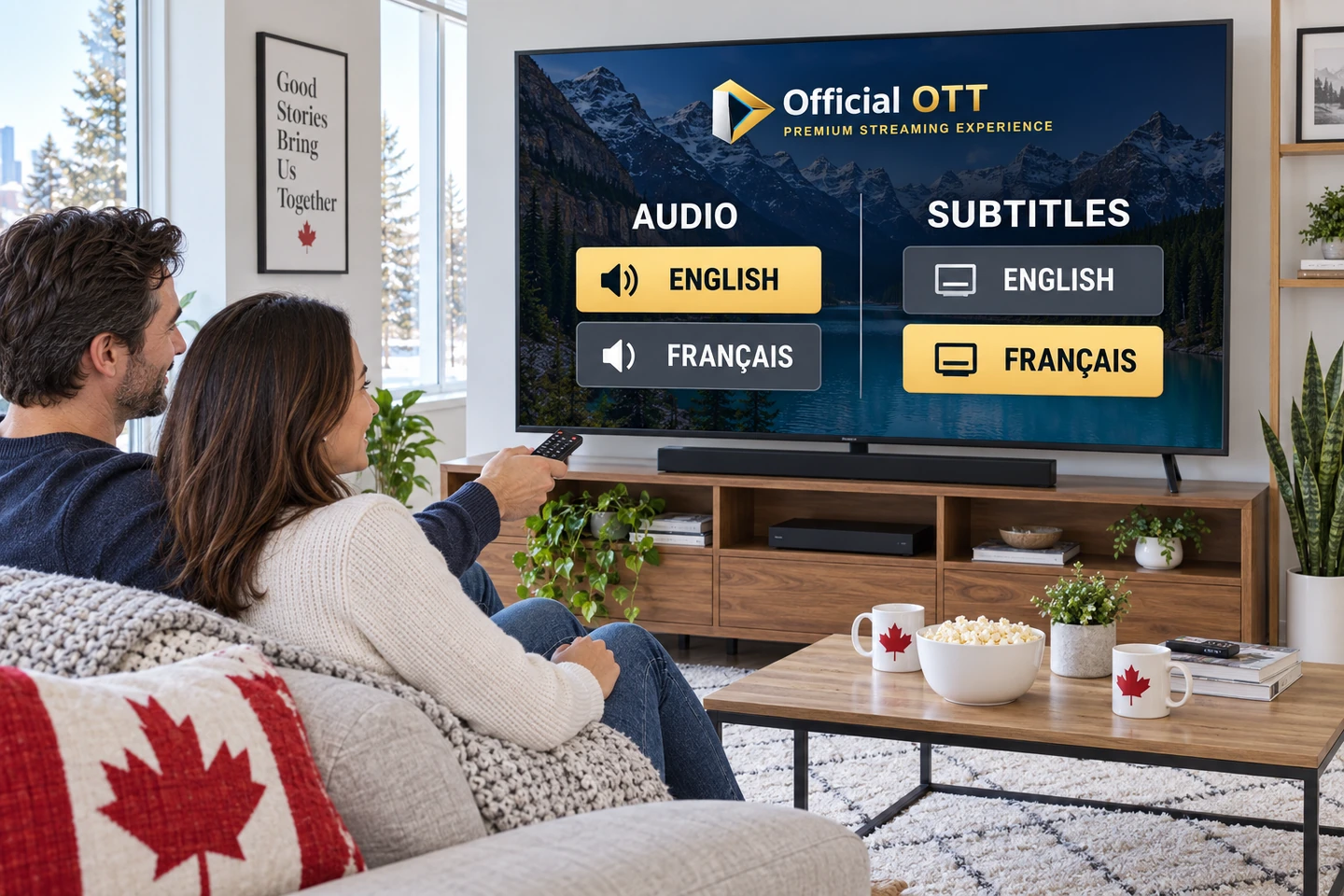
French menus do not guarantee a French soundtrack. Check your audio and subtitle combination on the programme you actually watch. · 2:19
Open the dedicated video page →
Read the transcript
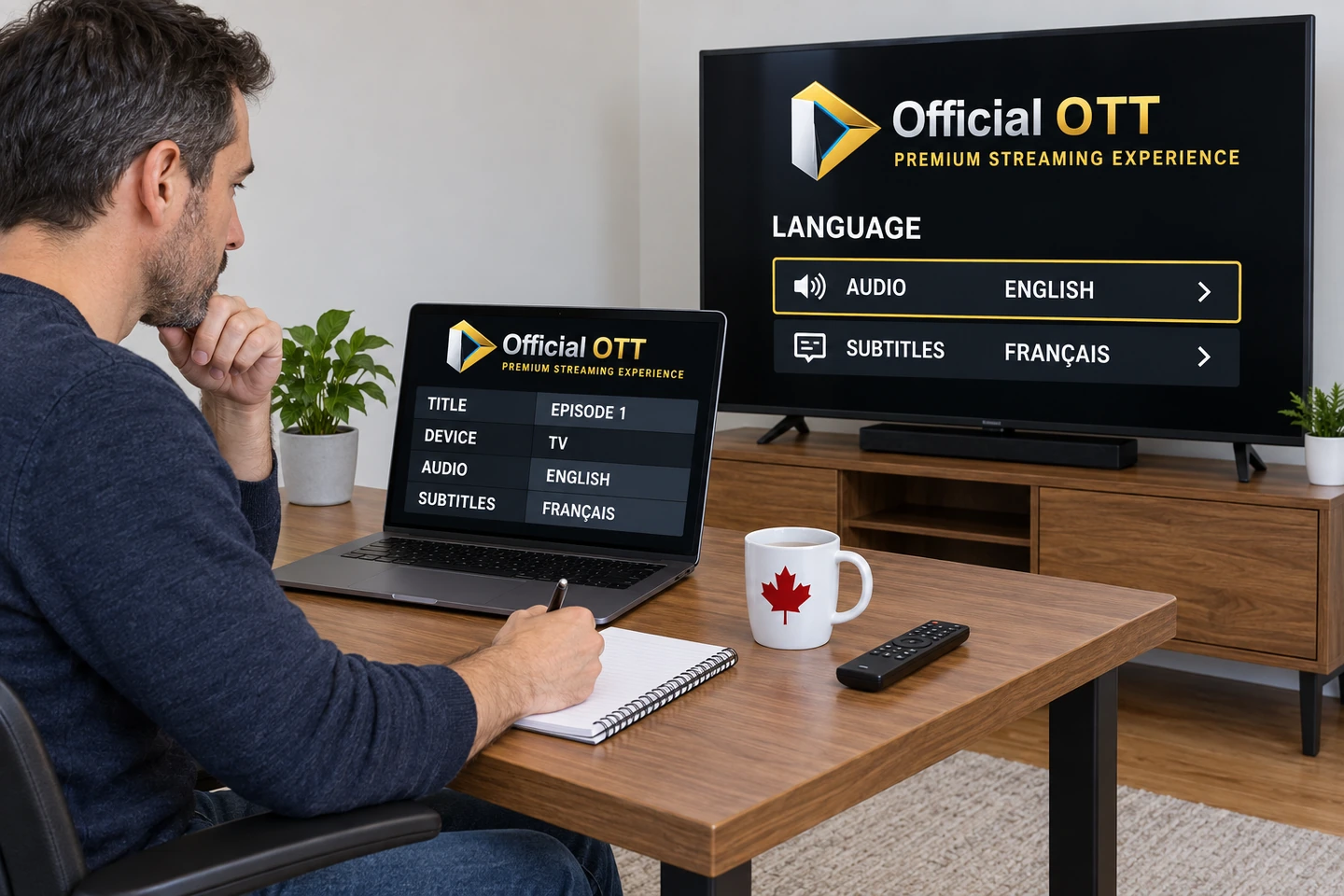
The menus are French, but the film starts in English. Changing the television’s language does not guarantee the soundtrack you want. In a bilingual household, start with a precise combination: for example, English dialogue with French subtitles. Separate four things. Menu language. Audio track. Subtitle language and type. And the programme description. A French description does not establish that the stream contains French audio. Check these choices on the actual title you intend to watch. Begin with one episode, one profile and one device. Note the original selection, then open the playback controls. Look at the available tracks before changing a household preference. Selecting audio and selecting subtitles are separate actions. If a language is missing, check the full title, season, episode and playback mode. Netflix explains that options can vary by location, profile, title and device. Downloads may offer fewer languages than online playback. That statement concerns Netflix; consult the documentation for the service you use. A profile can organize supported preferences. It cannot create a track missing from the catalogue. Also confirm that you are changing the intended profile. A shared preference may affect other people in the household. For live television, record the exact channel and regional feed. Test catch-up separately if that is how you will watch. The TV guide describes programmes; changing its schedule does not add an audio language. Likewise, a subtitle button does not guarantee translation into your preferred language. Identify the kind of text you need. Dialogue translation and captions that identify sounds serve different needs. Check readability from the usual seat, over both bright and dark scenes. Make the choice with the person who will use it. After selecting the tracks, listen to and read a short passage. Resume playback and check the next episode as well. If the choice disappears, record when it happens, the profile, device and version. Hide account information in any screenshot sent to support. OfficialOTT’s guide provides a worksheet for these observations. For a bilingual evening, the useful evidence is the combination actually heard and read on the right programme.
Alternative: YouTube player
The player stays disabled until you click. Loading it connects to YouTube, which receives information including your IP address.
This video uses AI-generated illustrative images and scenes, with synthetic narration. Fictional situations are neither customer testimonials nor evidence of service performance.
This guide offers a method for planning shared viewing and investigating missing language options. Cited procedures apply to the named services and devices. The planning tables and fictional situations are an editorial method, not findings from tests performed in customer accounts.
2. Check four separate elements
A programme description written in French does not establish the language of its soundtrack. Treat the following rows as separate observations, rather than a single promise that something is bilingual.
| Element | What you observe | What it does not establish by itself |
|---|---|---|
| Interface | French or English menus and buttons | Availability of a particular soundtrack |
| Audio | Languages and track variants offered during playback | Subtitles in the same language |
| Subtitles | Language, type and readability of text | A matching dubbed soundtrack |
| Details or TV guide | Programme name, description, channel and time | The language delivered in that particular feed |
Begin with the intended result: English dialogue with French subtitles, for example. This is more precise than asking to put the TV in French. It identifies two choices to check without unnecessarily changing the household’s entire interface.
3. Plan the household’s preferences
Ask what helps each person follow the programme comfortably. One may prefer dubbing, another original dialogue with translation, while someone else needs information about sounds. Language preference alone does not describe an accessibility need.
| Fictional situation | Preferred audio | Preferred text | Check before viewing |
|---|---|---|---|
| Watching together | English | French | Are both options offered for this title? |
| Individual viewing | French | None or French | Is the intended profile active? |
| Difficulty following dialogue and sounds | Person’s choice | Suitable captions in their language | Does the selected type provide the information needed? |
| A guest using the remote | Group’s choice | Group’s choice | Can they find the controls and restore the previous choice? |
Keep a brief note of useful preferences, without passwords or account identifiers. If profiles are available, check how they behave before relying on them for household organisation. This guide assumes neither a universal profile limit nor permission for simultaneous streams: those are separate plan and service questions.
4. Troubleshoot in a useful order
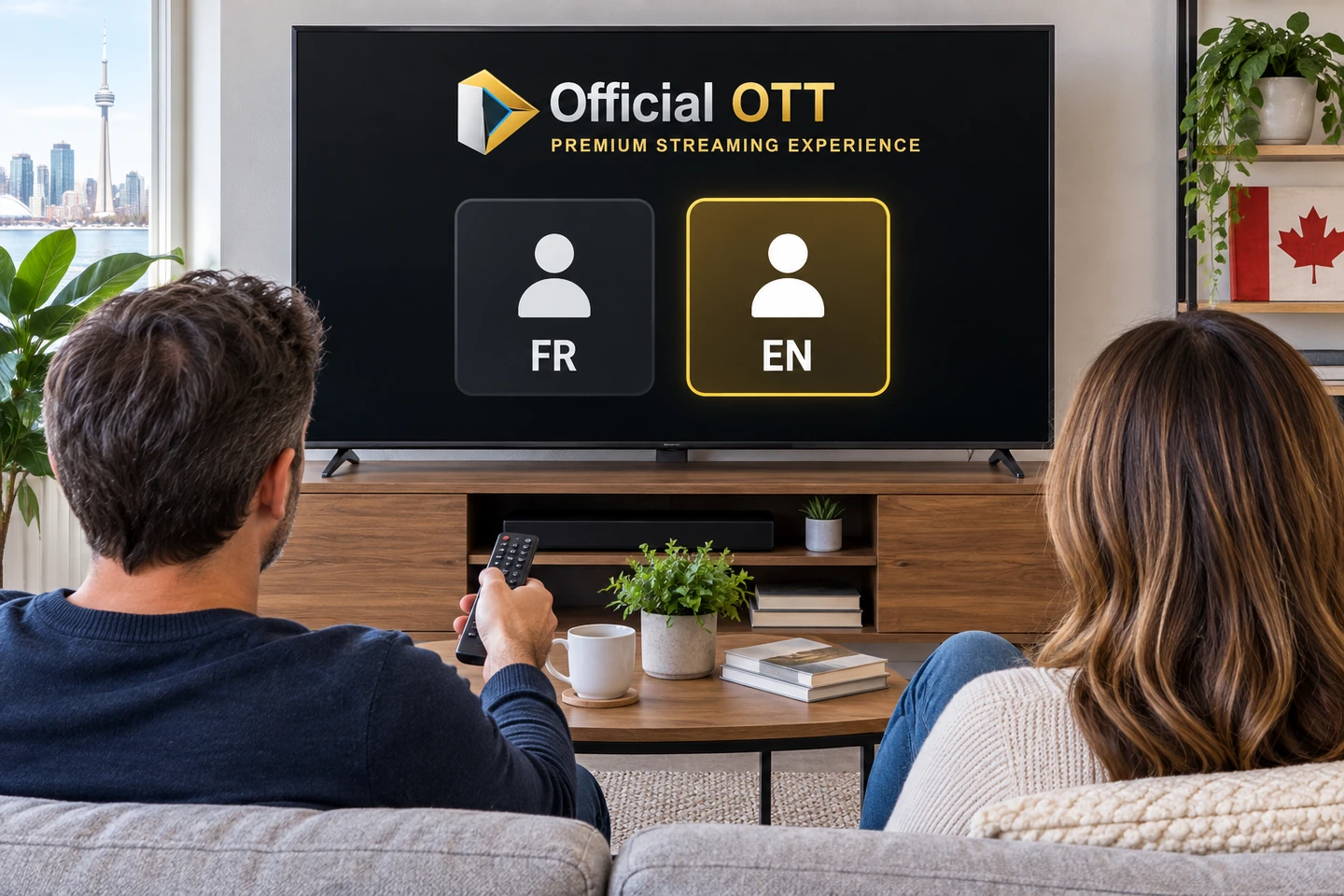
- 1. Desired combination
- 2. Available tracks
- 3. Relevant setting
- 4. Verified playback
Editorial workflow: verify a saved preference during actual playback.
Start with one title, one profile and one device. Record the original choice. Changing the system language, profile and player together makes it difficult to know which action affected playback.
The proposed sequence has four steps: define the desired combination, inspect available tracks, identify the relevant setting, and check playback. If the desired track is absent, investigate title availability. If it appears but fails, record the symptom and compare with another authorised viewing session.
| Symptom | First comparison | Useful next action |
|---|---|---|
| Menus in the wrong language | Active interface or profile | Change only that preference |
| Audio language missing | Same title, edition and episode | Check the details and service documentation |
| Subtitles present but hard to read | Size, contrast and position | Adjust the display and assess it from the usual seat |
| Choice lost on resume | Profile, title and playback context | Record when the change happens |
| TV and tablet behave differently | App, version and viewing mode | Compare without changing several variables |
5. A missing language may be a title issue
Netflix identifies location, profile, title and device as factors affecting language options. Content rights may also limit versions. Downloads can expose fewer choices than online playback. These are Netflix-specific explanations, not rules for every app. See Netflix’s explanation of missing languages.
Record the full title, season, episode and viewing mode: live, catch-up, on demand or downloaded. Comparing different episodes does not test the same item. A useful support question is whether the requested audio/subtitle combination is available for this version, device and access context.
A replacement streaming device should not be the first experiment when a track is absent. Establish what the service offers for that content first. If the answer remains uncertain, preserve the original setting and request confirmation before purchasing anything.
6. Netflix: separate profile and playback choices
For the web interface, Netflix documents Account → Profiles → the relevant profile → Languages, with choices for display language and audio/subtitle languages. TV playback options are accessed through the programme’s controls, sometimes under Other. Follow Netflix’s device-specific instructions.
Check the profile name before saving, and tell anyone else who uses it. Then play the selected programme again. Your check should establish what is actually heard and read, rather than relying solely on the preference shown in the account.
7. Playback controls: Netflix and the Apple TV app
Netflix offers track choices through audio and subtitle controls. Its documentation distinguishes captions that include sound information from dialogue-only subtitles, with availability potentially differing between episodes. See Netflix’s playback controls and subtitle types.
In the Apple TV app, reveal playback controls and open the subtitle and audio options separately to select available tracks. Apple also documents subtitle styles. This applies to the Apple TV app, not automatically to every app installed on an Apple TV box. See Apple’s official app controls.
Identify which app is open. Saying you watch on Apple TV can describe hardware or software; that ambiguity can point someone toward the wrong controls. Keep the device name separate from the service name in your notes.
8. Google TV: Google purchases and subscription apps
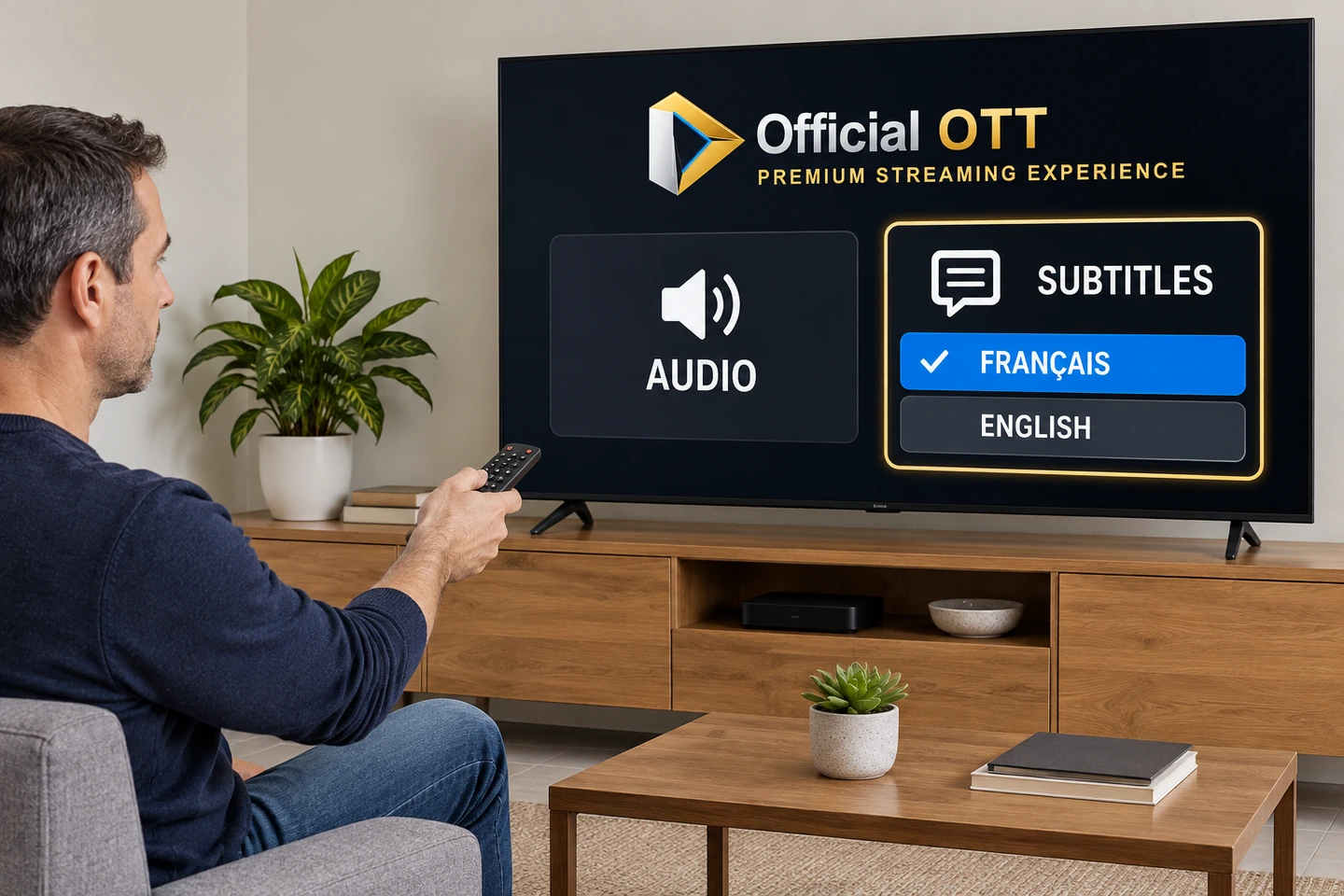
For videos purchased or rented from Google, Google TV help explains where to inspect listed languages and how to access Subtitles and audio during playback. For another subscription service, Google directs viewers to that provider. Do not apply the purchase procedure to every installed app. See Google TV language options.
Google also documents subtitle preferences under Settings → Accessibility → Captions, while warning that some apps may not use them. See Google TV accessibility settings.
If playback does not change, record which layer you adjusted: the system or the app. That observation alone is not evidence of a faulty television or remote.
9. ICI TOU.TV: enabling captions is not selecting translation
On a computer, Radio-Canada explains how to open the player’s caption control and enable it. Its mobile procedure uses settings during playback. Consult ICI TOU.TV instructions for the relevant device.
Radio-Canada also notes that some foreign acquisitions intended solely for digital distribution can lack captions because of rights. This does not promise English translations for every programme. See its explanation of web caption availability.
Before bilingual viewing, inspect the text language on the episode you actually intend to watch. An enable switch answers whether captions should appear; it does not establish that a particular translation is offered.
10. Live TV, catch-up and programme listings
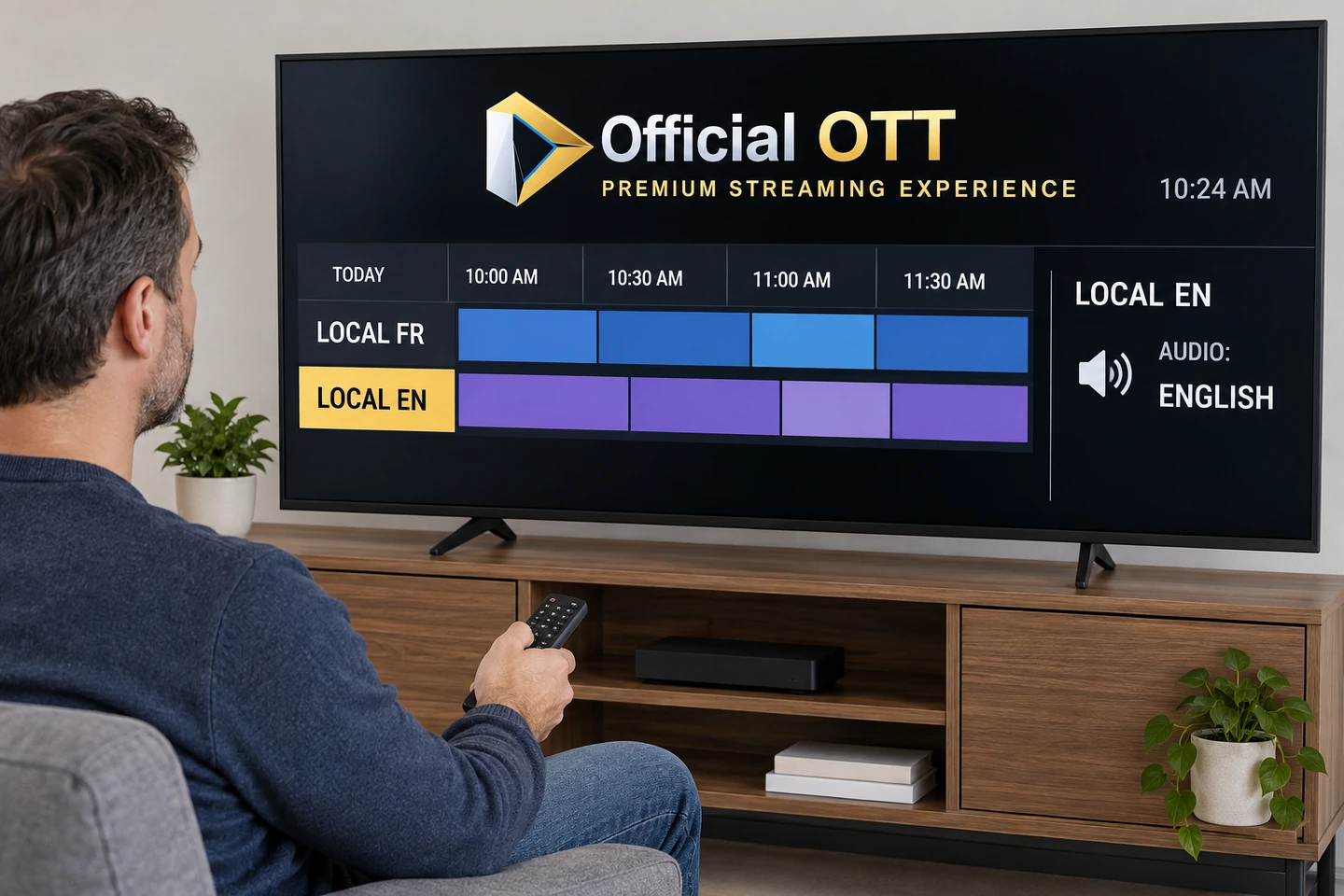
For live television, record the exact channel and its regional version when identified. Then inspect the tracks offered by the feed you opened. A French description in the programme guide is something to compare against playback, not sufficient evidence of French audio.
Repeat your observations in catch-up if that is how you intend to watch. Do not automatically transfer a live result to an on-demand version. Retaining the viewing mode and observation time makes differences easier to explain to support.
If the issue concerns the listed programme, channel association or time, use the EPG troubleshooting guide. Changing a time zone is not a method for obtaining a different soundtrack.
11. Translation, captions and automatic assistance
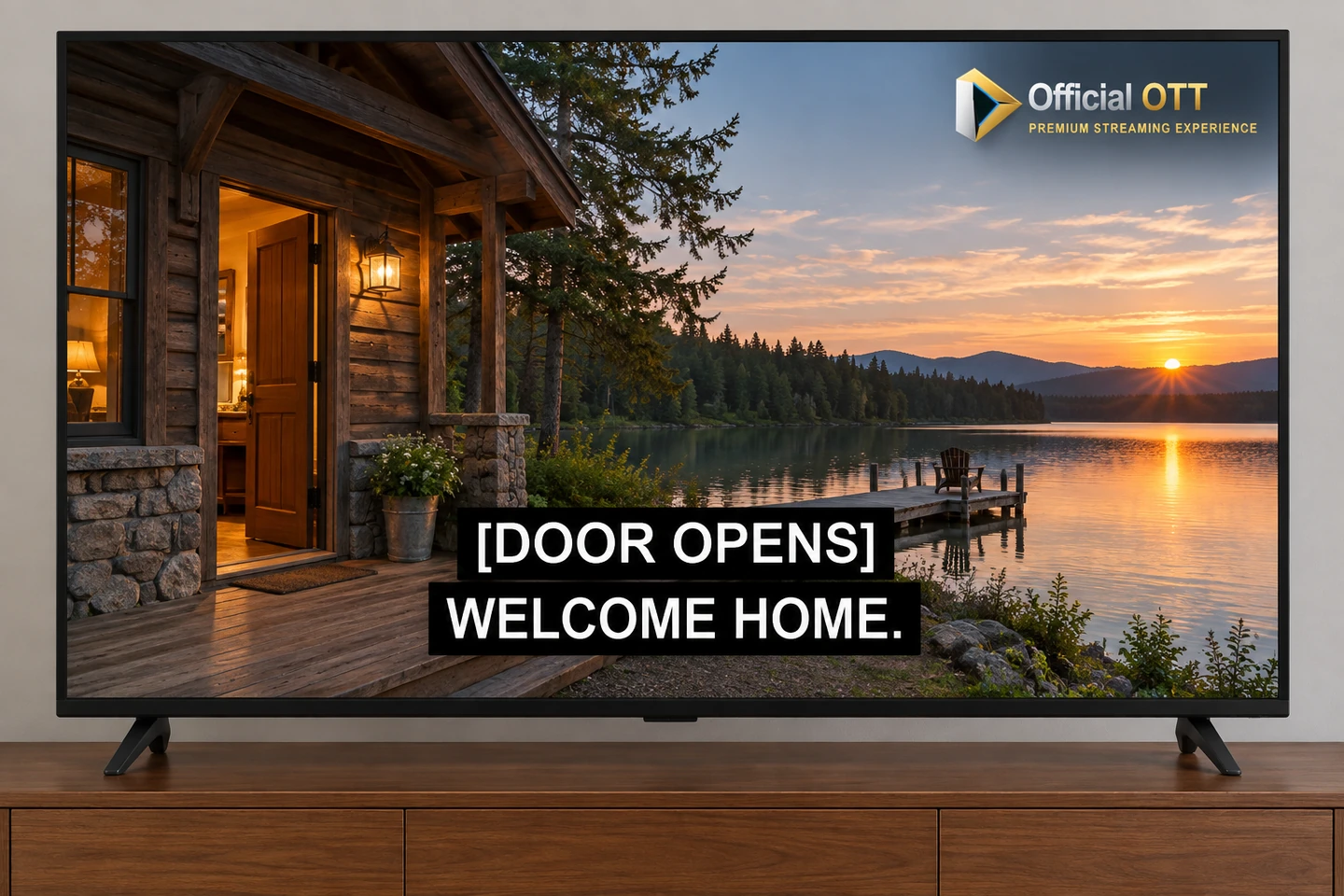
Describe what the viewer needs: dialogue translated into another language, text that also communicates sounds, or an audio track describing action. Do not choose an option only because its abbreviation resembles one in another player. Read the label and check a suitable excerpt.
If you use an automatic aid, identify it that way in your notes. YouTube explains that automatic captions can contain errors related to pronunciation, accents and background noise. That guidance applies to YouTube; it does not certify another device’s feature. See YouTube’s stated limitations.
To assess readability, sit at the normal viewing distance and examine text over both bright and dark scenes. Check whether it obscures useful information. Ask the person who needs the captions: a display that works for you may not work for someone else.
12. Verify the result and prepare a useful support request
Copy this worksheet into your notes. It requires neither a television reset nor disclosure of account credentials.
| Field | What to record |
|---|---|
| Content | Title, season, episode or exact channel |
| Context | Live, catch-up, online or downloaded; observation date |
| Device | Model, app and known version |
| Preference | Desired audio and subtitles separately |
| Observation | Available options, selection and actual result |
| Follow-up | What happens on resume and with the next item |
Three fictional examples show the method. Camille keeps French menus while choosing an available English soundtrack and French subtitles for a film. Alex finds a track on a tablet but not on the television, so records versions and the same episode before seeking help. Sam finds the text too small and checks a more readable display from the usual chair without changing network settings.
Tell support what you wanted, what was offered and what happened. If useful, attach a track-menu screenshot with account information removed. Include actions already tried and the original setting. A password is never needed to describe a missing subtitle option.
13. Frequently asked questions
Is setting the television to French enough?
No. Also inspect the programme’s choices within the app you use.
Can I listen in English and read French subtitles?
Check that the combination is offered for the content and player concerned. Do not assume universal availability.
Does a French profile guarantee every French dub?
No. A preference and a content option are separate things.
Should I change subscriptions when a track is missing?
Check the exact title and the service’s available options first. Spending does not replace confirmation.
Is the procedure identical on every TV?
No. Identify the device, app and viewing context together.
Why might a French programme listing differ from the audio?
Compare the opened feed against the listing. Record the channel and available playback tracks.
Must I accept captions that are difficult to read?
Inspect available settings and check them with the person concerned. Describe any unmet need to support.
Does this guide confirm an OfficialOTT package’s languages?
No. It provides a verification method, not a catalogue or commercial commitment.
14. Conclusion
A bilingual household benefits from choosing a specific viewing combination instead of a single television language. Separate menus, audio, subtitles and programme information. Inspect the real title’s options, adjust the appropriate setting and verify the result with the people who will watch.
If an option is missing, preserve useful observations. A documented request helps distinguish limited availability from a playback issue without changing everything or buying replacement hardware on speculation.
Scope and limits of this guide
The household matrix, troubleshooting sequence and observation worksheet are editorial synthesis. No purchases, customer-account tests or hardware trials were performed for this guide. It does not measure catalogues or guarantee a translation, dub or track. Menus change: if your screen differs, use the service’s current help and retain your observations.
15. Method and sources
Primary documentation consulted September 27, 2026: three Netflix help pages, the Apple TV app controls guide, two Google TV pages, two Radio-Canada pages and YouTube help on automatic captions. Links accompany the relevant procedures or claims. Linked source pages are in French, and the procedures above are our English adaptation.
Editorial update and further reading: