

1. Quick answer: which Wi-Fi should you choose?
Keep Wi‑Fi 6 if playback is stable. Consider Wi‑Fi 6E to use 6 GHz with a compatible router and clients. Consider Wi‑Fi 7 when its features, such as multi-link operation (MLO), meet a measured need and are supported at both ends. In Canada, check the local hardware variant, coverage and ports before replacing your network.
2. Introduction: choose for your household
Before choosing a Wi-Fi generation, check household devices, rooms to cover and the connection between access points. Compare playback in the same location, with the same device and at normal usage times. Use measurements to decide whether the problem comes from placement, the wired network, compatibility or a real need for replacement.
Wi‑Fi 6, Wi‑Fi 6E, and Wi‑Fi 7 are often marketed as three speeds to buy. They are better understood as generations and operating options. Wi‑Fi 6 improves network efficiency, particularly when devices share airtime. Wi‑Fi 6E extends Wi‑Fi 6 operation into 6 GHz. Wi‑Fi 7 continues the evolution with multi-link operation, channels up to 320 MHz in compatible conditions, denser modulation, and more flexible use of spectrum. None guarantees a sharper picture or uninterrupted playback on its own.
3. Key takeaways
- Wi‑Fi 6E extends Wi‑Fi 6 to 6 GHz; it is not another name for Wi‑Fi 7.
- An older television does not gain the new router’s client features.
- Placement, walls and backhaul can matter more than the generation.
- Compare Ethernet and Wi‑Fi at the point of use before buying.
- Check bands, ports, the Canadian variant and the update policy.
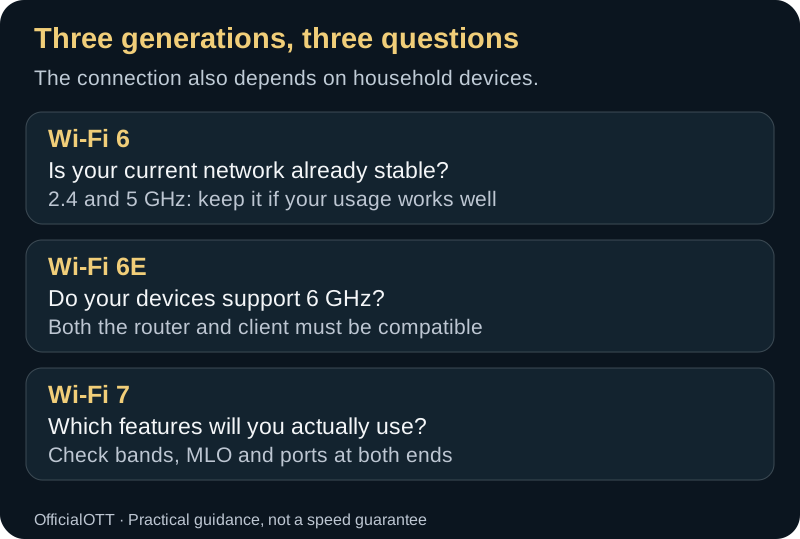
Is your current network already stable?
2.4 and 5 GHz: keep it if your usage works wellDo your devices support 6 GHz?
Both the router and client must be compatibleWhich features will you actually use?
Check bands, MLO and ports at both ends4. What Wi‑Fi 6, 6E, and 7 actually mean
Wi‑Fi 6
Wi‑Fi 6 is the generation based on IEEE 802.11ax. It operates in the established 2.4 and 5 GHz Wi‑Fi bands. Its mechanisms target overall efficiency as well as peak rate: finer resource sharing, multi-user transmission, and improved coordination in dense environments. A legacy client may connect through backward compatibility, but it does not gain Wi‑Fi 6 capabilities merely because the access point has them.
Wi‑Fi 6E
The “E” means an extension into 6 GHz. It is not IEEE 802.11be and it is not Wi‑Fi 7. A 6E router commonly provides 2.4, 5, and 6 GHz, while only compatible 6E and 7 clients can use the 6 GHz band. That band supplies more available spectrum and excludes very old Wi‑Fi clients, but useful range through obstacles is generally shorter than 2.4 GHz.
Wi‑Fi 7
Wi‑Fi 7 is associated with IEEE 802.11be-2024, Extremely High Throughput. IEEE describes at least one operating mode capable of a maximum MAC service access point throughput of 30 Gbit/s and improvements to worst-case latency and jitter. Those are standard capabilities and design objectives, not promised household speed. Available features depend on the access point, client, channel width, radio streams, firmware, and local rules.
| Generation | Possible bands | Distinctive capability | Practical limit |
|---|---|---|---|
| Wi‑Fi 6 | 2.4 and 5 GHz | Multi-device efficiency | No 6 GHz access |
| Wi‑Fi 6E | 2.4, 5, and 6 GHz | Wi‑Fi 6 in 6 GHz | 6E/7 client needed for 6 GHz |
| Wi‑Fi 7 | 2.4, 5, and 6 GHz by device | MLO, wider channels, flexible spectrum use | Both endpoints determine features |
5. Understand 2.4, 5, and 6 GHz
2.4 GHz: reach and compatibility
This band generally crosses some obstacles better and reaches farther clients. It has less Wi‑Fi spectrum and shares the environment with many products. It can suit low-demand devices, but dense neighbourhoods may make it busy. A distant TV may be steadier on 2.4 GHz than on 5 or 6 GHz even at a lower peak rate.
5 GHz: the common balance
Five gigahertz offers more channels and capacity than 2.4 GHz but loses more strength through walls and floors. It is often the best balance for a television in the same room or a few rooms away. Some channels must coexist with radar systems; an automatic channel move can be normal behaviour.
6 GHz: newer spectrum and shorter practical distances
ISED permits licence-exempt RLAN use in Canada from 5925 to 7125 MHz under technical conditions. Classes include low-power indoor equipment, very-low-power devices, and standard-power systems under automated frequency coordination. A certified home router applies the relevant operating conditions. Users should not import non-compliant equipment or bypass regional limits.
Six gigahertz can provide a cleaner environment and wider channels, but frequency does not make walls easier to cross. In a different room or on another floor, 5 GHz may produce a better link. Measure at the point of use.
6. Features that matter beyond the box number
OFDMA
Orthogonal frequency-division multiple access divides radio resources to serve multiple devices more efficiently. The advantage is most visible on a busy network. It does not automatically multiply the speed of one television, and benefits depend on compatible clients.
MU‑MIMO
Multi-user transmissions allow an access point to communicate with multiple clients in compatible conditions. The antenna or stream count advertised for the router is not necessarily the count supported by the television.
BSS colouring
Wi‑Fi 6 can better distinguish neighbouring networks and reuse airtime when conditions allow. This helps in dense housing but cannot remove all interference or compensate for a poor physical design.
Target Wake Time
Scheduled activity can help compatible battery devices. A plugged-in television gains less direct energy benefit, but a home with many supported connected devices may use airtime more deliberately.
Multi-Link Operation
Wi‑Fi 7 MLO can use or coordinate multiple links and bands, depending on capabilities and implementation. It can target higher throughput, lower delay, or improved reliability. A client labelled Wi‑Fi 7 does not necessarily implement every MLO form. Check certification and manufacturer notes for the exact model.
320 MHz channels and puncturing
Wi‑Fi 7 includes channels up to 320 MHz where spectrum and rules permit. A very wide channel can provide high throughput at short range, but occupies more spectrum and can be harder to place in a busy environment. Preamble puncturing can avoid disrupted portions instead of discarding an entire wide channel. For a video stream using tens of megabits per second, consistency often matters more than maximum width.
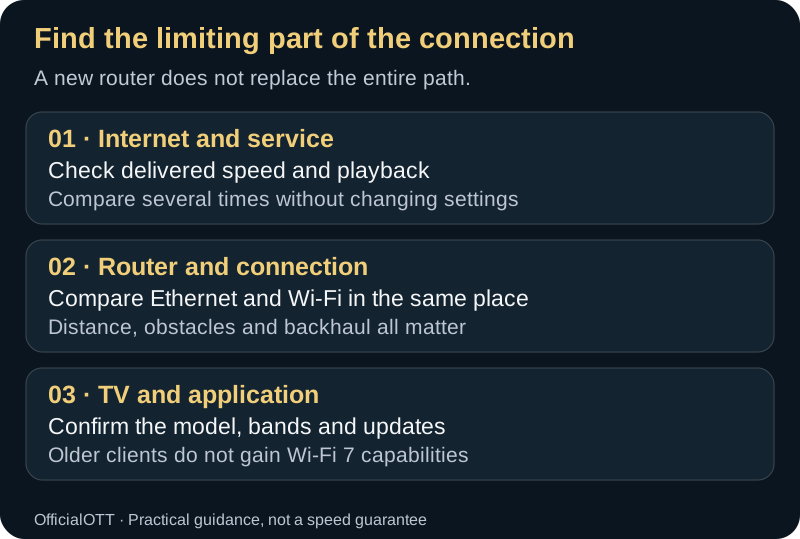
Check delivered speed and playback
Compare several times without changing settingsCompare Ethernet and Wi-Fi in the same place
Distance, obstacles and backhaul all matterConfirm the model, bands and updates
Older clients do not gain Wi-Fi 7 capabilities7. What the generations change for streaming
A 4K stream generally does not require hundreds of megabits continuously. The value of a newer network is more often headroom, simultaneous-device management, signal quality, and consistency. Wi‑Fi 6 can already support several screens when designed well. 6E can move recent clients into 6 GHz. Wi‑Fi 7 becomes compelling when a compatible client actually uses MLO or wider channels and the wired network, internet access, and server are not the bottlenecks.
Display resolution does not determine the Wi‑Fi generation. An 8K television may play heavily compressed content, while a local backup can demand far more throughput. Use the platform’s current requirements and test concurrent household demand.
8. Verify end-to-end compatibility

- Access point: generation, bands, widths, ports, and firmware.
- Client: supported standard, bands, spatial streams, operating system, and driver.
- Security: a common secure mode for essential clients.
- Wired network: gateway, router, node, and switch port rates.
- Internet access: actual delivery; Wi‑Fi cannot exceed the source during an internet test.
- Application: bitrate guidance, endpoints, and service status.
A Wi‑Fi 7 access point connected through a one-gigabit port cannot deliver several internet gigabits through that port. A Wi‑Fi 5 television does not become Wi‑Fi 7. The new router may still improve coverage or whole-network management, which must be evaluated separately.
Before buying: check 6 GHz, not only the number 7
Two Wi‑Fi 7 routers can support different bands and features. If you want 6 GHz, confirm that band on both the router and the television, streaming box or computer. Then check the required operating system, firmware and drivers. A generation label does not verify the entire connection.
Compare Ethernet and Wi‑Fi playback on the same device before changing equipment. Continue with the buffering troubleshooting guide and the Internet for streaming guide.
Compatibility reference: Intel — requirements for using 6 GHz. Computer requirements do not automatically apply to televisions.
9. Decide whether an upgrade is justified
| Situation | Reasonable choice | Reason |
|---|---|---|
| Stable Wi‑Fi 6 and mostly older clients | Keep it | Little immediate value |
| Dense building and nearby 6E clients | Evaluate 6E | Potentially cleaner 6 GHz spectrum |
| New network, Wi‑Fi 7 clients, fast local transfers | Compare Wi‑Fi 7 | MLO and future capacity may help |
| Dead zones across floors | Redesign placement/mesh | Generation alone does not fix coverage |
| One fixed television | Test Ethernet | Stable and often economical |
Compare total cost: router, nodes, adapters, switch, wiring, and subscriptions for optional features. Check the stated update period. Supported, well-placed hardware can be more durable than a high-rate product with no clear maintenance policy.
10. Placement and dwelling design
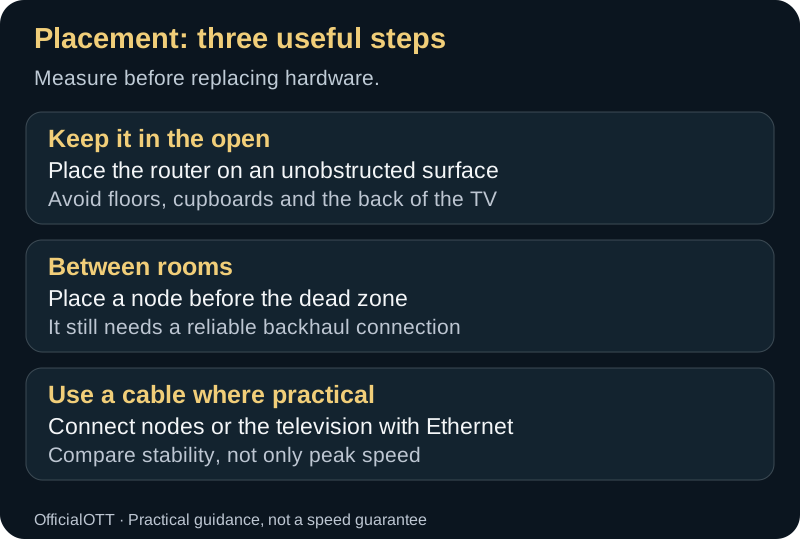
Place the router on an unobstructed surface
Avoid floors, cupboards and the back of the TVPlace a node before the dead zone
It still needs a reliable backhaul connectionConnect nodes or the television with Ethernet
Compare stability, not only peak speedPlace the access point in the open, elevated, and near the centre of use. Avoid floors, cupboards, metal surfaces, the immediate back of a television, large appliances, and an extreme end of the dwelling. Internal antennas have a designed geometry; use the manufacturer’s intended orientation rather than placing the unit arbitrarily.
In a multi-storey home, one high-powered router is not always the best approach. Correctly connected access points can shorten radio distance. In an apartment, neighbouring-network density may matter more than floor area.
11. Mesh networks: backhaul determines the outcome
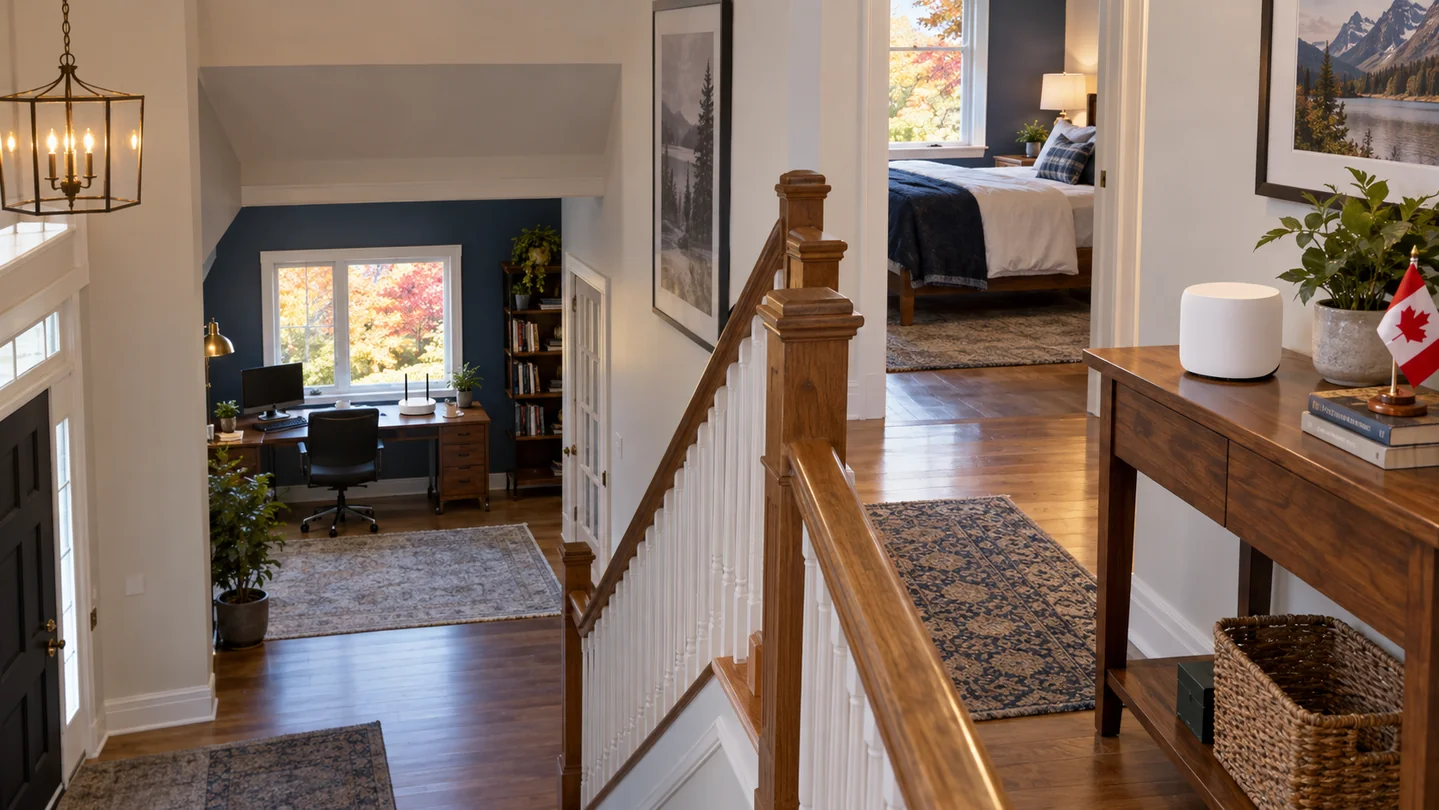
A mesh has client-facing links and a backhaul between nodes. When they share the same radio resource, usable capacity can fall. A dedicated band, compatible MLO, or Ethernet backhaul can improve results. “Tri-band” does not always describe the same architecture, so read how each band is used.
Place an intermediate node where it still receives a strong upstream signal. A node inside the dead zone cannot manufacture a good backhaul. Begin with the minimum node count and measure before adding more. Too many access points can create overlap and less predictable roaming decisions.
12. Channel width and selection
Wider channels increase potential physical rate but occupy more spectrum. A conservative width in 2.4 GHz often reduces overlap. In 5 and 6 GHz, 80 or 160 MHz may be useful depending on density; 320 MHz applies to compatible Wi‑Fi 7 in 6 GHz. Maximum width should not be an automatic setting.
Begin with automatic channel selection. When a reproducible issue exists, record channel, width, time, and neighbouring-network conditions before changing. In 5 GHz, radar-detection requirements can trigger a move. Circumventing regulatory requirements is not a fix.
13. Security and legacy clients
Use the newest secure mode that all essential clients correctly support, with a long, unique passphrase. Six-gigahertz configurations rely on modern security requirements. A legacy client that cannot join should remain on a compatible band rather than weakening the entire network. A separate legacy or IoT network may help if the router isolates it properly and continues receiving updates.
- Replace default administrator credentials.
- Disable unnecessary remote administration.
- Install official firmware.
- Review connected devices.
- Do not share screenshots containing passwords, public IP addresses, or recovery codes.
- Keep a protected configuration record before material changes.
14. A repeatable Wi‑Fi comparison protocol

- Set a control. Measure over Ethernet near the gateway.
- Select three locations. At the router, at the TV, and at the hardest location.
- Keep the same client. Use one device compatible with the compared bands.
- Repeat. Three measurements per location, morning and evening.
- Load the network. Run normal concurrent uses.
- Observe playback. Start time, interruptions, quality drops, and live response.
- Change one variable. Band, placement, or width—not all at once.
Record usable throughput, latency, variation, loss, signal level when available, and access-point transitions. Median and consistency matter more than one record result.
15. Common mistakes
Buying Wi‑Fi 7 for a Wi‑Fi 5 television
The access point remains backward-compatible, but the TV uses its own generation. Any benefit comes from overall architecture rather than transforming the client.
Forcing 6 GHz through several walls
The spectrum may be clean while the signal is too weak. Compare 5 GHz or move an access point closer.
Confusing link rate with internet speed
The system’s displayed number is a negotiated physical-layer rate. Application throughput is lower, and the internet service may be lower again.
Adding too many nodes
More is not always better. Measure coverage and backhaul before each addition.
Resetting before diagnosing
A reset removes evidence and settings. Begin with reversible comparisons.
16. Frequently asked questions
Is Wi‑Fi 6E newer than Wi‑Fi 6?
It extends Wi‑Fi 6 into 6 GHz. Its main distinction is access to that band with compatible clients.
Does Wi‑Fi 7 improve slow internet?
It can improve the internal network but cannot create provider capacity. Compare Ethernet at the entry point with Wi‑Fi at the television.
Do I need 320 MHz for 4K?
No. A 4K video generally uses much less capacity. Stability and signal quality matter more.
Should bands have separate names?
A common name supports automatic steering; separate names simplify testing and some fixed-client configurations. The right approach depends on the router and clients. Document any separation.
Is Ethernet still useful with Wi‑Fi 7?
Yes. It offers a predictable fixed-device connection and an excellent diagnostic control.
17. Concrete selection scenarios

Small apartment with a 100 Mbps internet plan
A well-placed Wi‑Fi 6 router can comfortably support several streams. If neighbouring 5 GHz networks are busy and the primary clients support 6E, 6 GHz may provide cleaner short-range operation. Wi‑Fi 7 is not required merely because it is available.
Two-storey home with dead zones
Locate the limit first. If Ethernet at the gateway is strong but the upper floor is weak, architecture is the priority: an access point, a mesh with sound backhaul, or wiring. Replacing the central router with a newer model in the same poor location can leave the dead zone unchanged.
Remote work, gaming, and several screens
Wi‑Fi 6 already manages multiple clients efficiently, while 6E or 7 can move recent devices into 6 GHz. Wi‑Fi 7 is relevant when MLO clients exist and loaded latency is a measured objective. Also assess internet upload and queue management.
Studio with heavy local transfers
A creator moving large files to local storage can use a wider channel and multi-gigabit ports more directly. Storage, switches, wiring, and the client must all keep pace. An internet speed test does not validate this use case.
18. Read a specification sheet without being misled
Labels such as AX3000, AXE5400, and BE19000 often add theoretical physical rates across multiple bands and streams. No single device necessarily uses the sum. Look instead for:
- Generation and operation on each band.
- Supported widths and channels available in Canada.
- Radio streams on both access point and intended clients.
- WAN and LAN port rates.
- Mesh backhaul and Ethernet-backhaul support.
- Precisely documented MLO capabilities.
- Security and guest-network behaviour.
- Update term and support policy.
A Wi‑Fi Alliance certification can confirm a tested feature set. Search the exact model and variant, not merely the product family. Firmware may enable a function after launch; do not purchase solely on an undocumented future promise.
19. The wired network can limit a fast wireless router
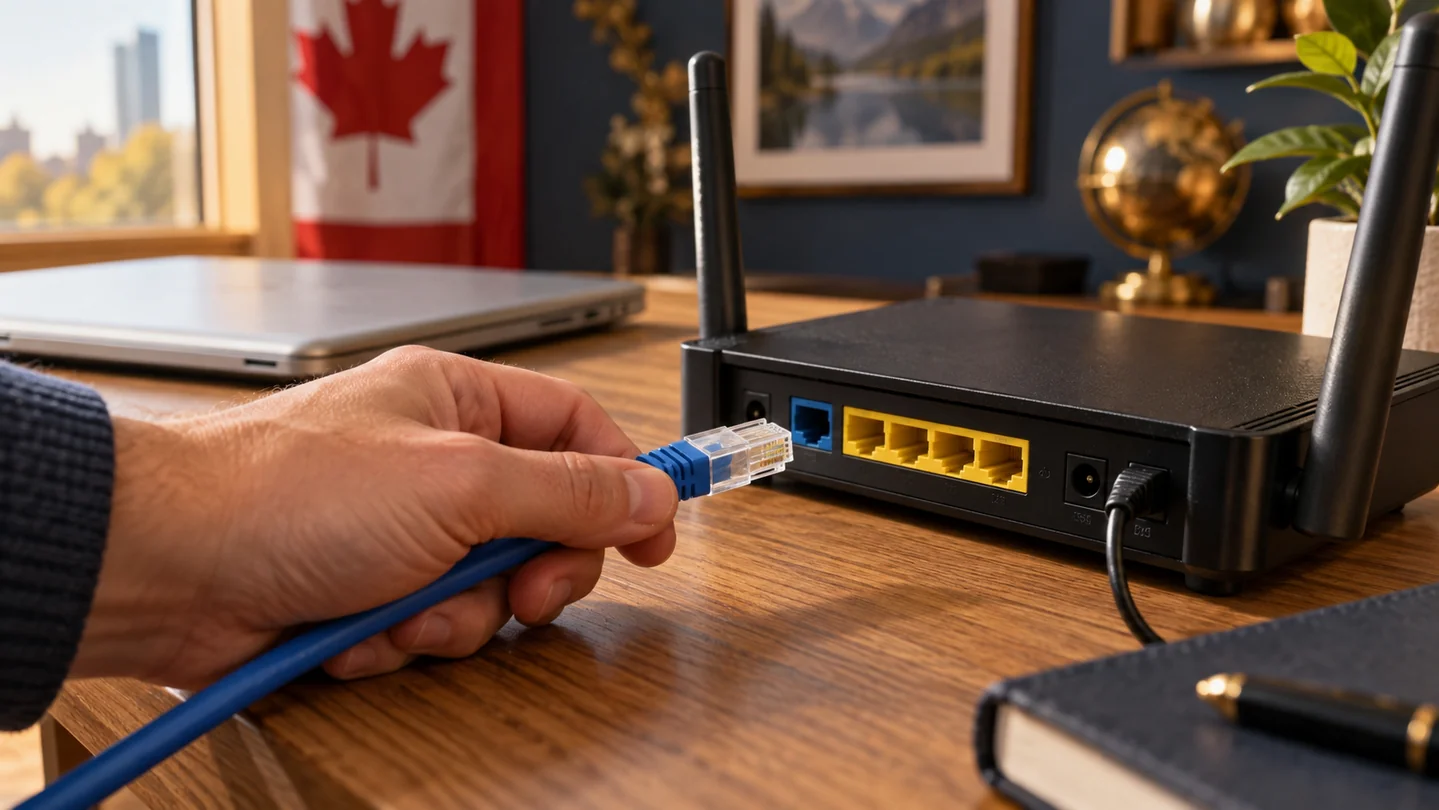
A router marketed at several gigabits may include one multi-gigabit port and slower secondary ports. When the WAN, switch, or server link is limited, Wi‑Fi cannot exceed that constraint on the path. Check cable categories, adapters, and the negotiated speed of every segment.
For Ethernet mesh backhaul, connect nodes to infrastructure that can carry the intended rate. A damaged cable can negotiate lower. Photograph and label connections before replacing hardware.
20. Roaming between access points
The client generally decides when to leave an access point. Network features can assist, but do not always force a move. A fixed device clinging to a distant node may benefit from a controlled reconnect or tuning, but aggressive thresholds can disrupt other clients. Measure before changing them.
Walk through the dwelling with a call or continuous test and note transitions. For a fixed television, the goal is a stable association with the correct access point, not frequent roaming.
21. Identify interference with authorized diagnostics
Use the router’s or operating system’s permitted diagnostics. Observe channel use, retransmissions, and changes. A scanner may not reveal non-Wi‑Fi sources such as some household devices; compare times and temporarily turn off a suspected device only when safe.
Do not arbitrarily increase power or install firmware that bypasses the country setting. Limits protect other spectrum users and incumbent services. Use equipment certified for Canada.
22. Installation procedure with rollback
- Inventory: gateway, router, nodes, switches, cables, and essential clients.
- Backup: settings, reservations, parental controls, and administrator access.
- Baseline: Ethernet and Wi‑Fi measurements before change.
- Minimum install: one router and one client before adding nodes.
- Security: update, new password, and compatible secure modes.
- Expansion: add one node, measure, then decide on the next.
- Acceptance: repeat tests at the same locations and times.
- Rollback: keep old equipment until acceptance, while protecting its stored data.
23. Durability, heat, and updates
A router operates continuously. Keep vents clear, use the intended power supply, and avoid hot surfaces. Excess heat can reduce stability or product life. Do not hide the unit for appearance if the enclosure blocks radio energy and ventilation.
Review support policy before purchase. A recent device abandoned quickly can become a security risk. Enable automatic updates when the vendor’s process is reliable, and verify essential clients, guest access, and controls after a major update.
24. Advanced features that require both ends
Marketing often names 4K QAM, multi-RU, simultaneous transmit and receive, enhanced multi-link single radio, or multiple spatial streams. These features describe radio modes. A benefit requires the client, access point, channel conditions, and firmware to select the compatible mode. The highest modulation needs a very strong signal and normally drops as distance or noise increases.
MLO itself has implementation choices. Some clients may alternate links, while others can use links concurrently under supported conditions. Review the exact certification and measured behaviour rather than assuming every Wi‑Fi 7 device is equivalent.
25. When the internet provider controls the gateway
Provider gateways may combine modem, router, telephone, and managed television functions. Bridge mode or replacement can affect support and other services. Ask the provider which configuration is supported, how to restore it, and whether its equipment continues to receive updates.
Adding a second router without planning can create double network address translation, separate device discovery domains, and confusing support results. Decide whether the provider unit, personal router, or access-point mode will perform routing. Draw the path before connecting it.
26. Final decision grid
| Question | If yes | If no |
|---|---|---|
| Is the current network unstable even when well placed? | Diagnose generation and coverage | Keep it |
| Are 6E/7 clients used near the router? | Test 6 GHz | Little immediate value |
| Does the dwelling require multiple nodes? | Plan backhaul | One access point may suffice |
| Do local transfers exceed one gigabit? | Check ports and storage | Do not pay only for peak rate |
| Will the model receive sustained updates? | Positive factor | Account for the risk |
27. Generation labels, certification, and hardware variants
A generation name does not specify every product feature. Two Wi‑Fi 7 routers can differ in radio count, supported MLO modes, channel widths, spatial streams, ports, and mesh integration. Closely named regional variants can also have different radio settings. Record the complete model, hardware revision, certification identifiers, and country of sale.
Certification confirms a defined interoperability and feature test set. It does not certify coverage in your building, provider speed, or application quality. Use certification to establish what was tested, then use repeatable household measurements to establish suitability.
28. A fifteen-minute audit before buying anything
- Count the Wi‑Fi 6, 6E, and 7 clients actually in regular use.
- Mark the gateway, television, floors, and weak locations on a simple plan.
- Compare Ethernet at the gateway with Wi‑Fi at the television.
- Record port rates on the gateway, switches, nodes, and local storage.
- Identify the dominant constraint: coverage, concurrent load, client, or internet access.
- Set one measurable acceptance target, such as uninterrupted playback for one hour under normal load.
If all clients are older, the weak location is behind several dense walls, and the current router sits in a cabinet, the newest generation is not the first correction. If several 6E or 7 clients operate nearby while 5 GHz is crowded, a new access point can have immediate value.
29. Full cost of ownership and exit planning
Compare the system rather than the router sticker. Include mesh nodes, power adapters, mounting, switches, Ethernet work, optional security subscriptions, cloud-management requirements, and replacement costs. Determine whether essential controls remain available without a paid service. A lower purchase price may not be lower over five years.
Plan the exit before installation. Know how to export or document settings, remove the router from a vendor account, erase stored configuration, and restore the provider gateway. Keep purchase and warranty records. If returning hardware, protect credentials and obtain evidence of return.
30. Choose measurement tools appropriate to the question
An internet speed test answers a different question from a local throughput test. The first includes the provider path to a selected endpoint. The second can isolate Wi‑Fi between a client and a local server. Router dashboards may add signal, negotiated rate, retransmission, channel, and access-point information. No single number provides the whole diagnosis.
Keep tool versions and test endpoints consistent. A phone and a television may have different antennas and radio capabilities, so a phone is useful for mapping but not a perfect substitute for the client. When the television cannot run diagnostics, place a comparable device beside it and confirm playback separately.
31. Create a simple household network policy
Document the main network, guest network, legacy-device network, administrator, update method, and recovery process. Avoid sharing administrator credentials broadly. When a device is sold or discarded, remove it from accounts and the router’s remembered-device list. Review access after visitors, contractors, or support sessions.
Schedule large backups when they do not interfere with important interactive work if capacity is limited. A policy should remain simple enough to follow; a highly segmented network that nobody can maintain may create more outages than it prevents.
32. Conclusion: choose using measurements
Base your choice on this guide’s comparison protocol and decision grid. Check the full connection to the playback device, keep baseline measurements and prepare a rollback before changing the configuration. A useful improvement should be visible in the household’s actual rooms and uses.
33. Scope and limits of this guide
This guide provides a general comparison and troubleshooting method. It is not a test of every router, a measurement of your home or a guarantee of range and speed. Results depend on factors including client devices, hardware, software, obstacles, backhaul and the radio environment. Check the exact model’s documentation and repeat tests in your own setup.
34. OfficialOTT verification and method
Editorial review: . This revision checks structure, cited technical guidance, internal links and metadata consistency.
Official-source checks: IEEE 802.11be definitions, Canada’s 6 GHz framework and Intel’s documented compatibility requirements.
Not tested by OfficialOTT in your home: throughput, coverage, latency or playback stability. The procedures are diagnostic recommendations, not laboratory results. Photographs are illustrations, not evidence of an exact product’s capabilities.
Editorial responsibility: OfficialOTT — team and method. To suggest a correction, contact us with the passage and its source.
36. Sources and editorial method
Primary references reviewed August 4, 2026: ISED — Canadian 6 GHz framework; ISED — RSS‑248; IEEE — 802.11‑2024; IEEE — 802.11be‑2024 amendment; IEEE 802.11 Working Group; CRTC — internet performance and reliability. Feature availability varies by certification, country, firmware, and both ends of the link.