

This guide covers a personal stay at a second home in Canada. It provides a preparation sheet and a trial you can perform yourself, rather than provider rankings or field measurements by OfficialOTT. A property offered to paying guests also needs the appropriate usage rights for those occupants.
1. Quick answer
Your cottage setup is ready when the service permits your situation, playback works on the actual screen and the available data covers your stay. A good speed test or an installed app alone does not establish that.
- Confirm the permitted location, device and simultaneous streams.
- Check service at the cottage address and its seasonal terms.
- Estimate viewing hours and reserve data for other uses.
- Try the intended programme, screen and network at the cottage.
- Keep a workable fallback and a closing checklist for the end of your stay.
If an essential point remains uncertain, reduce your dependence on live television. Do not buy a long subscription simply because you can sign in on your phone.
2. Describe the stay before choosing a setup
Record your dates, the people staying, essential programmes and devices. State whether someone will also watch at the main home. That detail changes the situation you need the service to confirm.
| Situation | Decisive question | Record to keep |
|---|---|---|
| An occasional weekend | Are this stay and device type permitted? | Dated terms or a support response |
| Several weeks each summer | Will access and data cover the whole period? | Activation dates, allowance and deadlines |
| Home and cottage used together | Are both locations and simultaneous streams allowed? | Confirmation of the exact situation |
| Cottage rented to other people | Does the offer permit these occupants and this use? | Terms of the appropriate offer |
An additional profile, a player licence and an additional connection mean different things. The multiple-connections guide explains how to count overlapping streams.
3. Check content access on the right device
Ask whether the service distinguishes your main home, a second home, temporary travel and mobile access. Name the device: phone, tablet, browser, television or streaming box. Permission to watch on a phone does not establish access to the same programme on the cottage TV.
For the Fibe TV app described in its documentation, Bell says available content and features differ at home and away. Some live viewing on the listed TV devices is restricted to home with Bell Internet. This illustrates a possible restriction, not a rule for every service. Check the applicable Bell terms, in French.
Netflix provides instructions for second homes, with steps at the main location and then the second location. Check the current instructions for your account before travelling. Do not arbitrarily change your main Netflix Household to clear an access message.
4. Confirm the cottage connection
Collect the service address, offered technology, required equipment, included data and activation procedure. If a connection is already installed, find out who holds the account and who may change its settings. The regional guide explains address-level checks.
| Possible connection | What to confirm |
|---|---|
| Fixed cottage connection | Activation date, equipment and suspension terms |
| Fixed wireless or satellite | Installation at this address, permitted location and relocation terms |
| Mobile hotspot | Tethering permission, available data, behaviour after the allowance and reception on site |
| Property owner's network | Permission, shared allowance and support contact |
Portable equipment does not by itself make a plan usable everywhere. Check pause charges and conditions for the exact offer; this guide assumes no universal free seasonal pause.
5. Convert viewing hours into a data budget
Start with the allowance remaining in the billing period, rather than the advertised monthly total. Reserve data for non-video activity, including updates, calls, work and other devices.
Theoretical usage in decimal GB = average Mbps × 0.45 × viewing hours × streams. The factor 0.45 comes from 3,600 seconds divided by 8 bits and then 1,000. Calculate streams separately when their average rates or viewing durations differ.
| Fictional example | Calculation | Video only |
|---|---|---|
| One screen, 3 hours daily for 3 days, averaging 5 Mbps | 5 × 0.45 × 9 | 20.25 GB |
| Two screens, each 2 hours daily for 7 days, averaging 5 Mbps | 5 × 0.45 × 14 × 2 | 63 GB |
| One screen, 2 hours daily for 7 days, averaging 10 Mbps | 10 × 0.45 × 14 | 63 GB |
These rates are calculation assumptions, not plan recommendations or guaranteed mappings to HD or 4K. Actual rates vary, and the estimates exclude other activity and transport overhead. Use your provider's meter to follow billed usage, allowing for any reporting delay.

6. Choose a quality setting that fits the stay
For its own playback settings, Netflix lists up to 3 GB per hour for HD and 7 GB for Ultra HD, per device. These are not universal IPTV rates. Its data-usage guidance explains the available settings; lower quality can reduce usage and picture detail.
Record your chosen setting and compare the estimate with an observation. Fictional example: 100 GB remaining, with a chosen 20 GB reserve for other activity, leaves 80 GB for video. The 63 GB scenario then leaves 17 GB of headroom. That 20 GB reserve demonstrates the calculation; it is not a recommendation for every household.
7. Prepare devices before leaving
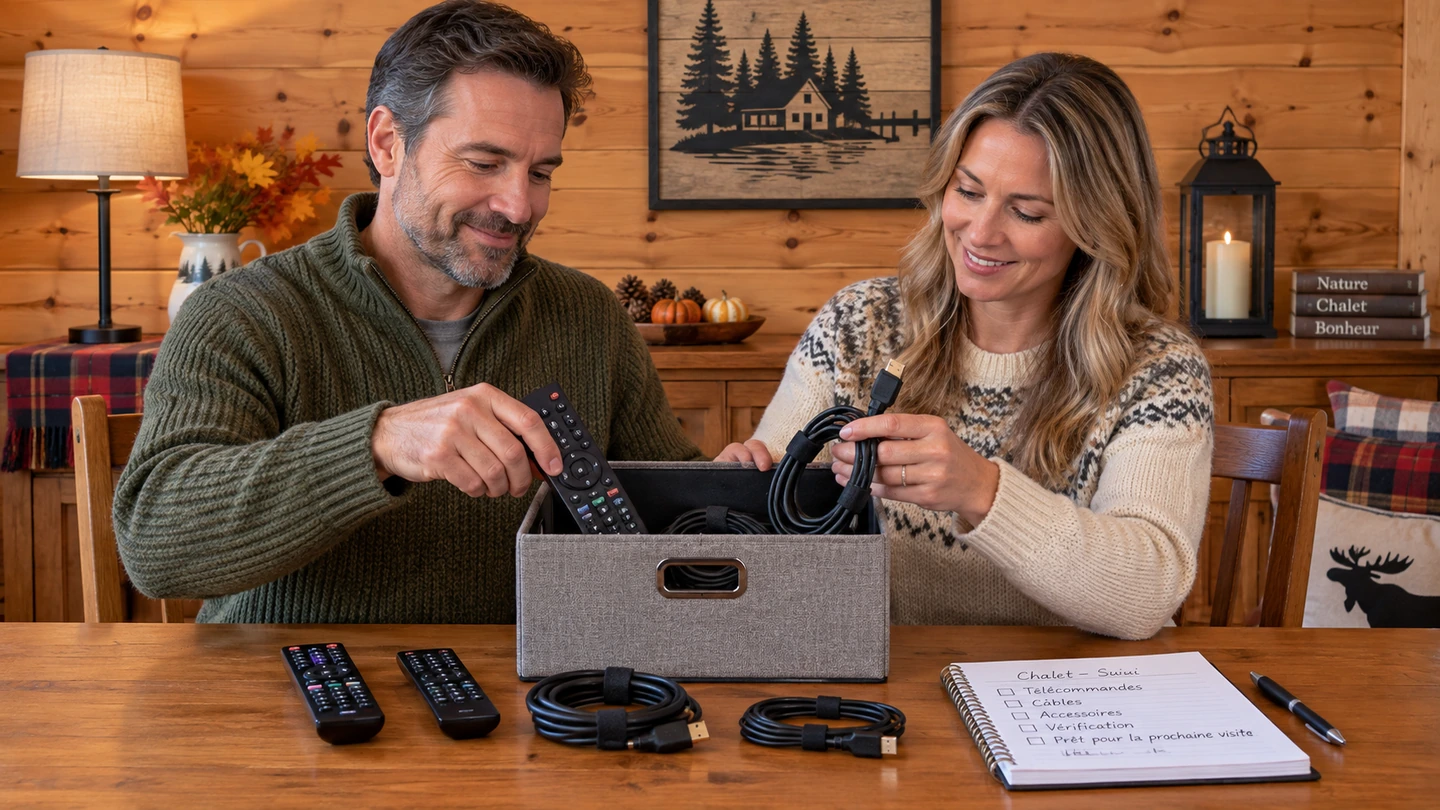
Check official app installation, updates, cables and remote controls. Prepare your usual account-recovery method without putting passwords on a shared planning sheet. Keep support details available offline.
Successful sign-in at home does not validate access at the cottage. Write down what you checked before departure and what still needs testing at the destination. Preserve original settings so you can undo a targeted change.
8. Run a trial at the cottage
First play an authorized programme on the intended screen at a time when you expect to watch. Check startup, continuity, subtitles and controls. Repeat with the normal concurrent uses, without deliberately starting downloads that would consume the allowance.
| Planning-sheet field | What to record |
|---|---|
| Date and context | Time, device, connection and concurrent uses |
| Playback | Programme, quality setting and observed duration |
| Incident | Exact message, time and effects on other devices |
| Data | Meter before/after, what it covers and known reporting delay |
| Decision | Keep the setup, adjust one factor or use the fallback |
A shared meter also counts other devices. Its change represents video alone only when other activity is controlled and reporting is sufficiently current. To separate Internet access from Wi-Fi, use the Internet for streaming guide.
9. Prepare a fallback that actually works
If your service permits downloads, prepare them on a supported device and try playback before leaving. Netflix says some titles cannot be downloaded, downloads expire and they are available on the device used to download them. Consult its offline-viewing documentation.
Do not assume a movie downloaded to a tablet can be transferred to the television or replace a live programme. For a stay without dependable access, also plan an activity that needs no Internet. Essential communications require a separate continuity plan from television.
10. Plan seasonal closing and reopening
Before a seasonal pause, record its effective date, any fees, reactivation conditions and equipment to keep or return. Save the confirmation. Check the video subscription and Internet connection separately: pausing one does not automatically pause the other.
Sign out of your personal accounts on a shared television before leaving. Do not reset the property owner's router. Before stopping Internet access or power, identify equipment that must remain active and follow its responsible person's and manufacturer's instructions.
At reopening, confirm activation, the allowance, applications and content access before declaring the setup ready. Success last summer does not establish that conditions stayed the same.
11. Decide using three criteria
| Result | Suggested decision |
|---|---|
| Permitted access, satisfactory playback, sufficient data | Keep the settings and monitor the allowance during the stay |
| Permitted access, but unstable playback or a tight allowance | Adjust one factor, reduce hours or quality, then repeat the relevant trial |
| Refused access, uncertain terms or an unusable connection | Contact support or choose an authorized fallback before paying more |
This table is an editorial decision method. It does not certify a provider or assign a cause to an incident without checking.
12. Frequently asked questions
Do two connections automatically cover home and cottage?
No. Stream counts and permitted locations are separate conditions to check.
Is my phone's hotspot sufficient?
Confirm tethering permission, available data and playback on the actual device. A test somewhere else does not validate reception at the cottage.
How many GB do I need for a weekend?
It depends on hours, actual bitrate, screens and other activity. Treat the examples as fictional calculations, then check your own usage.
Does unlimited data remove all the checks?
No. Content access, location, device and any network-management terms still need checking for your chosen offer.
Can I leave my account for guests renting the cottage?
Do not assume so. Confirm permitted usage for those occupants and remove your personal accounts from shared devices.
13. Conclusion
Prepare the cottage as a distinct place of use: confirm access terms, budget data for the stay and run a trial on the actual screen. A short planning sheet, retained between seasons and updated, is more useful than a general promise that a setup works everywhere.
14. Method, scope, limitations and sources
Sources consulted September 26, 2026. The Bell and Netflix examples describe only the cited points in their documentation. OfficialOTT has not performed cottage field measurements, checked a customer's account or qualified an address for this guide. The tables and calculations are editorial tools; numerical scenarios are fictional.
- Bell — Fibe TV app usage and restrictions, in French.
- Netflix — watching away from home.
- Netflix — data usage and settings.
- Netflix — offline downloads.
Offers, devices and terms may change. This guide does not confirm catalogue availability, a service's content rights or the compatibility of a particular installation.