
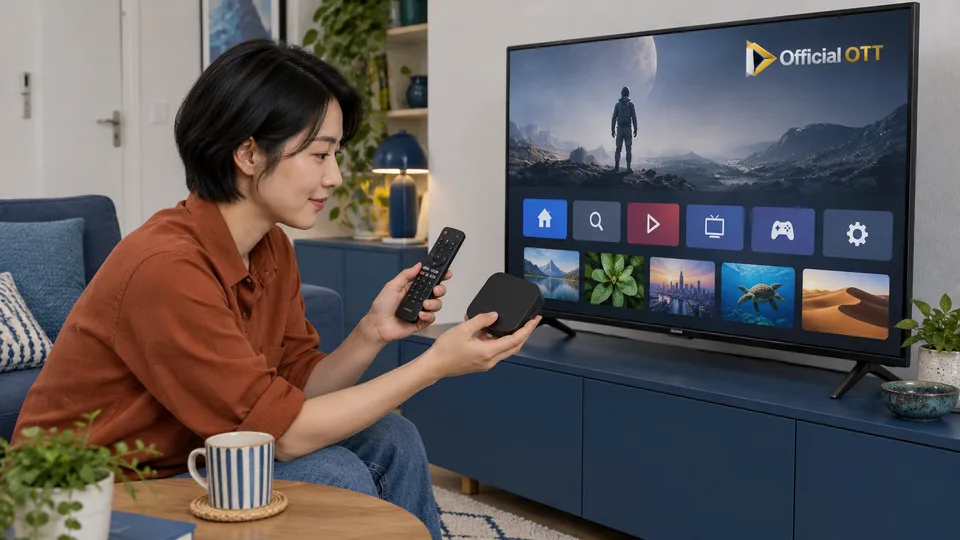
Your television already runs applications, but the one you need is missing or does not work well. Should you find another version, add a box or replace the screen? Start with the exact model and chosen service. This 2026–2027 decision process helps you assess the available routes before buying equipment, including ways to keep a satisfactory display while using a software environment that supports your needs.
1. Quick answer
Start with official support for your television. If a supported built-in application meets your needs, assess that route first. Otherwise, investigate an external device compatible with both the service and the television’s inputs.
Five key points
- Record the complete model and system version.
- Search the application store on that television.
- Check region, account and storage when installation fails.
- Compare built-in navigation with an external device.
- Choose a route the household can use independently.
- 1Identify the model
- 2Check the store
- 3Choose the route
- 4Test daily use
2. Identify the system behind the Smart TV label
Smart TV describes a connected television, not a universal application store. Record the manufacturer, full model and system shown in the device information. Keep the model year too when you know it. Two televisions from the same brand can belong to different software generations. Screen size and resolution alone do not tell you which applications will be offered or maintained on that equipment.
On the intended service’s website, look for support for the specific device family. Distinguish its television application from a mobile version or browser access. Do not assume an Android installation file can run on any connected screen. A recommendation that names neither the operating system nor supported models has not yet answered the compatibility question for your particular television.
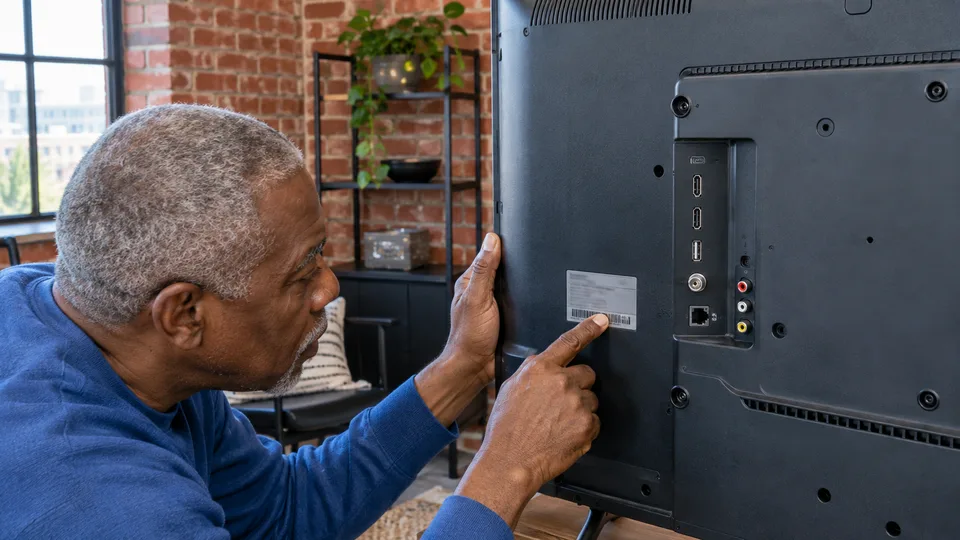
3. Assess the television’s built-in route
For compatible Samsung models, the Canadian documentation describes Smart Hub, a Samsung account and an application search. Samsung says steps vary with the model and software. Use that guidance to orient yourself, then follow the menus actually displayed. Check the publisher before installation and add a home shortcut when that option makes the application easier for your household to find.
LG’s official guidance includes account, connection, service country and available storage among installation checks. Availability also varies with model and region. For a Google TV television, follow the guidance applicable to its manufacturer and the chosen application. These environments have their own procedures: an image in a tutorial should not lead you to keep searching for a menu that your television simply does not offer.
Documentation: Samsung Canada — install an app on your television · LG — install and delete television apps
4. Distinguish missing applications from access problems
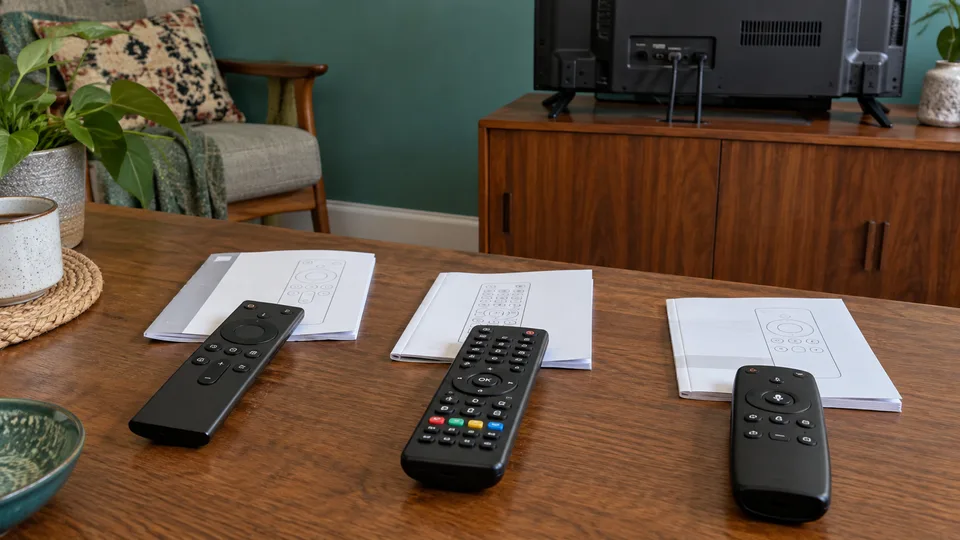
Separate three situations: an application is absent from the store, it refuses to install, or it opens but the programme is unavailable. In the first case, investigate model and regional support. In the second, read the error and manufacturer’s requirements. In the third, examine the account and service conditions. These symptoms do not all point to the same problem, so they should not trigger the same response.
Keep the configured country consistent with your actual situation. If an official update is required, follow its instructions and allow it to complete. Avoid resetting the whole television merely to recover an application no longer supported on it. Record useful settings before any procedure that would erase them, and consult support when the documentation does not establish which situation applies.
5. Choose an external device for a defined need
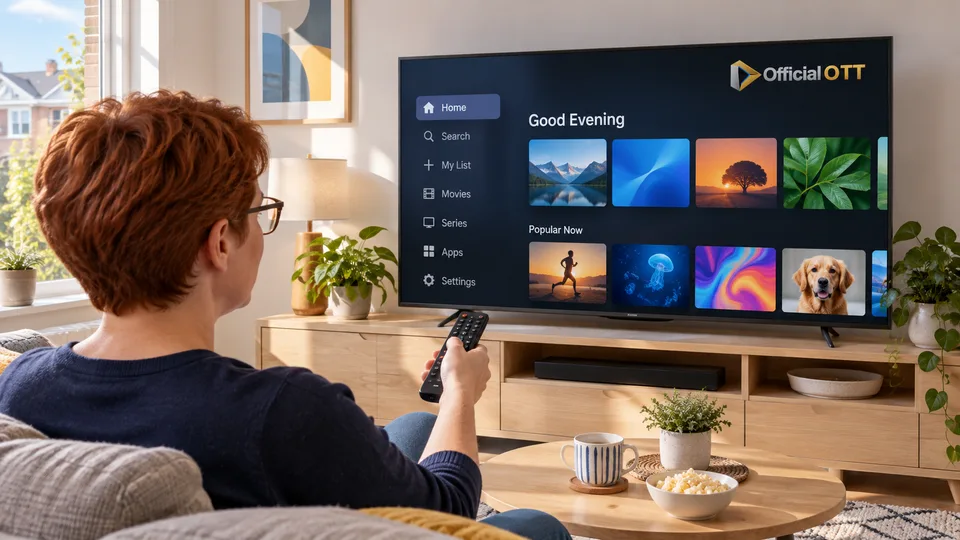
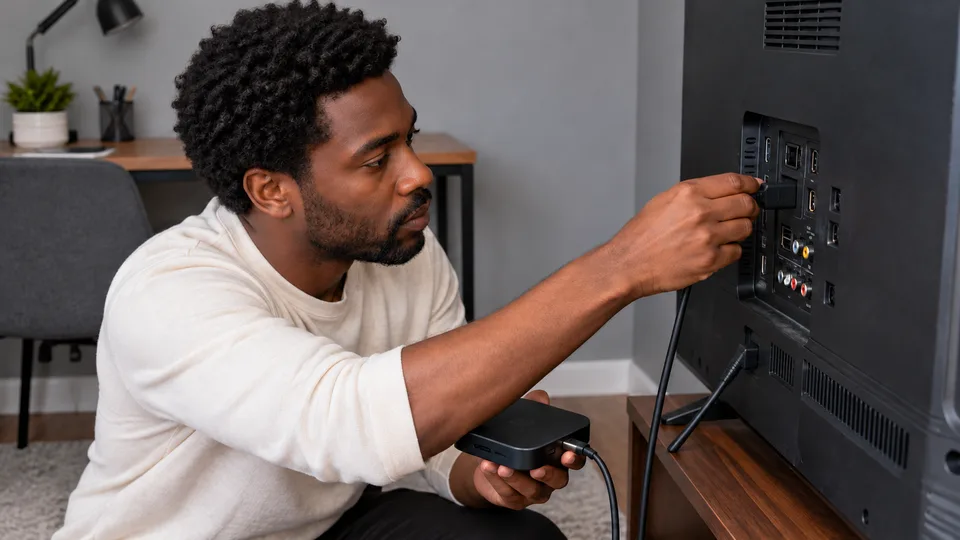
An external device supplies its own application environment while the television displays the picture. First check whether the service supports that precise box or stick, then confirm its connection works with your television. Examine the remote, power supply, network connection and required audio or video functions too. The newest device is not automatically the most suitable choice when your priority is a particular application.
Compare the everyday route: switch on, choose the input, open the application, select a profile and adjust volume. Consider the actions your household will actually perform. A setup can succeed technically while remaining frustrating because nobody knows which remote to use. Before replacing a screen whose picture you like, investigate whether a documented external-device route addresses the software limitation you have identified.
6. Check the choice during an ordinary evening
On the chosen route, play several representative items: a live channel if needed, an on-demand programme and a title with the required captions. Check returning from standby and the behaviour of the back button. These ordinary actions matter to the decision as much as seeing an application icon in the store. Record any limitations you encounter instead of assuming every feature will behave identically across devices.
Ask someone who did not perform the installation to find a programme. Improve confusing shortcuts or input names, then keep a short record of the model, chosen application and support links. If a problem appears later, those notes will help you distinguish a television change from an external-device or service change. You can then focus on the affected part rather than rebuilding the entire arrangement without a diagnosis.

7. Frequently asked questions
Must I replace the television if an application is missing?
Not necessarily. Check official support first; a supported external device may meet the need if the screen and its inputs are suitable.
Does an Android application work on every Smart TV?
No. The television’s system and the publisher’s supported application version determine the installation route.
Is a built-in app or external box better?
It depends on required services, available functions and ease of use for your household. There is no universal winner.
8. Conclusion and limitations
A 2026–2027 decision process based on the linked manufacturer guidance, not a comparative test of every television or a guarantee of future support.
9. Method and sources
Documentary research conducted on October 13 and 14, 2026 using the references below. Procedures and examples form an original editorial synthesis. Illustrated scenes and interfaces are fictional: they do not represent an OfficialOTT catalogue or establish broadcasting rights. No purchase, service trial, private-account inspection or performance measurement was conducted for this article.
Editorial update and further reading: