
A highly detailed picture is not enough for live sport. Fast movement, stream stability and the gap between the picture and notifications strongly affect the evening. The best IPTV for sport in your situation covers the events you want and remains enjoyable on your setup. This process helps compare playback quality without attributing every difference to the provider.
1. Quick answer
Test an authorized event on the TV and network you will use. Record interruptions, movement, sound and observed delay. Keep conditions the same when comparing, then change one element if a problem appears. No short trial guarantees every future live event.
Five key points
- Check game availability before technical quality.
- Resolution, smoothness and stability are separate criteria.
- Delay also depends on the delivery route and chosen reference.
- A problem limited to one TV does not justify immediately changing services.
- A representative session tells you more than a demo video.
2. Prepare a comparable trial
Choose a sport you actually watch and authorized access to the game. Use your main television, its remote and usual network. Record the model, app and connection type. If comparing two offerings, avoid testing one over Ethernet and the other over Wi-Fi at the far end of the home without noting it.
Choose a sufficiently representative period to observe camera changes, fast play and any interruptions. One successful launch has limited meaning. Respect the offering’s permitted stream count and close unnecessary tests before opening another.
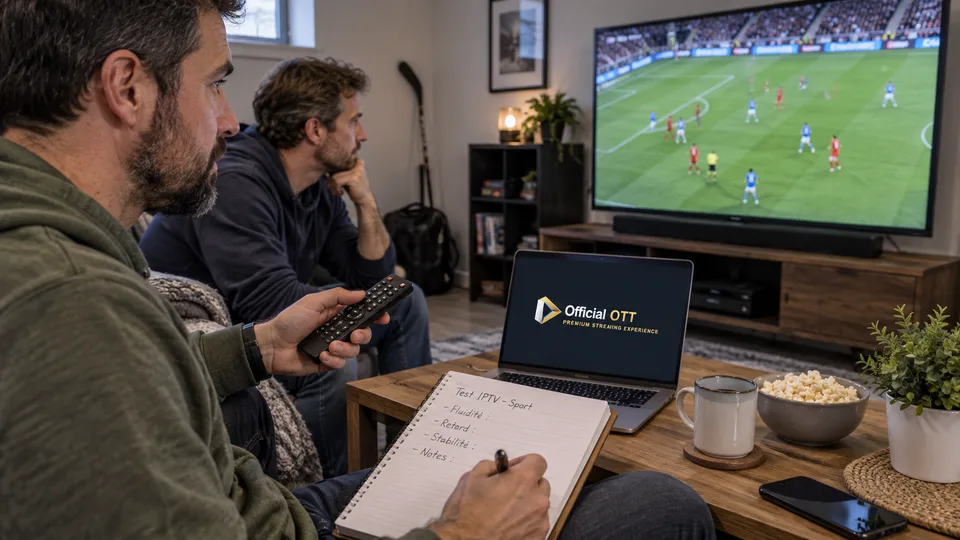
3. Observe smoothness without confusing it with resolution
Watch the ball or puck, camera pans and scoreboard text. A detailed picture can still stutter. Conversely, a less detailed picture may remain easier to follow when movement is consistent.
Player output settings and TV processing can influence the appearance. On compatible devices, manufacturers document matching frame rate to content. Do not impose a universal value on every sport and device; check the model’s procedure and compare one setting at a time.
Also note unwanted effects: artificial edges, ghosting or brightness changes. If you alter picture processing, retain its initial value and return to it when the change does not help.
Documentation: Apple — match frame rate and dynamic range to content
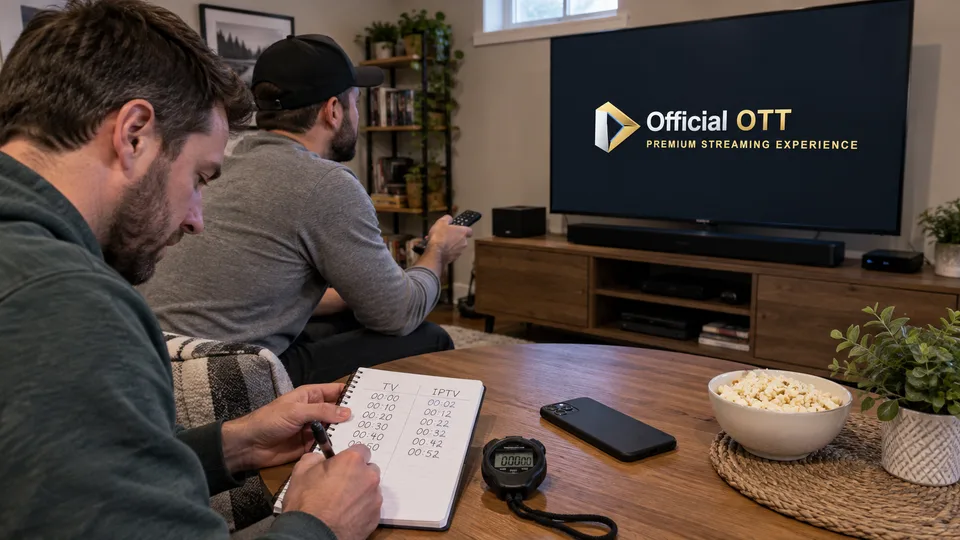
4. Measure delay against an understandable reference
Two screens can show the same event at different times without either being faulty. Transport, encoding and buffering all contribute along the route. A phone alert may arrive before the television picture and reveal the result.
For a household comparison, identify the same visible event: play restarting, a score change or an identifiable whistle. Record the approximate difference and reference source. Avoid comparing different programmes or replay with live viewing.
This measurement does not describe absolute delay from the stadium. It describes the gap between two access methods under the tested conditions. If notifications spoil the game, adjust them during viewing rather than seeking an unrealistic promise of zero delay.
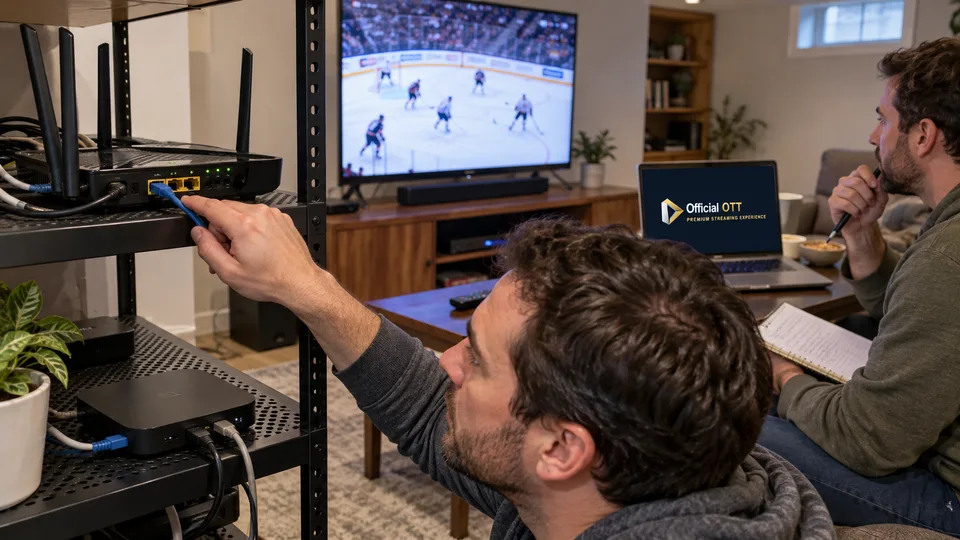
5. Separate interruptions, sound and device problems
| Symptom | Useful comparison |
|---|---|
| Repeated stops | Same device, other authorized content |
| Stutter without stops | Picture setting or another app, one variable at a time |
| Audio out of sync | TV speakers, then external system |
| Only the TV struggles | Another authorized device on the same network |
| Suspected Wi-Fi issue | Temporary Ethernet test if compatible |
Count observed interruptions and their approximate duration without inventing an overall availability rate. For sound, check whether the problem also occurs through the internal speakers. A soundbar, headphones or receiver adds a path that needs separate examination.
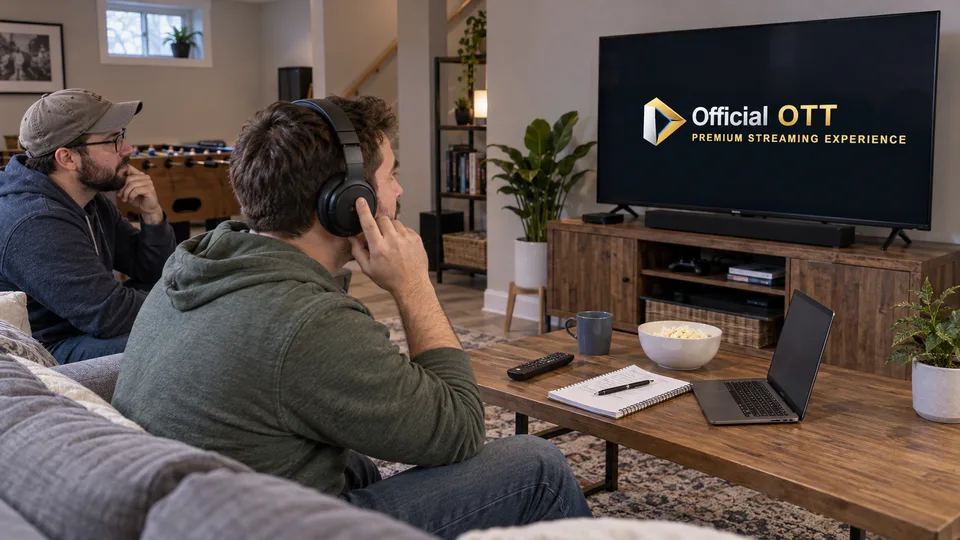
Fictional example: Hugo notices delayed dialogue only through his headphones. The same live broadcast is synchronized on the TV. This comparison points toward the headphones’ audio path; that result alone did not justify a subscription change.
Documentation: Apple — audio and video calibration · Apple — resolving playback difficulties
6. Compare results from several sessions
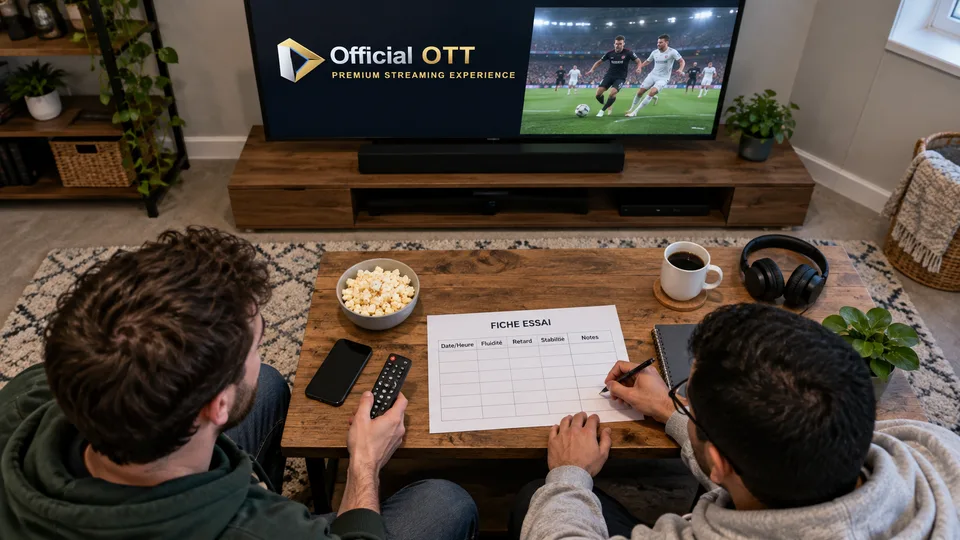
Keep a simple record: event, date, device, network, interruptions, smoothness, sound and test limitations. If possible, repeat a session during another relevant live event. Results become more useful when conditions are described, even with a modest number of tests.
Rank criteria according to your use. Someone following commentary through headphones does not have exactly the same priorities as a group watching a final on a large screen. Add sports-access terms and the cost you actually accept without letting one measurement decide everything.
Conclude with observed results and untested points. A good comparison helps explain a choice and prepare later troubleshooting. It does not turn one successful evening into a guarantee of permanent quality.
7. Frequently asked questions
Does 4K guarantee a better sports evening?
No. Stable playback, comfortable movement, suitable sound and access to the right event also matter.
Can all streaming delay be removed?
Zero delay cannot be promised generally. Compare access methods under described conditions and adjust notifications if needed.
Should I change providers after an interruption?
First determine whether the issue concerns content, an app, a device or the network. One interruption is not enough to identify the cause.
How can I compare two services without exceeding my connections?
Run trials successively if needed, keeping the same conditions and recording differences in time or event.
8. Conclusion and limitations
This is a household comparison, not a laboratory measurement or provider ranking. Actual delay from the stadium, future performance and broadcast rights are not inferred from these tests.
9. Method and sources
Documentary research completed on October 12 and 13, 2026 using the primary sources below. The procedures and examples are an original editorial synthesis. Household examples and illustrations are fictional. No purchase, service trial, private-account inspection or performance measurement was conducted for this article.
Menus, features and terms can change. Check your model documentation and the service terms when making your decision.
- Apple — match frame rate and dynamic range to content
- Apple — audio and video calibration
- Apple — resolving playback difficulties
Editorial update and further reading: