

Seeing a programme in the TV guide does not mean you can replay it tomorrow. Live viewing, pause, start-over, catch-up and recording meet different needs. Availability depends on the service, channel, programme and device. Understanding the differences avoids missing a show by relying on a function that is not included.
1. Quick answer
Check the exact function offered for the programme: temporary pause, start-over, replay in a catalogue or personal recording. Also check availability delays, retention periods and any storage requirements. A player feature does not guarantee the service provides the necessary content.
Five key points
- An EPG lists schedules, not necessarily replay access.
- Live pause may have a limit and disappear when you leave playback.
- Catch-up depends on rights and programme availability.
- Recording may be local or managed by the service.
- Test the function before an important programme.
2. Give each function a precise meaning
Live viewing follows the stream being broadcast at that moment. Pause may temporarily hold part of playback. Start-over may let you restart a programme already in progress. Replay or catch-up offers content after broadcast, under the service’s conditions.
Recording is another mechanism: it may use local storage or a remote function. The label displayed by the app is not enough to establish its scope. Consult the service’s and player’s documentation to learn what is actually available.

3. Check the programme and stated rights
Radio-Canada explains that some content is unavailable on its live web feed and that catch-up depends on the rights it holds. This example shows why live and replay access must be checked separately; it does not describe every IPTV offering.
Open the desired programme’s details and look at the functions displayed. Check language, time window and any device restrictions. An icon on another programme from the same channel does not guarantee the same option here.
| Function | Question to ask |
|---|---|
| Pause | For how long, and what happens when you leave? |
| Start-over | Which programmes support it? |
| Replay | When does it arrive and how long does it remain? |
| Recording | Where is it stored and which limits apply? |
| Download | Which devices and what possible expiry? |
Documentation: Radio-Canada — live and catch-up rights
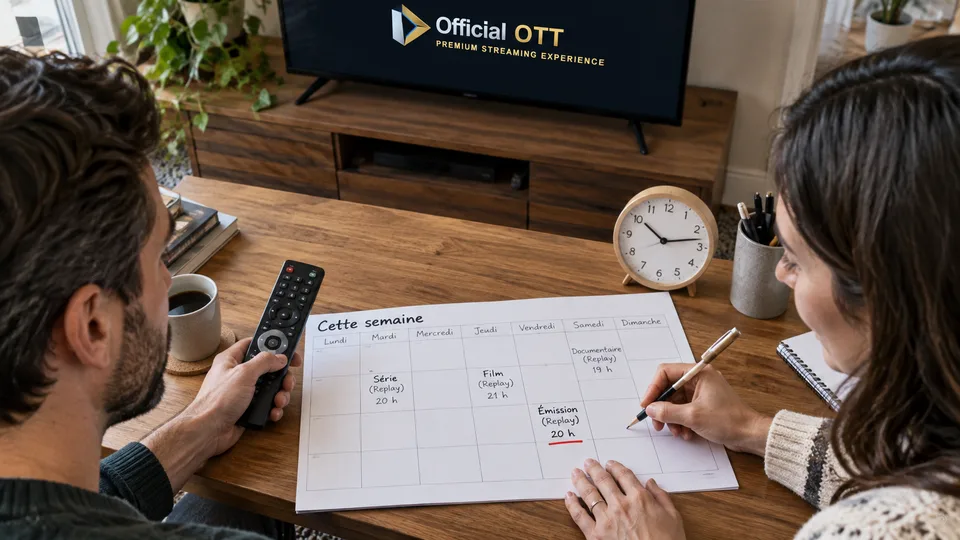
4. Understand storage rather than assuming
If recording is local, check compatible storage, free space and the manufacturer’s procedure. Do not format a drive containing your only files just to try it. If the service manages recording, check retention rules and what happens when the subscription ends.
A file visible in a list does not guarantee permanent access. Functions may depend on the offering and account. Keep only authorized content and uses; this article does not propose bypassing protection or recording a source that prohibits it.
Documentation: Bell — Fibe TV box guide · Netflix — download expiry

5. Test before an important programme
Choose a low-stakes programme and test the desired function. For pause, leave and return only if you want to check that behaviour. For replay, find the programme after broadcast. For officially offered recording, check playback at both the beginning and end.
The Fibe TV box guide, for example, describes a Replay command in its own player. That procedure belongs to that offering and equipment; it should not be copied as instructions for every IPTV app.
Fictional example: Sophie wants to watch a programme after work. The day before, she checks replay on another episode and discovers delayed availability. She adjusts her plans instead of assuming it appears immediately after the live broadcast ends.
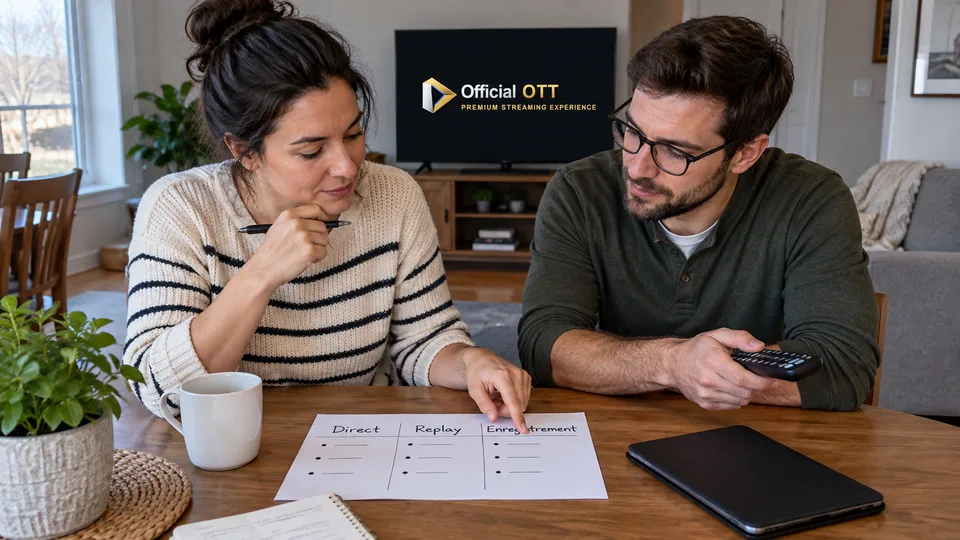
6. Choose the function that meets the need
For an interruption of a few minutes, pause may suffice. To watch later, confirm replay or recording. For travel without a connection, only an officially supported download meets that need, with its own limits.
Record the function, programme and conditions you tested. Recheck after changing players or offerings. A clear method helps you know what will still be accessible when you return to the screen.

7. Frequently asked questions
Does an EPG automatically provide replay access?
No. It may only display the schedule. The service must offer the corresponding access.
Can I leave a paused programme and resume it later?
That depends on how the app and service work. Test this behaviour before relying on it.
Is a recording always stored on my box?
No. It may be local or managed remotely, with different rules.
Do all programmes on a channel have the same functions?
Not necessarily. Check the exact programme and stated conditions.
8. Conclusion and limitations
Functions and rights vary by offering and content. Universal recording, replay or downloading is not guaranteed. Official examples are not instructions applicable to every player.
9. Method and sources
Documentary research completed on October 12 and 13, 2026 using the primary sources below. The procedures and examples are an original editorial synthesis. Household examples and illustrations are fictional. No purchase, service trial, private-account inspection or performance measurement was conducted for this article.
Menus, features and terms can change. Check your model documentation and the service terms when making your decision.
Editorial update and further reading: