
This article focuses on accounts and checkout. For cables, the room television and network preparation, follow the hotel setup guide.
Watching your programmes at a hotel depends on three separate things: the service’s rules, the property’s network and the television’s capabilities. A Wi-Fi password does not guarantee that a box can complete the connection, and your phone may not discover the TV. Preparing these points before departure avoids turning the room into a troubleshooting session.
1. Quick answer
Check travel use with the service and the connection method with the hotel. A captive portal may require an additional step. Prefer officially supported functions and, before leaving, sign out of your accounts and collect your devices.
Five key points
- Travel access depends on the service’s terms.
- A captive portal adds a step after connecting to Wi-Fi.
- Network isolation can prevent TV discovery.
- Hotel HDMI inputs may be restricted or inaccessible.
- Departure also includes removing signed-in sessions.
2. Prepare your viewing before travelling
Check the service’s travel rules, territory and permitted devices. Download offline content only if the platform offers it and under its terms. Confirm availability before leaving a known connection; a download is not necessarily permanent.
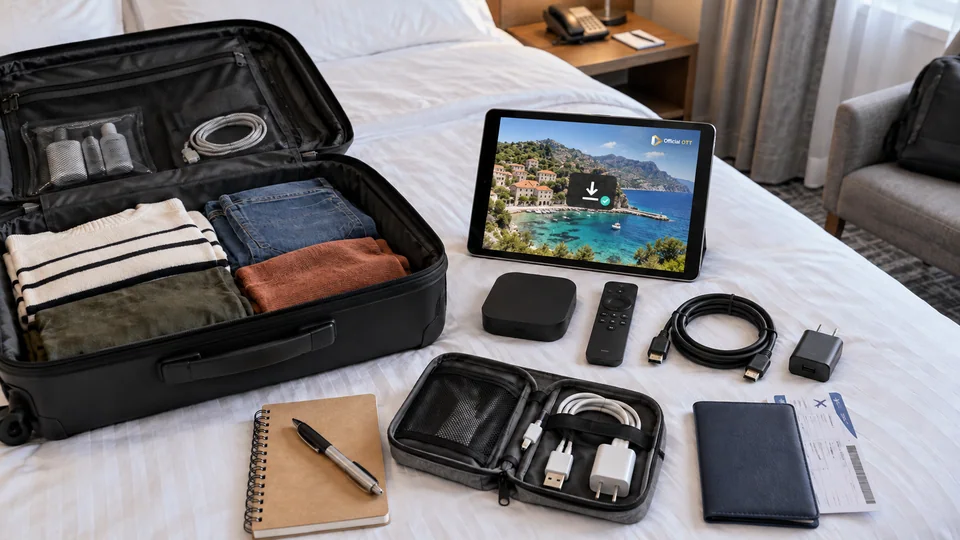
Pack the charger, remote and cables for your personal equipment. Check updates at home rather than starting them for the first time on the hotel network. Keep a secure way to recover account access without writing it on a sheet left in the room.
3. Ask how the property connects devices
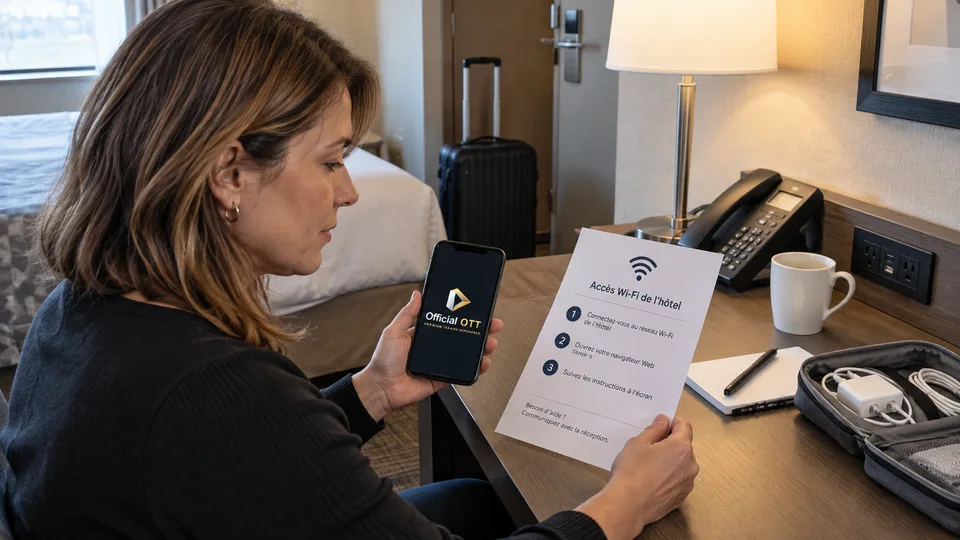
Confirm the exact network name with the hotel. After Wi-Fi connection, a captive portal may require verification, a stay code or acceptance of terms. Use the intended process; do not try to bypass network limits.
Apple describes a process for compatible, updated Apple TVs that continues captive-network sign-in on an iPhone or iPad. Other devices may work differently or not support the portal. Check the model before relying on this solution.
| Point | Confirm |
|---|---|
| Network | Official name and procedure |
| Device | Portal compatibility |
| TV | Available input and permitted use |
| Service | Authorized access at the destination |
| Departure | Account sign-out method |
Documentation: Apple — connecting to captive networks
4. Distinguish the portal from local discovery
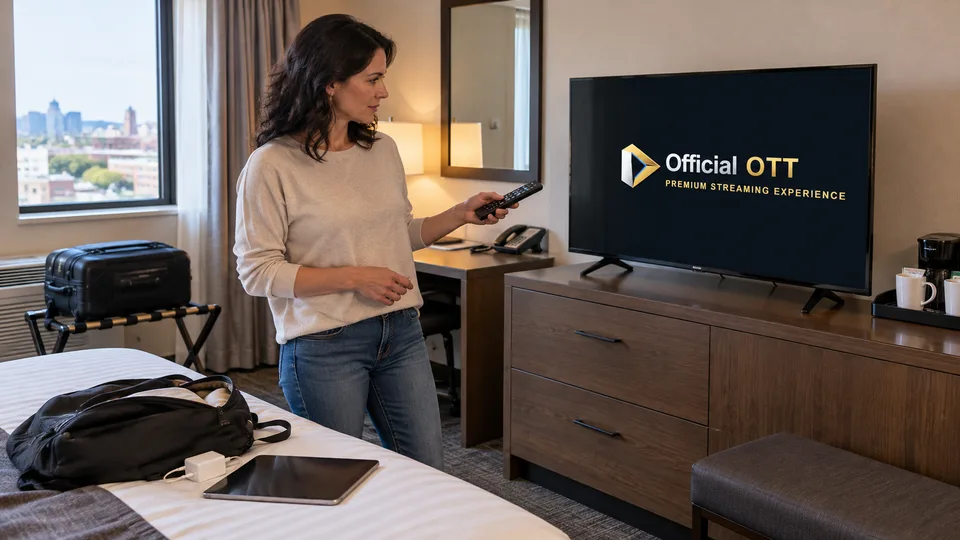
A phone can reach the Internet without being able to communicate with a receiver in the room. Google says client isolation on some hotel or public networks can prevent setup of its devices. This cannot necessarily be corrected in the streaming app.
Ask whether the property offers a casting function dedicated to the room. Check the selected device to avoid sending content to another television. Do not enter network or TV management settings without authorization.
If the available setup is unsuitable, a personal screen may remain the simpler option. There is no need to multiply changes on equipment you do not control.
Documentation: Google — limitations caused by client isolation
5. Use accounts carefully
If you sign in to an app on the hotel TV, check how to sign out before entering account details. Avoid automatic password saving when a choice is offered. Do not leave an activation code or account page displayed after viewing.
Fictional example: a traveller uses a tablet because the room network does not allow receiver discovery. The traveller keeps access on a personal device and does not need to change the network’s protections.
A mobile hotspot may be another option, but it depends on the plan, coverage and service terms. Check data use and possible charges before a long programme.

6. End the stay without leaving a session
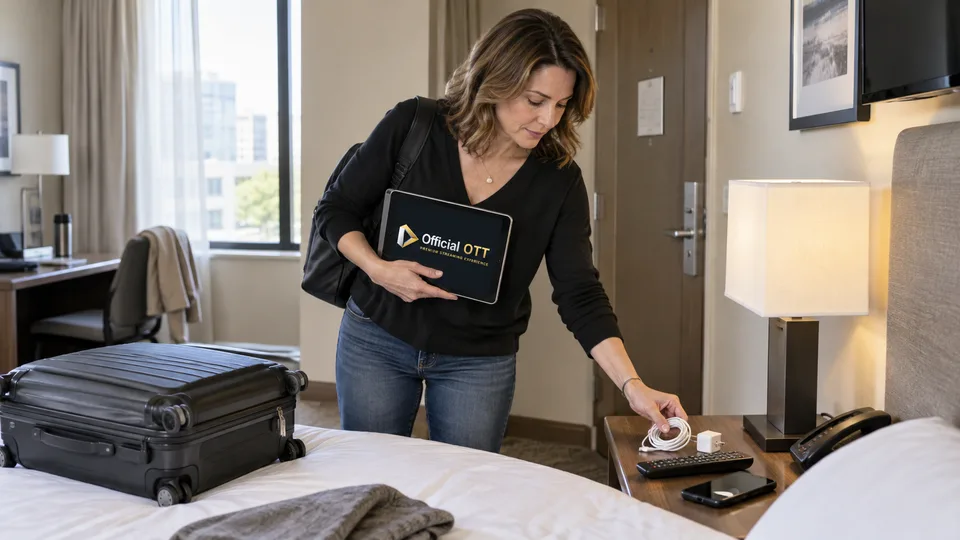
Before departure, sign out of accounts used on the TV, check the sign-in screen and remove the device in the service’s settings if that function exists. Collect personal cables, power supplies and remotes.
If you forgot a session, use official remote device-management tools and ask the property for help if needed. Good preparation includes this exit procedure from the first day, not only when returning the key.
Documentation: Netflix — account information and devices
7. Frequently asked questions
Do all boxes work on hotel Wi-Fi?
No. The portal and network isolation may impose limits. Check the model and the property’s connection method.
Can I change the TV to unlock HDMI?
Ask the hotel for permission and the procedure. Do not bypass its management settings.
Does a VPN guarantee access to my programmes?
No. The service’s terms and restrictions still apply. This article does not offer a bypass.
What if I forgot to sign out?
Use the service’s official device or session management, then contact the property if necessary.
8. Conclusion and limitations
Hotel networks and televisions vary. No universal access or bypass of portals or territorial restrictions is offered. The service’s and property’s terms govern authorized use.
9. Method and sources
Documentary research completed on October 12 and 13, 2026 using the primary sources below. The procedures and examples are an original editorial synthesis. Household examples and illustrations are fictional. No purchase, service trial, private-account inspection or performance measurement was conducted for this article.
Menus, features and terms can change. Check your model documentation and the service terms when making your decision.
- Apple — connecting to captive networks
- Google — limitations caused by client isolation
- Netflix — account information and devices
Your checkout list: which accounts remain signed in?
When first signing in, note the service and device type: your tablet, your streaming box or the room television. This list should contain no passwords. It helps identify sessions to close, even when several household members used different apps.
Before returning the room, review the list with the remote. Sign out in each relevant app and check that its sign-in screen is displayed. Turning off the television or stopping playback does not perform that check. From your own device, also review the access-management functions offered by the service; their names and limitations vary.
If you can no longer access the TV, use the service’s official help to remove the session remotely where that option is offered. Keep device removal, signing out and changing a password distinct: do not assume one automatically performs the others. Room networking and connections are covered in the companion setup guide.
Editorial update and further reading: