
Researching connected television can begin with a simple question and end in a long list of acronyms. OfficialOTT provides several ways to organize that research. This guide explains how to use its editorial resources in 2026–2027: understand terminology, identify your equipment, prepare installation and document a problem. The intended result is a decision you can explain and verify against your own situation.
1. Quick answer
Choose your next task, then its section: Academy for learning, Devices for identifying a platform, Guides for practical steps and Blog for exploring a decision in greater depth.
Five key points
- Begin with a specific question.
- Choose the level of explanation you need.
- Identify the exact model before configuration.
- Keep source links and test results.
- Prepare support requests without private information.
- 1Define the question
- 2Choose a section
- 3Verify in your setup
- 4Record the outcome
2. Turn a general question into a concrete task
The About page describes OfficialOTT as a bilingual information resource covering streaming technologies and digital decisions. Use that purpose as a starting point: write down what you want to understand or accomplish. “Watch a series on the living-room television” calls for different research from “understand why the picture freezes every evening.” A technology name alone does not yet define a useful task.
Add the constraints you already know: available equipment, preferred language, television location and the people using it. Leave uncertain answers open. This short record helps prevent premature use of a procedure intended for another situation. When you finish reading, you can check whether the page answered the original question or simply directed you to an additional verification. Both can be useful outcomes when you understand the distinction.
Documentation: OfficialOTT — About
3. Learn progressively through the Academy
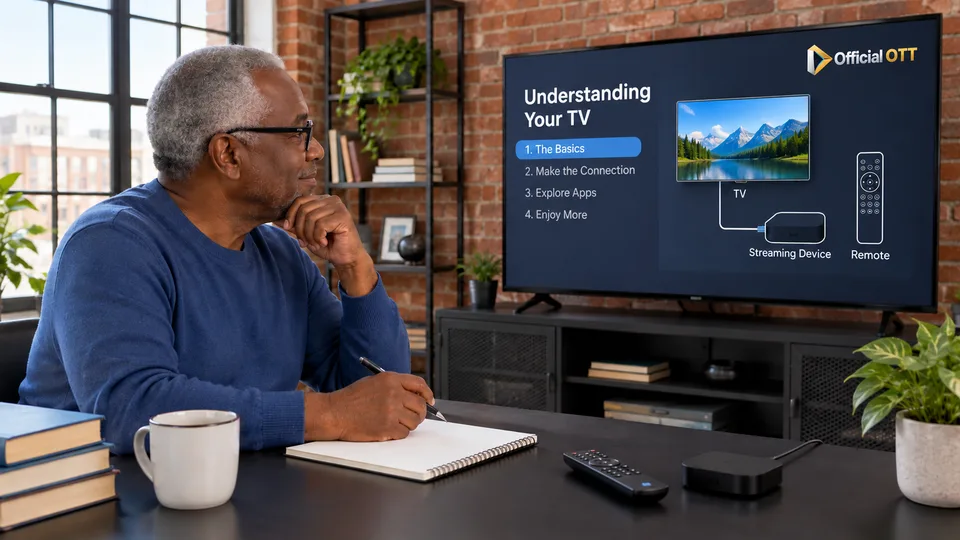
The Academy organizes material into four routes, from beginner to expert, with lessons, exercises and self-assessment. Choose your starting point according to your confidence with the task, rather than aiming for the highest level. If you cannot yet distinguish service, application and device, clarifying those three elements will make installation instructions much easier to follow. You can move to another route as your needs become clearer.
Work through one idea at a time. After a lesson, restate it using your own setup: which device displays the picture, which application opens the programme and which service supplies access to the content? Then complete the proposed exercise before continuing. Return to the relevant explanation when an answer remains unclear. The route is useful when you can connect the ideas with your situation, not merely when you have opened every page.
Documentation: OfficialOTT — Academy
4. Find the right guide through your device
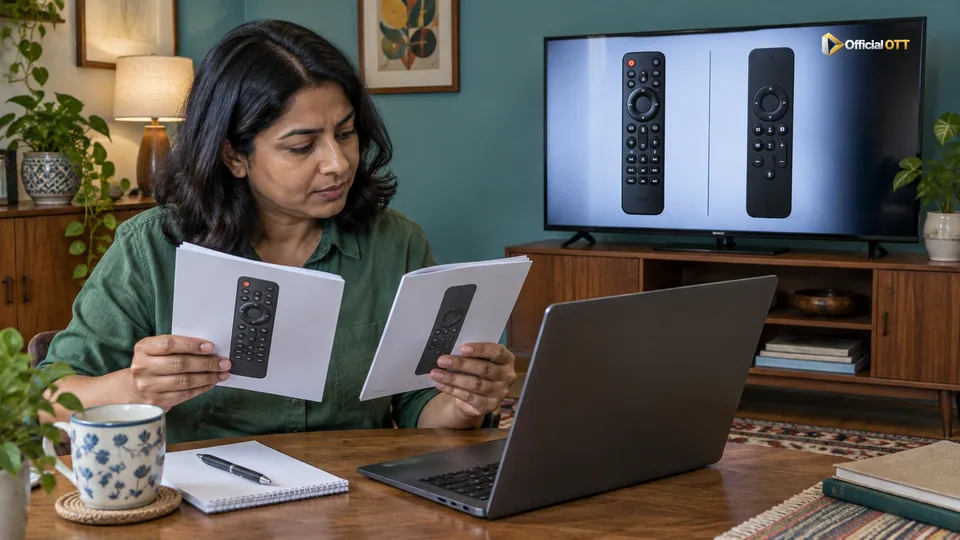
The Devices section groups guides by equipment families, including connected televisions, streaming boxes, specialized devices, computers and mobile equipment. Begin by identifying the model and operating system in the device information or documentation. Two products from the same brand can need different procedures. The family provides a direction; the model and software version let you check whether particular steps actually apply.
Next, open the corresponding guide and compare its prerequisites with your equipment: network connection, video input, remote and available application. When a menu differs, consult the manufacturer’s current documentation instead of changing several settings at random. Record original values before a reversible change. This preserves a way back and leaves a useful record if an instruction does not produce the expected result on your particular model.
Documentation: OfficialOTT — Devices
5. Use Guides for installation or diagnosis
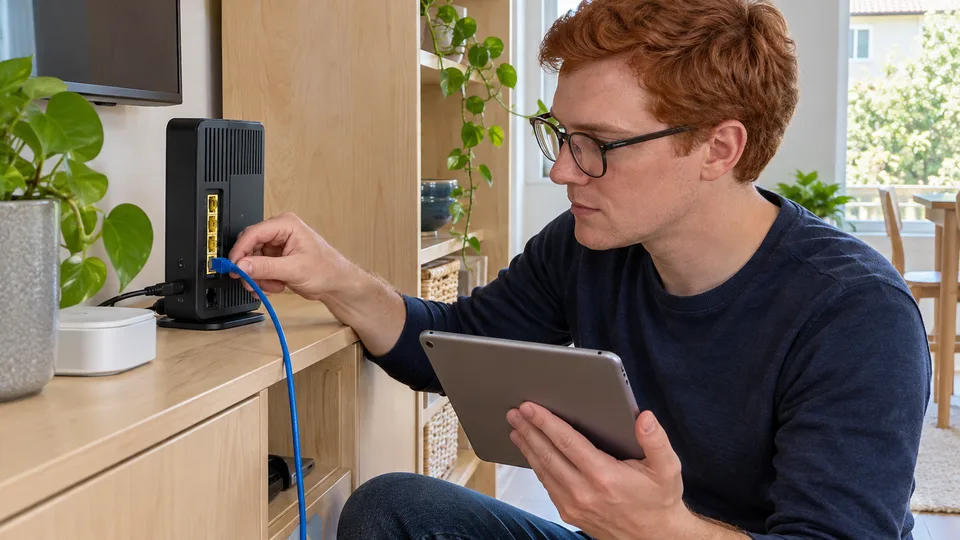
The Guides section distinguishes learning, configuration and troubleshooting needs. For a first installation, follow the route in order and verify the outcome of each step. For a fault, describe the symptom first: missing picture, interruptions, absent sound or shifted programme times. A precise description helps you select the relevant guide and avoid an adjustment that has little connection with the problem you are experiencing.
During diagnosis, change one thing at a time and record what happens. Include the time, programme tested and affected device. If the result does not change, restore the previous setting when the guide calls for it before moving on. This separates observations from hypotheses. It also makes your request more useful to the relevant manufacturer or provider when further investigation concerns something beyond your home setup.
Documentation: OfficialOTT — Guides

6. Compare options, verify sources and keep a record
For a purchase or subscription decision, use Blog articles to organize criteria such as desired content, compatibility, language, budget and conditions. Follow official references for facts that may change. A consultation date places a check in time; it does not guarantee that a catalogue or menu will remain identical. Confirm the decisive details when you are ready to choose, especially if you are relying on an older saved page.
Keep a short record with useful links, your device model and successful tests. If you need assistance, include the error message and steps already attempted while masking personal information. Do not share passwords. The route is complete when you know which action to take, what information supports it and which result will show that it worked. That record can also help another household member repeat the setup without starting the research again.
7. Frequently asked questions
Must I complete every Academy route first?
No. Choose the level relevant to your question and return to basic concepts when needed.
Is the brand name enough to choose a guide?
No. Verify the model, operating system and version, then compare the guide’s prerequisites with your equipment.
Does an article confirm my access to a programme?
No. Access depends on the relevant service conditions. Verify programme, plan, location and device with the official source.
8. Conclusion and limitations
Editorial route based on public sections observed on October 13, 2026. It does not certify broadcasting rights, subscriptions, individual technical outcomes or commercial services.
9. Method and sources
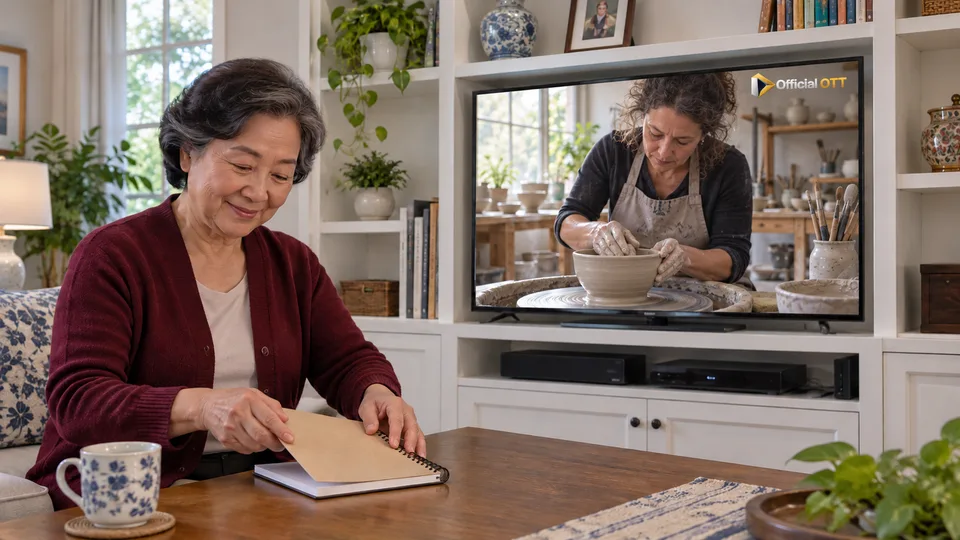
Documentary research conducted on October 13 and 14, 2026 using the references below. Procedures and examples form an original editorial synthesis. Illustrated scenes and interfaces are fictional: they do not represent an OfficialOTT catalogue or establish broadcasting rights. No purchase, service trial, private-account inspection or performance measurement was conducted for this article.
Editorial update and further reading: