
Quick answer
Open Settings → Color Theme, browse with Up and Down and confirm your choice with OK. Check the mark and menus afterward. Highlighting alone may be a preview; the video does not confirm that a new theme was applied.
Watch the tutorial
MYTVOnline3: compare and select a colour theme
Open on YouTubeBefore you start
- Leave the television’s picture controls aside: this workflow concerns the app interface.
- Identify the currently checked theme. The excerpt uses Iceberg, but that does not prescribe your choice.
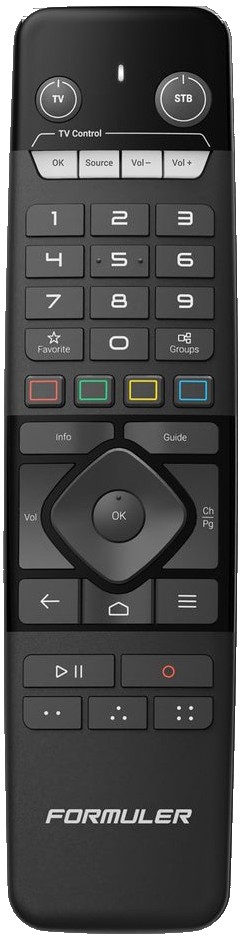
Useful controls · IR1
Open Color Theme
Compare previews
Confirm, then check the mark

The steps
Open the theme list
Open the menu, Settings and Color Theme. Find the theme names and previews. Locate the check mark before browsing.
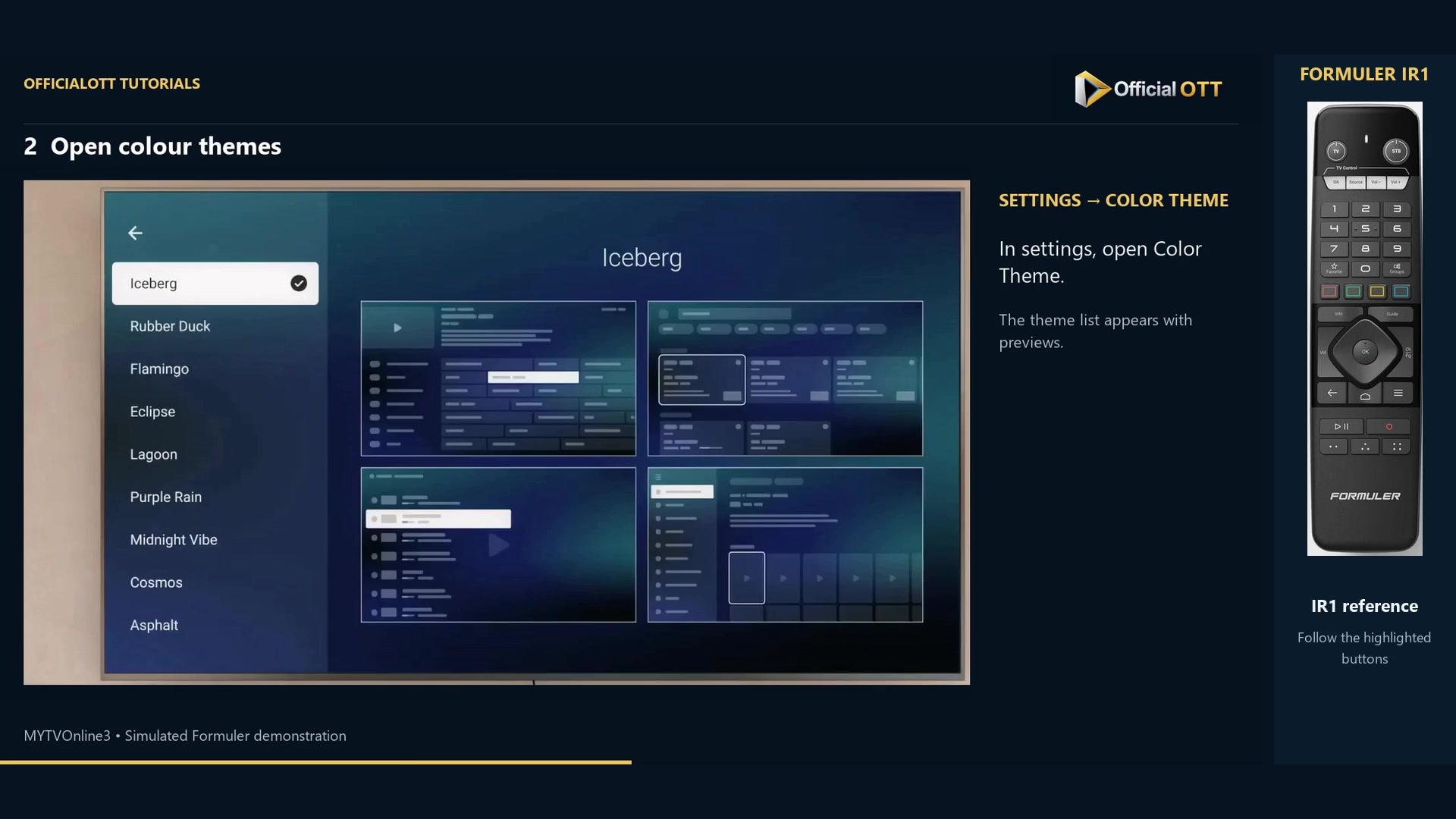
Frame from the simulated Formuler demonstration · 00:25 — Color Theme list with Iceberg selected and its previews. Compare readability
Browse with Up and Down. Inspect the previews on the right and compare text, background, selection and menus. Judge them from your normal viewing distance.
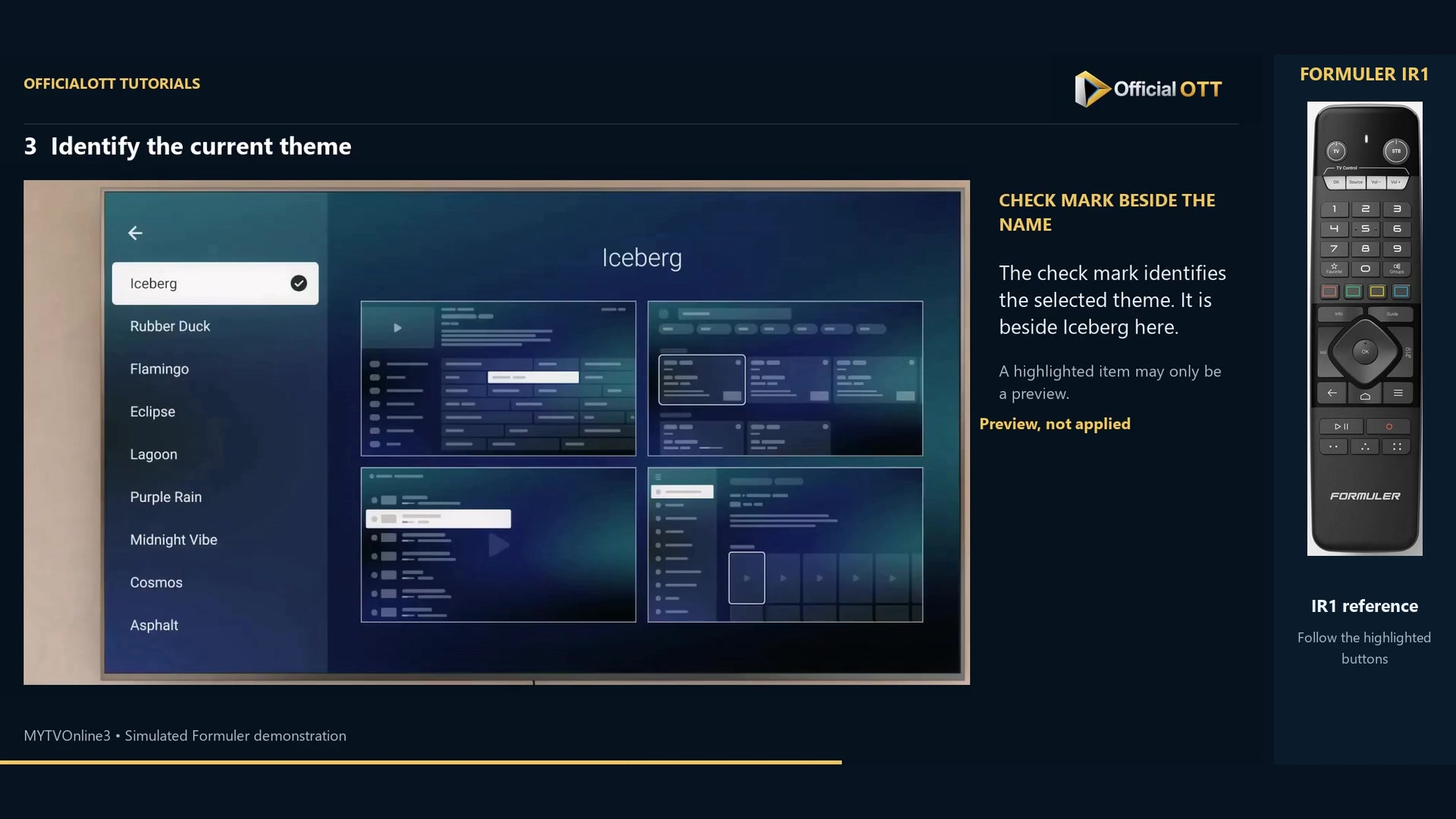
Frame from the simulated Formuler demonstration · 00:36 — Check mark beside Iceberg identifying the active theme. Confirm and return to the menus
Press OK on the desired theme. Check the mark, then inspect everyday menus. The excerpt mainly shows previews: perform and verify this confirmation on your device.
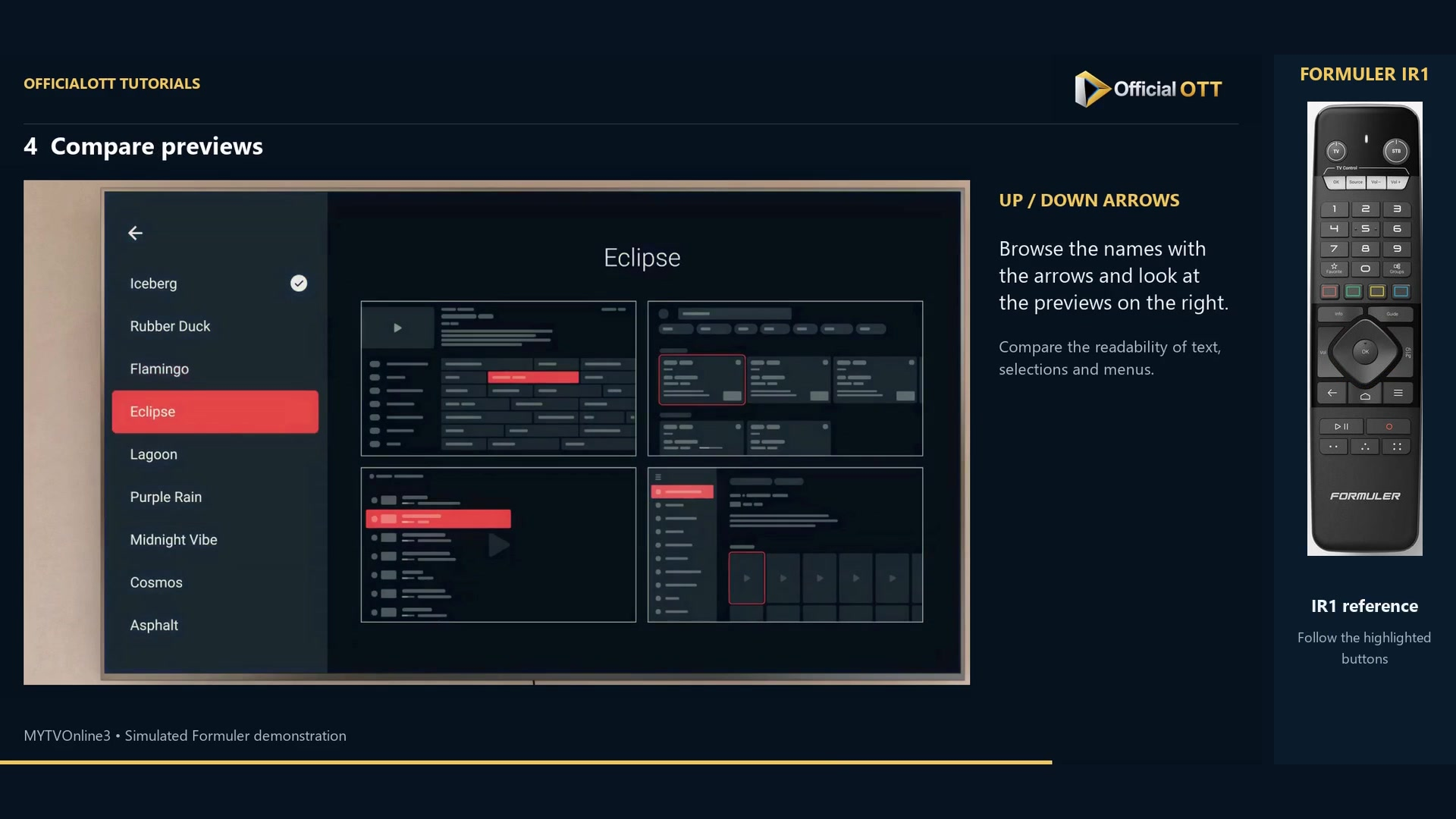
Frame from the simulated Formuler demonstration · 00:47 — Eclipse preview highlighted in red; the check mark remains beside Iceberg, so the preview has not been applied.
Check the result
The checked name and menus should match the chosen theme. If only the highlight moved, do not conclude that the setting was applied.
If your result differs
The theme seems unchanged
Check the mark and confirmation with OK. A preview can differ from the active setting.
Menus are harder to read
Return to Color Theme and compare another option, paying attention to selected rows and small text.
Frequently asked questions
Does this change a movie’s colours?
The tutorial concerns the MYTVOnline3 interface, not television calibration.
Does a preview prove the theme was saved?
No. Check the mark and menus after confirming.
What to do next
Choose a theme you can read comfortably and verify its actual state in the menus. Revisit it if your viewing environment changes.
Scope and limitations
This tutorial is based on the published OfficialOTT video and cited Formuler sources. It is not a hardware test on your device. Menus, data and capabilities depend on version, hardware and your source. Steps identify examples and limits of the excerpts.
Sources and method
Associated video narration and Formuler documentation rechecked on November 1, 2026. Each excerpt includes its timestamp; diagrams are identified.