

1. Check the complete address before choosing a moving date for service
Have the street number, street name, unit number, municipality and postal code ready. A general coverage map is a starting point; the provider must confirm what it can supply to that particular dwelling. A nearby building may have a different connection or an installation constraint.
Ask four concrete questions: Can my current plan move? Is different equipment required? Can I install it myself? What appointment or building access is needed? For a rental or condominium, also arrange access to the relevant room and clarify any permission needed for installation. Keep the answers with your moving documents.
If you are changing providers, distinguish the new activation from the old cancellation. Confirm both dates directly. An overlap may be useful when you need connectivity at both homes, but it can also create extra charges. Ask for the applicable total rather than assuming that the transfer is free.

2. Build the schedule around confirmed activation
Do not wait until the truck arrives to ask about service. Rogers recommends contacting its moving team two to four weeks ahead; your own provider’s lead time may differ. Ask for written confirmation of the address, appointment window, required equipment and any installation or transfer charges.
Create three milestones: last day at the old home, first access to the new home and confirmed Internet activation. If they do not line up, decide what you actually need during the gap. Work calls and important messages may matter more than television. A mobile hotspot is useful only if your plan, signal and data allowance support the intended use.
Keep appointment messages available on your phone. If access or the moving date changes, contact the provider promptly. Do not assume that changing your mailing address also changes the Internet installation order.
3. Pack equipment by ownership and destination
Make a small inventory before unplugging everything. Separate equipment you own, equipment the provider wants moved and equipment it wants returned. Take a private photo of the connections if it will help you reconnect them; do not publish labels, serial numbers or account information.
Pack the router or gateway, its matching adapter, the Ethernet cables you use, streaming devices, their remotes and their power supplies in an accessible box. Protect each device and avoid mixing similar-looking adapters. Follow the provider’s instructions for any installed network termination equipment; do not remove a fixed wall unit just because it has a cable attached.
Television subscriptions and streaming apps are a separate inventory. Know which account belongs to each app and how to recover access securely. Keep passwords in your password manager, not on a note taped to the television.

4. Establish the connection before optimizing the new room
Follow the activation instructions supplied for the new address. Once the gateway is ready, test a normal web page on a connected device. If that fails, solve the Internet connection first. Reinstalling a television app will not activate a line.
Place the router in an open, ventilated position. The convenient corner beside a TV is not necessarily a good location for the rest of the home. Test where people actually watch, including a bedroom or office, before deciding that you need additional Wi-Fi equipment.
Where practical, use a temporary Ethernet connection to compare the television device with Wi-Fi. This comparison can help distinguish a room-coverage problem from a wider connection issue. Keep walkways clear and avoid running a cable where someone can trip over it.
5. Test IPTV and streaming as separate services
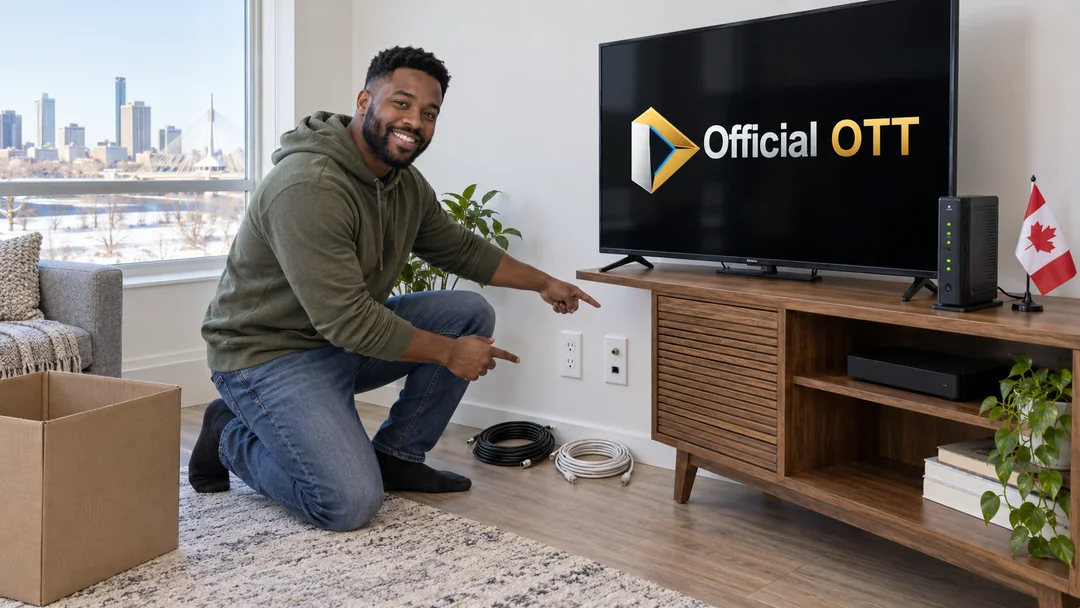
The term IPTV covers different arrangements. A provider-managed television service may require a compatible connection or receiver and a formal address transfer. An Internet streaming app has its own account, device and household rules. Ask the service concerned; moving the television itself does not transfer those permissions.
Open the apps you use most and verify sign-in, live viewing where included, on-demand playback, audio language and captions. Confirm that the remote changes inputs and controls volume. A single successful home-screen load does not test playback.
If you moved to another province, review the service’s current channel lineup and availability rules. Do not assume that a postal address, local channel feed or sports availability remains unchanged. Check the actual program and subscription with the rights-holding service rather than relying on a generic channel list.
Finish with an ordinary evening test while the household uses its other devices. Note the app, device, connection type, time and symptom if playback fails. That short record is more useful for support than saying only that the new Internet is slow.

6. Close the old service and keep return evidence
Use the return method and deadline provided by the company that owns the equipment. Include the requested accessories and keep tracking or a store receipt. A packed box is not evidence that the provider received it.
Review the final bill and the first bill at the new address against the dates and charges you confirmed. Raise an unexplained difference with the provider using your appointment and return records. Keep those documents until the move-related account questions are resolved.
Before disposing of or giving away a device you own, sign out and use the manufacturer’s reset instructions. For rented equipment, follow the return instructions instead of assuming that every device needs the same procedure.
Practical case: you have the keys, but Internet arrives later
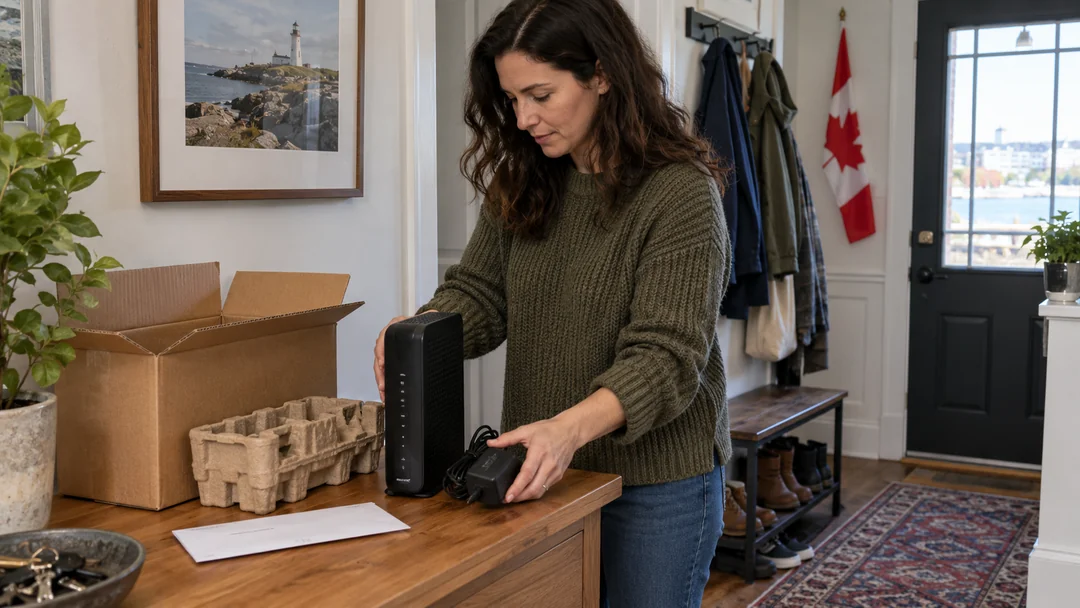
Fictional example: a household moves into an apartment on Friday, with Internet installation confirmed for Monday. They retain the confirmation, arrange the technician’s required access and pack devices with their matching power supplies. For the weekend, they reserve any mobile hotspot for priority tasks after checking their mobile plan. They do not treat it as an unlimited replacement for home Internet.
On Monday, they first open a web page near the gateway. They then launch one TV app on one device and check playback, audio and subtitles. If the bedroom fails while the living room works, they compare locations and, where possible, a wired connection before contacting the TV service. This produces a specific diagnosis: inactive Internet, coverage in one room or a problem within an app.
Common mistakes include returning a device that is still needed, assuming a billing-address change activates the connection, and immediately buying a replacement router. The useful first action depends on which check fails; use the table below to separate those situations.
What should you check first?
| Observed situation | First check | Next action |
|---|---|---|
| No device can access the web | Activation and gateway status | Contact the Internet provider with the appointment confirmation |
| The web works but one app fails | Account, compatibility and exact message | Consult the app or service support team |
| TV works in only one room | Compare connection and device location | Address local coverage before changing plans |
| Equipment must be returned | Requested model, accessories and deadline | Follow the official return process and keep the receipt |
Practical checklist
- Exact new address and unit verified
- Activation and cancellation dates confirmed
- Installation access arranged
- Owned and rented equipment separated
- Internet tested before television apps
- Audio, captions and normal evening playback checked
- Returns and final billing records retained
Frequently asked questions
Can I keep my existing streaming device?
Often the device can move with you, but compatibility, app access and account rules still need checking. Do not confuse the device you own with a receiver supplied for a particular managed TV service.
Should I buy a mesh Wi-Fi system before moving?
Map the new rooms and test the actual installation first. A different router position or a suitable wired connection may address the problem. Buy additional equipment only after identifying the coverage issue.
Will changing my account address reconnect Internet automatically?
Obtain an explicit activation or transfer confirmation. A billing-address update and an installation order are different tasks.
Conclusion
For television, a move is complete when the connection and your household’s everyday viewing work at the new address. Confirm installation before leaving, bring the equipment you are instructed to move and test Internet access before the apps. Keep return receipts until the old account is settled. This sequence limits unnecessary troubleshooting and helps you describe a specific problem to the right provider.
Scope and limits of this guide
This guide combines Rogers and Bell moving instructions consulted on October 4, 2026 with an editorial preparation and verification method. The checklist does not replace your provider’s instructions. No line transfer, customer-account move or installation test at a real address was performed for this article.
Method and sources
Images are AI-generated editorial illustrations of fictional situations. They do not document real installations or customer experiences.
Editorial update and further reading: