

1. One metropolitan area, two shores and several networks
Statistics Canada’s 2021 Ottawa–Gatineau CMA includes Ottawa, Gatineau, Chelsea, Cantley, Clarence-Rockland and Russell, among other municipalities. This is the guide’s geographic reference; it does not determine your library membership or whether an application is available at your address.
Begin a useful local search by deciding what you want to watch: a film, a parliamentary meeting, an artistic work or a history video. Then identify its publisher. A search for “IPTV Ottawa” or “online TV Gatineau” is too broad to establish where a particular title can be found and how you can access it.
Keep separate bookmarks if you consult both cities’ library portals, naming each institution clearly. This avoids searching the wrong catalogue or interpreting a sign-in refusal as a television fault. Check residence and membership conditions with the network concerned rather than relying on proximity to the other shore.
2. Kanopy: keep each network’s conditions separate
Ottawa Public Library lists eight monthly Kanopy tickets. A title’s ticket requirement and viewing window appear before playback; Kanopy Kids uses no tickets. Gatineau’s municipal portal also lists Kanopy and Curio, with an Accès Gatineau card and PIN used for digital resources. Do not transfer Ottawa’s allowance to Gatineau.
The SmartLibrary entry for Ottawa Public Library distinguishes physical borrowing from electronic access: electronic resources are excluded from that reciprocal access. Being able to borrow a physical book through another network therefore does not demonstrate that your card opens its video catalogue.
Before starting a film, note its title, displayed ticket requirement and access period. Choose a time when you can actually watch it. If a card is refused, check the portal and ask the library for help using the exact message; repeatedly opening new accounts is unlikely to clarify the issue. We did not use a borrower account for this review.
3. ParlVU: find a meeting and choose its audio
ParlVU carries House of Commons proceedings and public committee meetings live and on demand. Parliamentary documentation distinguishes French, English and floor sound, which retains the speaker’s language without interpretation. It also describes video-quality choices and audio-only listening.
During our Web-player check, a Standing Committee on Procedure and House Affairs meeting dated October 6, 2026 started playing. The stream menu included French, English and floor video, alongside Audio, HD Video and Video categories. A caption button was visible. This spot check was not a full listening review of the meeting.
To find an exchange again, keep the date, committee and meeting number, then note a time reference. Choose the feed before taking notes: a speaker’s language change can be expected on floor sound. If you need a particular passage, retain the complete meeting link so you can return to its context.
4. National Arts Centre: begin with a specific work
The NAC page for Interlude identifies a choreography by Virginie Brunelle, performed by Caroline Namts and Danny De Matos. It dates the performance to February 26, 2025 at the National Arts Centre’s Peter A. Herrndorf Place. The page contains an embedded video player; its presence was checked without viewing the complete recording.
This example lets you prepare a dance discovery while retaining the title and credits. Distinguish a performance recording from a trailer or interview when several appear in search results. The work’s own page provides the context needed to understand what you have selected.
Our suggestion is to allow a first viewing without discussing every movement, followed by a conversation about one detail that caught your attention. Check volume and screen visibility from the seats you will use. This proposed session does not imply that every NAC performance is available online or that a particular TV application exists.
5. Canadian Museum of History: one video, one question
The Canadian Museum of History in Gatineau groups tours and collection topics on its video page. Entries include a virtual tour with curators and videos about maple sugar moulds and armoires of New France. These offer different starting points: exploring a place or understanding an object.
For a family activity, select one entry and ask a simple question before playback: what was the object used for, or which detail helps explain its use? Afterwards, distinguish the explanation given from your own assumptions. Keep the title so you can return to the source when another question arises.
The wooden object in our image is fictional and is not represented as a museum collection item. This guide’s images do not replace institutional records. Follow the museum’s links for the actual objects and explanations. Its public page was inspected; full playback of every listed video was not tested.
6. Prepare the screen for the selected programme
First try the available computer or tablet: open the listing, start playback, pause, resume and check sound. Then try the television using a method documented for your devices. A working Web player does not establish that an application exists for every smart-TV brand or generation.
Describe a failure precisely: refused card, missing player, frozen picture, absent sound or unexpected language. These symptoms concern different stages. When comparing Wi-Fi and Ethernet, keep the device and programme unchanged where possible and alter one element at a time. A single test cannot establish performance across the metropolitan area.
Keep a small session record with the official link, required access, selected language and tested device. Have another resource ready if a title or access changes. For your usual IPTV service, verify channels and conditions separately with its provider: a cultural website’s video does not establish inclusion in your subscription.
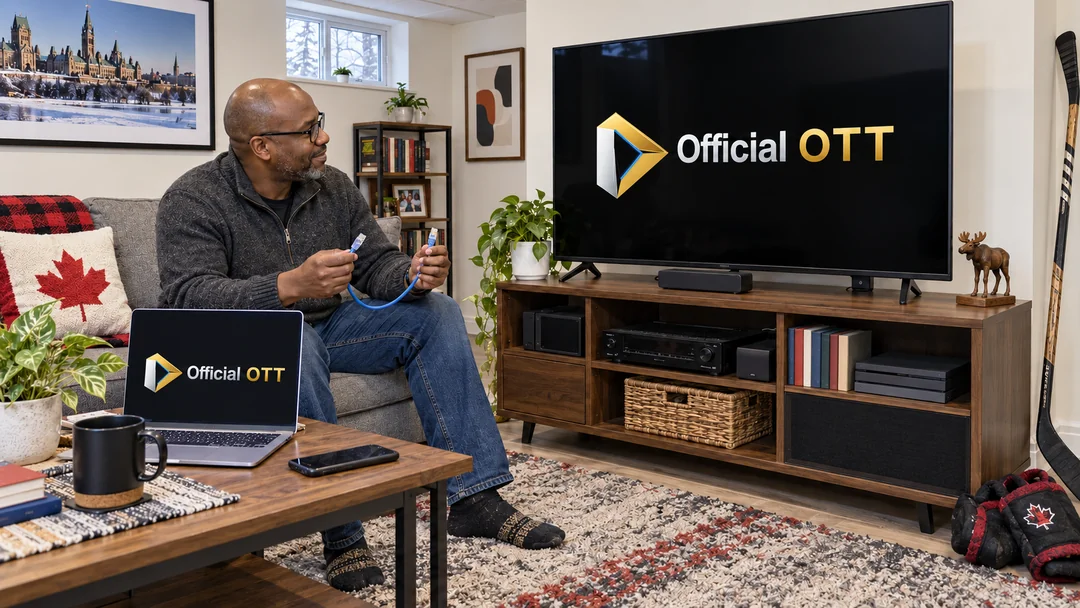
Practical case: planning an evening across the two shores
Two fictional relatives, one in Ottawa and one in Gatineau, want a film for their next gathering. They start with the host’s library portal and record the conditions displayed for that access. They do not assume that their cards or tickets are interchangeable.
They also retain a public cultural page as another option and try its player on the available screen. For a later parliamentary session, they will additionally keep the committee, date and audio feed. Their notebook holds links and useful references without passwords. This scenario illustrates a planning method rather than a customer experience.
Which detail should you retain for each source?
| Source | Check | Keep |
|---|---|---|
| Library | Network and title conditions | Portal and film listing |
| ParlVU | Meeting and audio language | Date, committee and time reference |
| NAC | Type of video | Title and credits |
| Museum | Topic and context | Video title |
| Television | Playback on your model | Test result |
Practical checklist
- Open the official portal for the source.
- Check the library network and displayed conditions.
- Keep the title or meeting references.
- Choose audio language and inspect available captions.
- Try the programme on the intended screen.
- Keep another resource ready if needed.
Frequently asked questions
Does Ottawa’s Kanopy allowance also apply in Gatineau?
Do not assume so. Consult the conditions displayed by your own library and account.
What does “floor” mean in ParlVU?
It is the speaker’s language without interpretation. Select French or English audio if that better suits your listening.
Are these resources included in my IPTV package?
This article does not verify a commercial package. It links to the portals and publishers of the resources discussed.
Were all videos tested on a television?
No. One ParlVU player started in the browser. Other checks concern public pages; no library account or television model was tested.
Conclusion
Useful preparation in Ottawa–Gatineau connects specific content with its portal, access conditions and your screen. Keep library networks distinct, select the audio you want and retain cultural works’ credits. These resources can complement Internet television viewing while remaining easy to find again.
Scope and limits of this guide
Sources consulted October 6, 2026. Official library, SmartLibrary, NAC, museum and Statistics Canada pages inspected. A ParlVU meeting started in the browser and its stream menu was observed; no complete meeting was reviewed. No library account, commercial television package or TV model was tested. The methods and practical case are editorial suggestions; generated photos depict fictional scenes rather than institutional premises.
Method and sources
- Statistics Canada — Ottawa–Gatineau, CMA 505 (2021)
- Ottawa Public Library — Kanopy
- Ville de Gatineau — Ressources en ligne
- SmartLibrary / BiblioGéniale — Ottawa Public Library
- ParlVU — Webdiffusion / Webcasts
- Chambre des communes — Services de télédiffusion et de diffusion sur le Web, 2025
- National Arts Centre — Interlude by Virginie Brunelle
- Canadian Museum of History — Digital on demand: videos
Images are AI-generated editorial illustrations of fictional situations. They do not document real installations or customer experiences.