
1. Start with the library serving your community
This guide uses the 2021 Abbotsford–Mission census metropolitan area. Statistics Canada groups Abbotsford, Mission and three other subdivisions within that boundary. It represents neither the entire Fraser Valley nor the full territory of a regional library network.
FVRL’s directory includes Abbotsford Community Library, Clearbrook, Mount Lehman and Mission Library. Its digital collection guidance identifies access for FVRL cardholders living in communities served by the network. A card from another library system therefore does not establish eligibility on its own.
The card-registration page describes an in-library process and identification requirements by age; it also invites people outside the territory to check their options. Review those conditions before planning your session. OfficialOTT is an independent guide, unaffiliated with FVRL or Creativebug, and does not sell IPTV access or classes.
2. Choose a project that fits the supplies you have
FVRL describes Creativebug as a collection of arts and crafts video classes with written resources, accessible in a browser at home or in the library. This local starting point helps you locate the resource without confusing the digital collection with a search for printed books.
Before choosing, lay the supplies you already own on a small surface. Make two groups: items ready to use and items still missing. A project with little preparation may make a more enjoyable first session than an impressive result that requires several shopping trips.
Read the class materials list before substituting a tool or supply. Note dimensions or characteristics that seem important, then check them against the explanation. Our method is to begin with a modest trial; it does not replace the instructor’s directions or the instructions for the products you use.
3. Separate the public preview from class access
FVRL’s link opens a Creativebug page asking for a library-card number and PIN. We inspected that form without entering information. The page says the library can access and retain learning activity; read this notice before signing in.
The public catalogue page for Halloween Paper Doll Witches, taught by Courtney Cerruti, lists 37 min 16 sec. We started its preview and paused near 0:21 of approximately 0:43. Playback worked for that excerpt; the full class and FVRL authentication were not tested.
That page also offered temporary free access requiring an account. This public offer is separate from the library route. Return to FVRL’s link to use your local access; a promotional button does not establish that you need a commercial subscription. Offers and catalogue availability can change.

4. Put the screen and supporting text within easy view
Place the device on a stable support, close enough to see small movements while leaving a clear working area. Keep liquids and glue in a separate spot. Before starting, check that you can pause playback without moving your project or reaching across your materials.
Creativebug’s official tour describes captions, transcripts and notes tied to playback references. We also opened Resources on the selected class page and observed an English transcript and document links. We did not download those files or verify a French version.
If an instruction is unclear, compare the onscreen movement with the available text instead of guessing. Automatic page translation does not guarantee French captions. Keep useful terms in your notes and revisit a short passage. No television playback or casting trial was performed for this guide.
5. Alternate watching and making at your own pace
A video’s listed duration does not measure the length of a home workshop. You may need to find a tool, reposition a piece or repeat a trial. Allow extra time for those actions and choose a step you can complete comfortably instead of racing through the entire project.
Watch a short passage first without working at the same time. Pause, try the step, then compare your result with its purpose. This rhythm reduces constant handling of playback controls and gives you time to notice details before doing something with your hands.
When working together, keep the roles simple: one person manages playback while the other tries the step, then switch. If you lose your place, return to the chapter name and your last written reference. The official FAQ explains that Chapters organizes the segments; availability depends on your actual access to the class.
6. Leave a useful record for the next session
Before putting things away, record the class title, instructor, chapter reached and next thing to try. Add one concrete observation about your own work: a piece to adjust or a supply to prepare. This will be more useful next time than simply writing “finish later.”
Keep your supplies and unfinished project together, and save the class-page link. If you photograph your work to remember its current state, check that the picture does not reveal account details or personal papers. Following this method does not require posting anything publicly.
When returning, confirm access first and find your reference before laying out every tool. If the resource login fails, describe the page and message to the library without sending your PIN. If only playback fails, distinguish that problem from a refusal to authenticate the account.
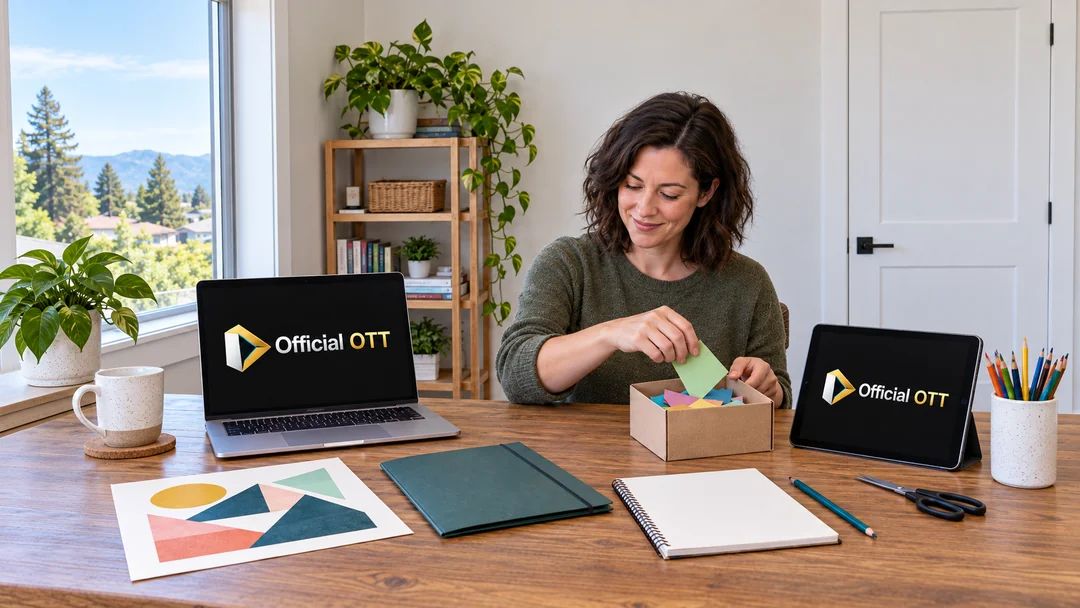
Practical example: a short session in Mission
A fictional Mission resident has half an hour and a few paper supplies. He first chooses a class page, checks the materials and watches its preview. He does not treat the full video duration as a promise that his project will fit into that time slot.
After confirming his own access, he plans one step with time left to try it and tidy up. Before closing the page, he records the chapter and next action. This scenario illustrates a possible routine; we did not complete the class or authenticate an FVRL card.
What should you check at each stage?
| Stage | Check | Keep a record of |
|---|---|---|
| Local access | FVRL link and eligibility | Resource page |
| Project choice | Available supplies | Missing materials |
| Preview | Excerpt duration | Title and instructor |
| Preparation | Support and working area | Session goal |
| Practice | Pause and chapter | Last step attempted |
| Return | Access still available | Next action |
Practical checklist
- Check access through FVRL.
- Read the materials list before starting.
- Separate the preview from the full class.
- Test pause and screen readability.
- Try one step at a time.
- Record the chapter and next action.
Frequently asked questions
Does an IPTV search provide access to these classes?
No. Creativebug access follows the library’s route or the platform’s own options.
Does a working preview prove the full class is available?
No. Our trial only confirms playback of the public excerpt we observed.
Must I finish within the listed running time?
No. Video duration does not necessarily include your pauses and hands-on practice.
Was a French transcript verified?
No. An English transcript was visible on the selected page; other languages were not verified.
Do the illustrations show the class projects?
No. They depict fictional situations and generic supplies without reproducing instructors’ projects.
Conclusion
In Abbotsford–Mission, a video workshop becomes easier to follow when access, supplies and pace are prepared separately. Choose a small step, alternate observation and practice, and keep a precise point for your return. The screen can then support a hands-on activity without setting an unrealistic pace.
Scope and limits of this guide
Public sources consulted October 8, 2026; CMA boundary checked in the 2021 classification. FVRL navigation to Digital Library, Creativebug search and access page inspected. Card/PIN form observed without entry. Public Halloween Paper Doll Witches preview started, progression observed and pause confirmed at 21.09 seconds of approximately 43 seconds. Get Started and Resources tabs examined; English transcript and PDF links visible. No account creation, subscription, card authentication, document download or complete class trial. Full audio, captions and television playback not certified. Original method and scenario; six fictional illustrations inspected.
Method and sources
- Statistics Canada — Abbotsford–Mission CMA, 2021
- FVRL — Locations & Hours
- FVRL — Digital Library
- FVRL — Getting a Library Card
- FVRL — Creativebug
- Creativebug — Fraser Valley library access
- Creativebug — Halloween Paper Doll Witches
- Creativebug — Website Overview & Tour
- Creativebug — FAQs
Images are AI-generated editorial illustrations of fictional situations. They do not document real installations or customer experiences.